How to Use Smart Watch Heart Rate Monitor
You glance at your wrist mid-workout and see 168 bpm flashing on screen. Is that real? Did the sensor lag during your last sprint? Later, your watch buzzes with a “high resting heart rate” alert. Now you’re wondering if it’s stress, dehydration, or just a glitch.
Smartwatch heart rate monitors have evolved far beyond step counters. They now track 24/7 pulse data, flag irregular rhythms, measure blood oxygen, and even capture single-lead ECGs. But raw numbers mean little without the knowledge to interpret them. Learning how to use smart watch heart rate monitor features correctly separates helpful insight from harmful data anxiety.
This guide walks you through sensor science, setup optimization, data interpretation, advanced features, and red flags that warrant a doctor’s visit. Whether you wear an Apple Watch, Fitbit, Garmin, Samsung Galaxy, or WHOOP, you’ll gain the skills to turn wrist data into smarter health decisions.
Match Your Watch to Your Health Goals
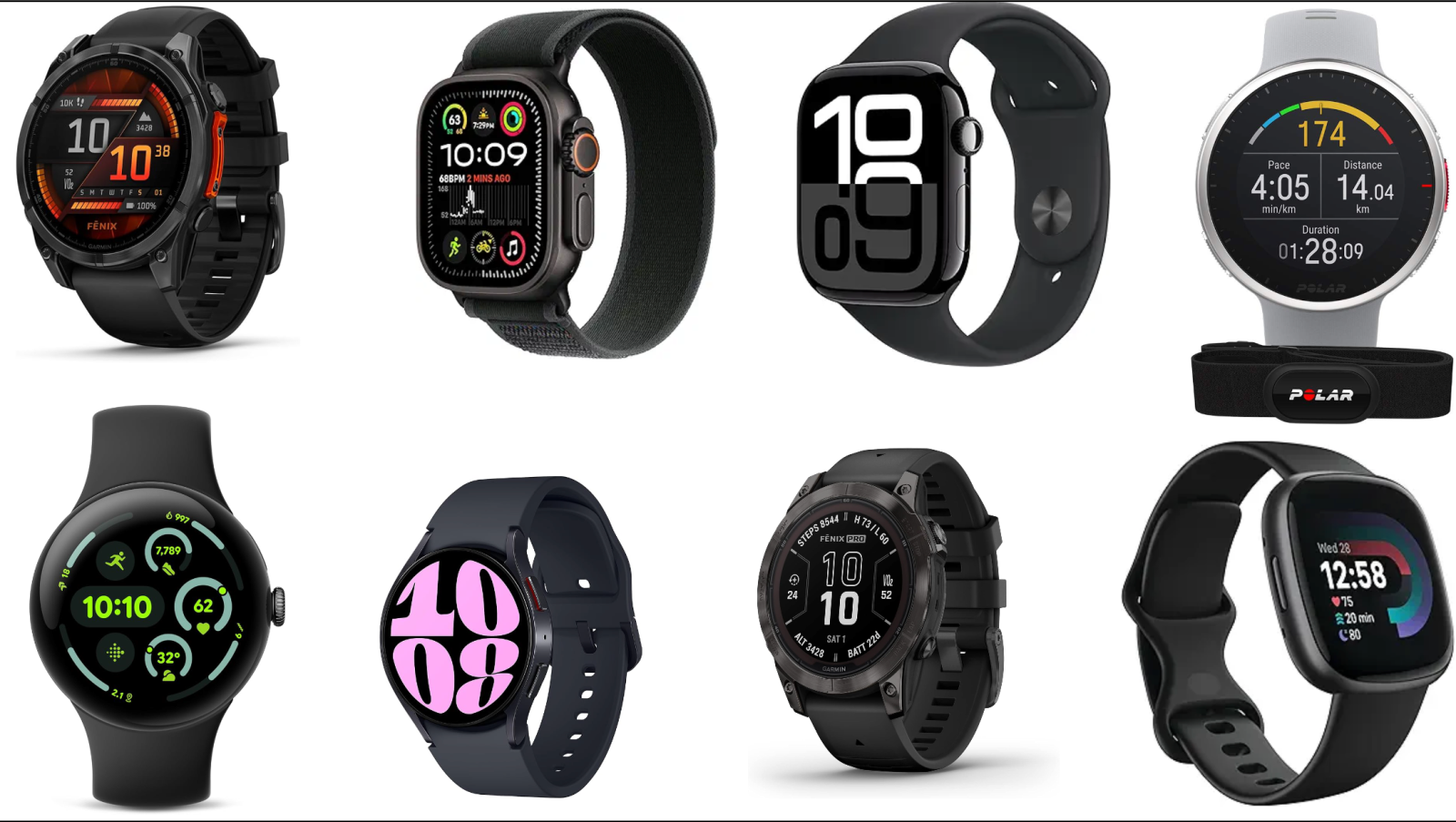
Different smartwatches excel in different areas. Choosing the right one depends on whether you prioritize fitness metrics, medical screening, or long-term recovery tracking.
Best Devices by Use Case
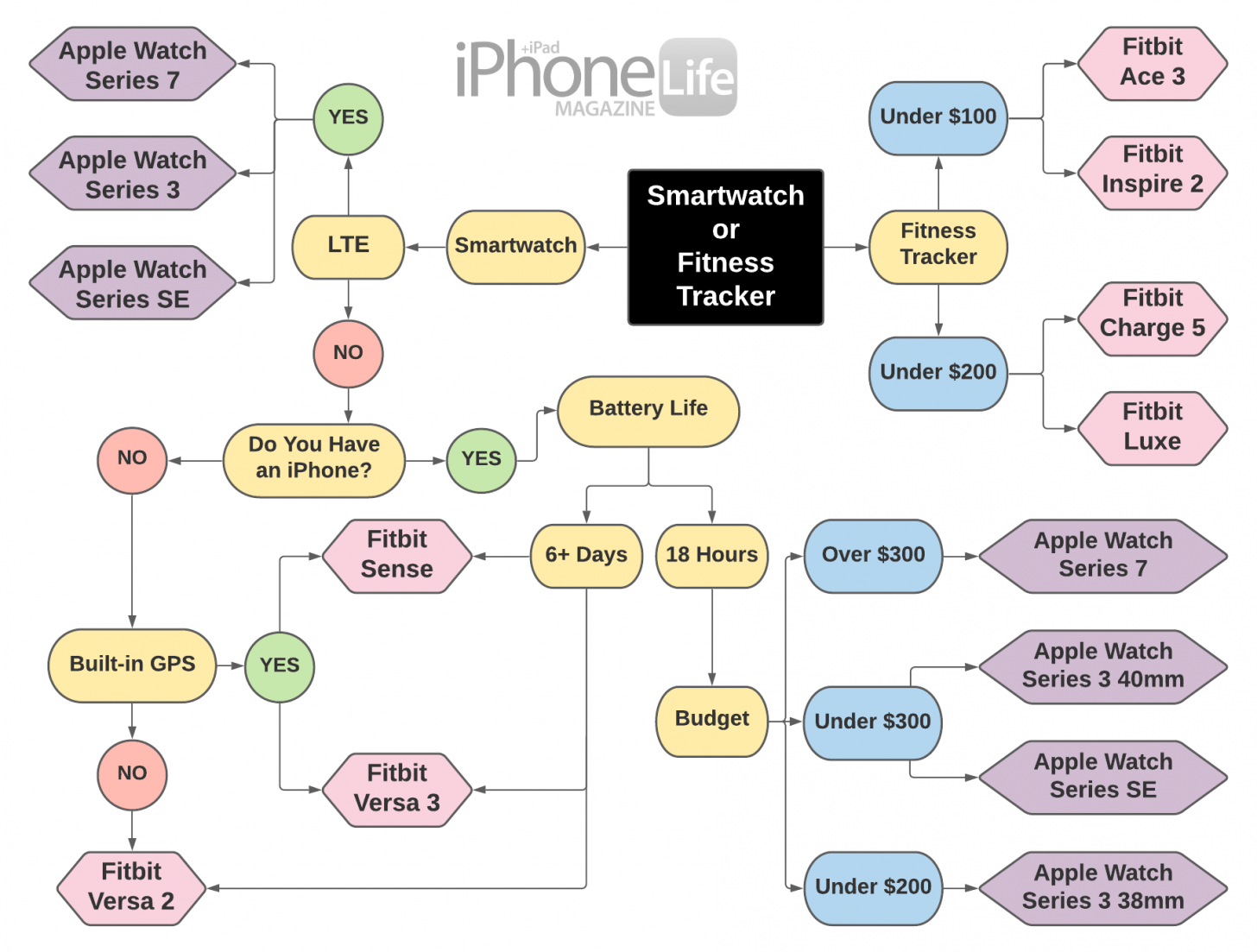
- Overall balance: Fitbit Versa 4 offers 6+ day battery life, 40+ sport modes, and continuous heart rate on the home screen at a mid-range price.
- General wellness: Fitbit Sense 2 adds all-day stress detection, guided breathing, and a Daily Readiness Score.
- Heart condition screening: Google Pixel Watch samples heart rate once per second and includes an FDA-cleared ECG for AFib and bradycardia detection.
- Running and training: Garmin Forerunner 265 provides 13-day battery life, Body Battery energy monitoring, VO2 max, and training readiness metrics.
- iOS integration: Apple Watch Series 10 delivers fast charging, sleep apnea detection, and exclusive iPhone connectivity.
- Recovery focus: WHOOP 5.0 offers 14-day battery life, screenless continuous wear, and an AI-powered Coach for strain and recovery insights.
- Premium durability: Samsung Galaxy Watch Ultra features titanium construction, 100-meter water resistance, and blood pressure monitoring.
Pro Tip: If you have darker skin or wrist tattoos, research models with updated PPG algorithms. Melanin and ink can absorb or scatter the sensor’s light, causing false lows or missed spikes.
Understand How Optical Heart Rate Sensors Work
Your smartwatch doesn’t “feel” your heartbeat. It estimates it using light.
The PPG Mechanism
Photoplethysmography (PPG) uses green LEDs and photodetectors on the watch’s back to measure blood volume changes in your wrist. When your heart pumps, blood volume increases and absorbs more light. Between beats, volume drops and more light reflects back. The sensor detects these fluctuations to calculate beats per minute.
This allows continuous monitoring during rest, sleep, and steady exercise.
Where PPG Falls Short
Accuracy degrades under specific conditions:
- High-intensity movement: Boxing, tennis, kettlebell swings, and HIIT create motion artifacts that distort readings.
- Poor fit: A loose band creates gaps between sensor and skin.
- Cold extremities: Reduced blood flow weakens the signal.
- Tattoos and dark skin: Pigment interference can cause inaccurate readings.
✅ Best accuracy: Rest, walking, steady cycling
❌ Lower accuracy: HIIT, weightlifting, sprinting
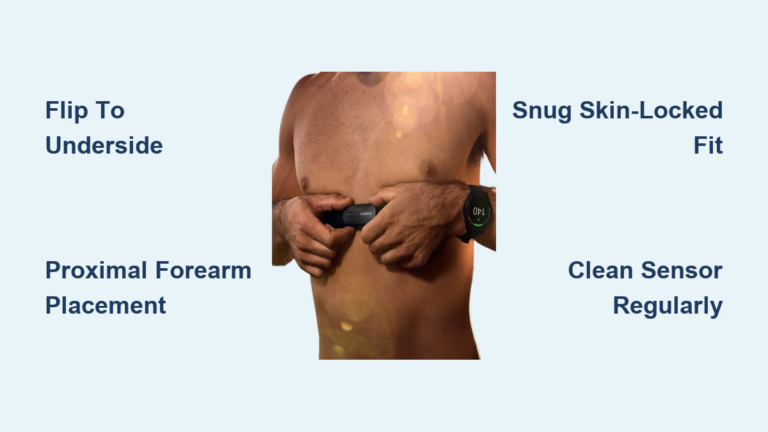
For precise workout data during intense or erratic motion, pair your watch with a chest strap. Chest straps use electrical signals similar to an ECG and remain the gold standard for athletic precision.
Set Up Your Device for Reliable Readings
Proper setup is the foundation of trustworthy data.
1. Wear It Correctly
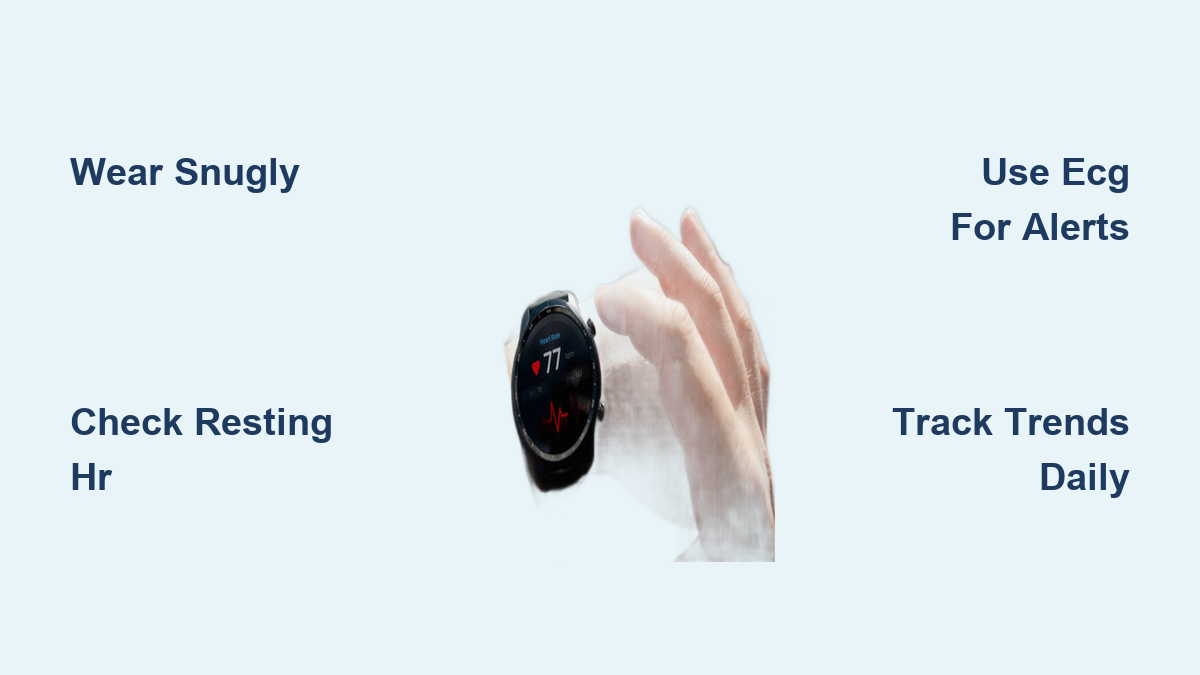
- Snug fit: The band should stay in place but allow one finger underneath.
- Position: Wear it about one finger’s width above your wrist bone.
- During workouts: Tighten slightly to minimize motion artifacts.
2. Enter Accurate Personal Data
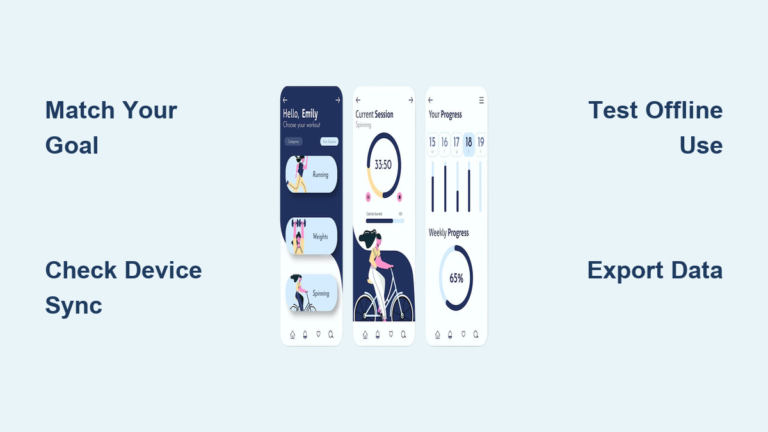
Open your companion app (Apple Health, Fitbit, Garmin Connect, Samsung Health) and confirm:
- Age
- Weight
- Height
- Max heart rate (if known)
These inputs improve calorie estimates and training zone calculations.
3. Activate Critical Health Features
Don’t overlook these settings:
- Irregular rhythm notifications (AFib detection)
- High and low heart rate alerts
- ECG app access
- Sleep tracking and SpO₂ monitoring
On Apple Watch: Settings > Heart > Irregular Rhythm Notification
On Google Pixel Watch: Fitbit app > Profile > Heart Health > Atrial Fibrillation Notifications
Interpret Resting Heart Rate and Training Zones
Numbers gain meaning only in context.
Resting Heart Rate Trends
Your resting heart rate (RHR) is one of the most valuable long-term fitness indicators.
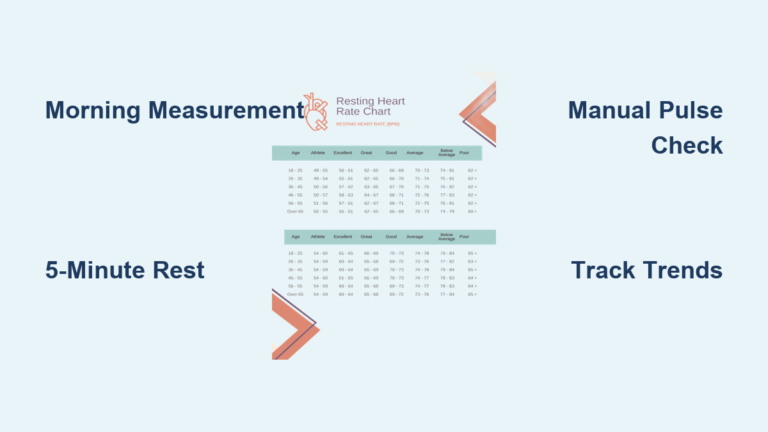
- Normal adult range: 60–100 BPM
- Athletes: Often 40–60 BPM due to stronger heart muscle efficiency
- Trend signals:
- Gradual decrease over months: Improved cardiovascular fitness
- Sudden increase of 5–10+ BPM: Possible overtraining, illness, dehydration, or stress
📊 Check weekly averages in your app rather than daily fluctuations. A single high reading rarely indicates a problem.
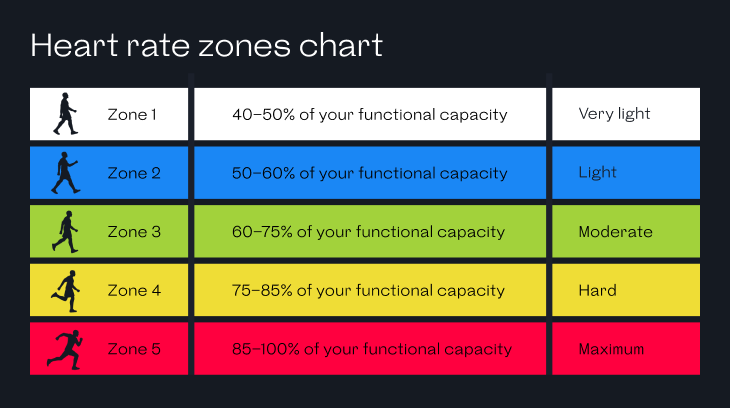
Heart Rate Zones for Workouts
Most watches divide effort into color-coded zones based on your estimated max heart rate:
| Zone | Intensity | Primary Benefit |
|---|---|---|
| 50–60% | Very light | Fat burning, active recovery |
| 60–70% | Light | Endurance base building |
| 70–80% | Moderate | Aerobic fitness improvement |
| 80–90% | Hard | Anaerobic threshold training |
| 90–100% | Maximum | Sprint performance |
Use these zones to guide training intensity. Zone 2 sessions (70–80%) build stamina without excessive fatigue. Zone 4+ efforts should be reserved for short intervals.
On Fitbit and Garmin, “Active Zone Minutes” credit you for time spent in moderate-to-vigorous zones.
Use Advanced Features: ECG, SpO₂, and HRV
Modern watches offer more than basic BPM tracking.
Take On-Demand ECG Readings
Available on Apple Watch, Google Pixel Watch, Samsung Galaxy Watch, and select Fitbit models.
When to use it:
– During palpitations or chest discomfort
– After receiving an irregular rhythm alert
– As a monthly baseline check
How to capture a reading:
1. Open the ECG app.
2. Rest your arm on a flat surface.
3. Touch your finger to the crown or top button for 30 seconds.
4. Wait for results: Sinus rhythm, Atrial fibrillation, or Low/High heart rate.
🚨 Important: A normal ECG does not rule out heart attacks. Always seek emergency care for chest pain or severe symptoms.
Monitor Blood Oxygen (SpO₂)
SpO₂ measures how efficiently your blood carries oxygen.
- Normal range: 95–100%
- Below 90%: May indicate respiratory concerns
Smartwatches provide spot checks or overnight averages. While not medical-grade, trends can help identify:
- Sleep apnea patterns
- High-altitude adaptation
- Respiratory infections
Enable continuous overnight SpO₂ tracking in settings for better baseline data.
Track Heart Rate Variability (HRV)
HRV measures time variations between heartbeats. Higher HRV generally signals better recovery and lower stress.
- Primary uses: Stress tracking, readiness scores, autonomic nervous system balance
- Best measured: Upon waking, while lying still
Garmin uses HRV for Body Battery. WHOOP calculates a Recovery Score. Fitbit generates a Daily Readiness metric.
🔄 Focus on trends: A sudden HRV drop may indicate overtraining or impending illness.
Avoid Common Misinterpretations
Even accurate data can mislead when used incorrectly.
Don’t Panic Over Single Readings
Heart rate naturally spikes during dreams, stress, caffeine intake, or sudden movement. One outlier is not cause for alarm.
🔎 Look for patterns over time, not isolated events.
Don’t Trust Calorie Counts Blindly
Smartwatches estimate calories using heart rate, motion, and personal data. These figures can be off by 20–40%.
❌ Avoid using calorie counts to guide strict dieting.
✅ Use them to compare relative effort between sessions.
Recognize Sleep Tracking Limits
Watches infer sleep stages from motion and heart rate, not brainwaves. Total sleep time is reasonably reliable, but REM and deep sleep estimates are approximations.
💡 Focus on trends: Are you sleeping longer? Waking frequently? That context matters more than exact stage percentages.
Beware of Orthosomnia
This emerging condition describes anxiety caused by obsessing over perfect sleep or heart rate metrics. Ironically, the stress of tracking can degrade the very health you’re trying to improve.
🧠 If tracking increases your stress, scale back. Turn off notifications or review data weekly instead of daily.
Know When to See a Doctor
Your smartwatch can alert you to potential problems, but it cannot diagnose them.
Seek Medical Advice If:
- Resting heart rate stays consistently above 100 BPM (tachycardia)
- Resting heart rate falls below 50 BPM with dizziness or fatigue (bradycardia)
- You receive repeated AFib alerts while at rest
- You experience palpitations, chest pain, or shortness of breath, even if the watch shows normal readings
📌 Bring your watch data to appointments. Many doctors accept PDF exports from Apple Health or Fitbit as supplemental evidence.
Use ECG to Capture Symptoms
If you feel heart flutters:
1. Take an ECG immediately.
2. Save the report.
3. Share it with your physician.
This helps differentiate benign palpitations from dangerous arrhythmias and gives your doctor a clearer clinical picture.
Maximize Accuracy with Daily Best Practices
Small habits significantly improve data quality.
Maintain Proper Wear
- Keep the watch on 24/7 for consistent RHR and sleep tracking.
- Re-tighten during workouts.
- Avoid wearing directly over tattoos.
Clean the Sensor Weekly
Sweat, dirt, and lotions block light transmission.
🧼 Wipe the back of the watch weekly with a soft, slightly damp cloth.
Charge Before It Dies
Low battery can affect sensor performance.
- Short-battery devices (Apple Watch, Pixel Watch): Charge nightly
- Long-life models (Garmin, WHOOP): Charge when below 20%
Compare Top Heart Rate Watches at a Glance
| Feature | Apple Watch 10 | Fitbit Versa 4 | Garmin 265 | Samsung Ultra | WHOOP 5.0 |
|---|---|---|---|---|---|
| ECG | ✅ | ❌ | ❌ | ✅ | ❌ |
| AFib Alerts | ✅ | ✅ | ❌ | ✅ | ❌ |
| HRV Tracking | ✅ | ✅ | ✅ | ✅ | ✅ |
| Battery Life | 18–36h | 6+ days | 13 days | 3+ days | 14 days |
| Best For | iOS users, ECG | Value, sleep | Runners, training | Durability, BP | Recovery, strain |
Choose based on what matters most: medical features, battery longevity, or training depth.
Frequently Asked Questions About Smart Watch Heart Rate Monitors
Are smartwatch heart rate monitors accurate?
Generally reliable for resting and steady-state activities. Accuracy varies by brand, skin tone, and motion intensity. They are less precise than chest straps during high-intensity or erratic movement.
Can a smartwatch detect heart problems?
Yes, specifically irregular rhythms like atrial fibrillation. Devices with FDA-cleared ECG apps (Apple, Google, Samsung) offer the highest reliability for this purpose. They are not designed to detect heart attacks or all arrhythmia types.
What is the difference between optical heart rate and ECG?
Optical sensors (PPG) measure blood flow volume to estimate heart rate continuously. ECG measures the heart’s electrical activity and is required for detecting specific rhythm disorders like AFib. Optical sensors work well for tracking zones and trends.
How do skin tone and tattoos affect accuracy?
Darker skin tones and wrist tattoos can interfere with PPG sensors because melanin and ink absorb or scatter the light used for measurement. Some manufacturers are updating algorithms to address these disparities, but affected users should interpret data cautiously.
When should I see a doctor based on my watch data?
Consult a physician if your resting heart rate is consistently above 100 BPM, below 50 BPM with symptoms, or if you receive repeated AFib alerts. Always seek emergency care for chest pain, severe shortness of breath, or fainting, regardless of what your watch displays.
Final Thoughts on Using Your Smart Watch Heart Rate Monitor
Smartwatch heart rate monitors are powerful wellness tools when used with awareness and balance.
They can reveal improving fitness through lower resting heart rate, catch silent AFib episodes, guide smarter training with zone-based workouts, and highlight recovery needs through HRV trends.
They cannot replace a doctor’s diagnosis, deliver clinic-grade accuracy during intense motion, or measure every heartbeat perfectly.
Use your smartwatch as a personal health compass, not a crystal ball. Focus on trends over weeks and months. Listen to your body. Let the data support your decisions rather than dictate them.
When in doubt: Feel first, check second, consult a professional if needed.
By mastering how to use smart watch heart rate monitor features responsibly, you transform a simple gadget into a lifelong partner for better heart health.