Fix Fitbit Heart Rate Monitor Not Working
A Fitbit heart rate monitor not working can derail your entire fitness tracking routine. Thousands of users across models like the Fitbit Versa 2 and Google Pixel Watch with Fitbit OS have reported sudden failures, including missing live data, frozen readings, and empty historical stats. The issue often strikes without warning, and standard resets frequently do nothing. But there is a precise troubleshooting sequence that has helped many users regain full sensor function. This guide walks you through diagnosing, fixing, and escalating the problem using only verified methods.
Confirm the Core Symptoms
Before diving into fixes, identify which failure pattern matches your experience.
No Heart Rate Data at All
If your Fitbit shows zero BPM or “— BPM” constantly, even during exercise, the sensor may not be detecting any signal. The Fitbit app might show gaps in your heart rate history, or no data after a certain date. This is often the first sign of a sensor lockup or hardware issue.
Heart Rate Stuck at Fixed Value
A reading frozen at a single number (such as 87 BPM) while you rest, move, or exercise points to a software glitch. The sensor thinks it is working, but it is not updating. A restart might briefly fix it, but recurrence is common.
Intermittent or Spotty Readings
If your Fitbit sometimes records data and other times fails, especially during workouts, check your wear and settings first. If the problem persists, it could signal an impending total failure.
Perform Critical Pre-Checks
Many heart rate issues stem from simple setup errors. Rule these out first.
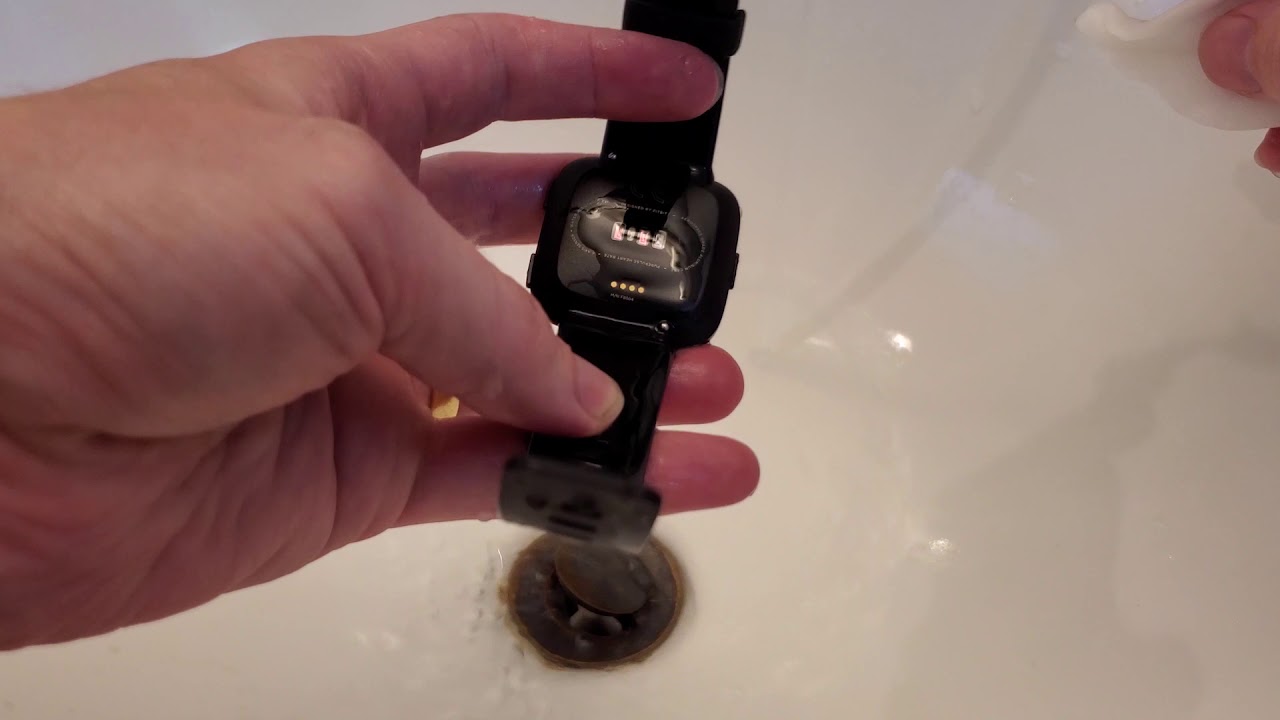
Clean the Sensor Thoroughly
Dirt, sweat, or lotion blocks the optical sensor. Use a soft, slightly damp cloth to wipe the back of your Fitbit. Dry completely. Avoid alcohol or harsh cleaners. Do this weekly to prevent buildup.
Ensure Snug Wrist Placement
The sensor must press firmly against your skin. Wear the band just above the wrist bone, snug but not tight. If you can slide a finger between the band and skin, it is too loose.
- During exercise, wear it 1–2 finger widths higher on the forearm to reduce motion slip.
- The green LED lights on the back should not be visible when worn correctly.
Verify Settings Are Enabled
On your Fitbit:
1. Swipe left to Settings
2. Scroll to Heart Rate
3. Ensure it is set to On (not Auto or Off)
If set to Auto, the sensor may miss readings during low activity.
Force a Sensor Reset (Works for Versa 2, Similar Models)
When basic checks fail, use this proven sequence to reset the heart rate sensor at the system level. This method has resolved “no data” issues for many users where factory resets failed.
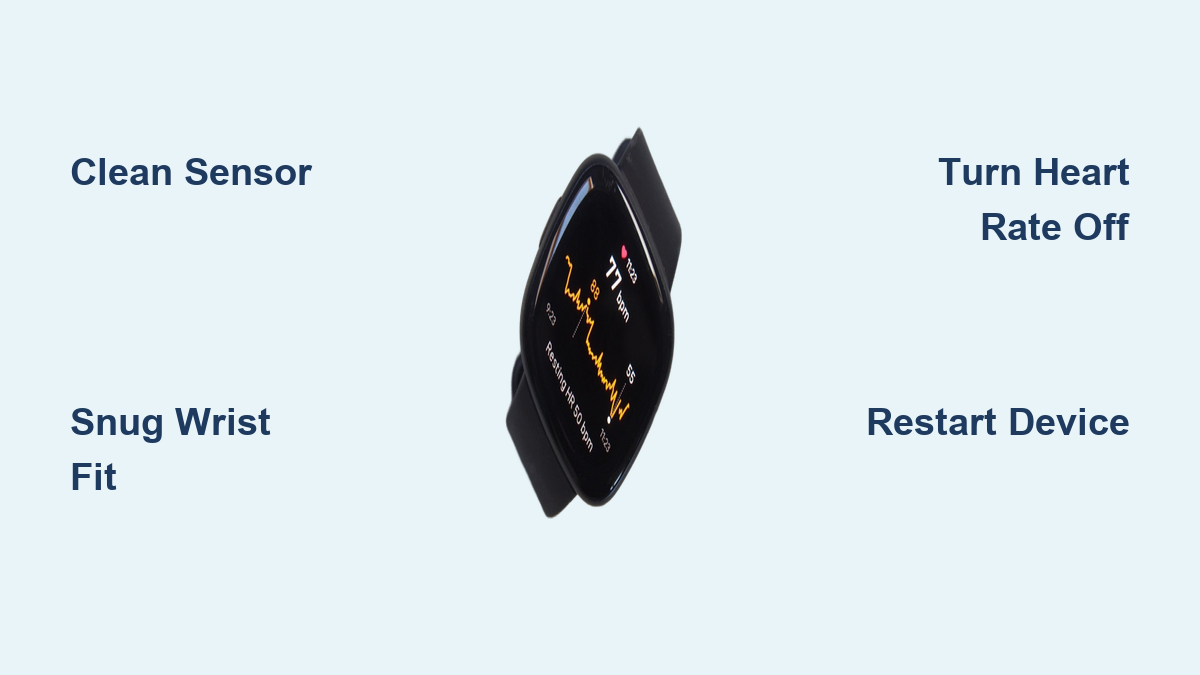
Turn Heart Rate Off and Sync
- On your Fitbit, go to Settings > Heart Rate > Off
- Open the Fitbit app on your phone
- Tap your profile icon > select your device > tap Sync Now
- Wait for sync to complete. Do not skip this step
This clears corrupted sensor data from the app’s queue.
Turn Heart Rate Back On and Sync Again
- On your watch, go back to Settings > Heart Rate > On
- Return to the Fitbit app and tap Sync Now again
- Wait for the sync to finish
This re-establishes the sensor connection with fresh handshake data.
Restart Your Fitbit
- Press and hold the side button until the power menu appears
- Select Restart (or power off, then back on)
- Wait for the device to reboot fully
Do not skip the restart. It loads the new sensor state into memory.
Pro Tip: If your model supports it, enable Always On Display before restarting. Some users report that power-saving modes interfere with sensor polling. Go to Settings > Display > Always On > On, then repeat the full sequence.
Test for Hardware Failure
If the reset sequence does nothing, the problem may be hardware-related.
Check for Physical Damage
Inspect the back of your Fitbit:
– Are the green LEDs cracked, cloudy, or scratched?
– Is there discoloration or corrosion around the sensor?
– Has the device ever been dropped or submerged?
Any of these could mean internal sensor or connection damage.
Rule Out Moisture or Impact
Even water-resistant models can suffer moisture intrusion over time. If your Fitbit was exposed to salt water, sweat buildup, or high humidity, internal corrosion may disrupt the sensor.
Escalate to Fitbit Support
If software fixes fail, it is time for professional help.
Contact Fitbit for Hardware Evaluation
Visit the Fitbit support page and:
1. Select your device
2. Choose Heart Rate Issues
3. Follow prompts to request a hardware diagnosis
Fitbit can test your device remotely or guide you through warranty replacement.
Request a Replacement if Under Warranty
Most Fitbits have a 1-year limited warranty. If your device is within that window and standard troubleshooting fails, request a replacement. Users report success by citing:
– Sudden onset of failure
– No improvement after multiple resets
– Complete lack of data
Note: A factory reset (via app or device) often does not fix this issue. Do not waste time repeating it more than once.
Prevent Future Heart Rate Failures

Even after fixing the issue, protect your sensor from recurring problems.
Wear It Right Every Time
- Snug fit is non-negotiable. Loose wear causes false failures.
- Adjust position during workouts.
- Remove and clean after sweaty sessions.
Update Firmware Regularly
Outdated firmware can cause sensor bugs. Ensure:
– Your Fitbit is charging and connected
– The Fitbit app is open and synced
– Automatic updates are enabled
Check for updates manually in the app under Devices > [Your Device] > Firmware Version.
Avoid Extreme Conditions
- Do not expose your Fitbit to extreme heat or cold.
- Remove during sauna or hot tub use.
- Dry thoroughly after swimming.
Why This Issue Keeps Happening

User data shows spikes in failures on August 22, 2021, and December 21, 2022, suggesting possible firmware update bugs or batch-specific hardware defects. The fact that factory resets fail in many cases confirms this is not just user error. Optical heart rate sensors (PPG) rely on precise light reflection, so even minor hardware degradation, like a failing LED or loose internal cable, can kill functionality.
While Fitbit has not issued a formal recall, the widespread nature of the problem indicates a systemic flaw in certain models.
Final Fix Checklist
Use this quick-reference list to troubleshoot fast:
- Clean sensor with soft cloth
- Wear snugly, no gap on wrist
- Enable Heart Rate > On (not Auto)
- Turn Heart Rate Off → Sync → Turn On → Sync
- Restart device after sync
- Try with Always On Display enabled
- Test after exercise or movement
- Contact Fitbit Support if no improvement
Frequently Asked Questions About Fitbit Heart Rate Monitor Issues
Why is my Fitbit heart rate monitor not working all of a sudden?
Sudden failure often points to a sensor lockup or hardware defect. User reports show clusters of failures on specific dates, suggesting firmware update bugs or batch-related hardware issues. Try the sensor reset sequence before assuming hardware failure.
Does a factory reset fix a Fitbit heart rate monitor not working?
In most cases, no. Many users report performing factory resets up to three times without any improvement. The specific sequence of turning the sensor Off, syncing, turning it On, and syncing again is more effective than a factory reset.
Can a dirty sensor cause my Fitbit heart rate monitor to stop working?
Yes. Dirt, sweat, and lotion block the optical sensor’s ability to detect blood flow. Clean the back of your device weekly with a soft, slightly damp cloth and dry it completely before wearing.
How tight should my Fitbit be for accurate heart rate readings?
The band should be snug against your skin with no gap. The green LED lights should not be visible from the side when worn correctly. During exercise, move the device 1–2 finger widths higher on your forearm for a more secure fit.
Will Fitbit replace my device if the heart rate monitor stops working?
If your device is within the 1-year limited warranty and standard troubleshooting fails, Fitbit typically offers a replacement. Document the sudden onset of failure and note that resets did not resolve the issue when contacting support.
What does it mean if my heart rate is stuck at one number?
A frozen reading (such as 87 BPM) that does not change during rest or exercise indicates a software glitch. The sensor is receiving data but not updating. A restart may temporarily resolve this, but recurrence often leads to total sensor failure.
Key Takeaways for Fixing Your Fitbit Heart Rate Monitor
A Fitbit heart rate monitor not working is often fixable with the right reset sequence. Start with basic pre-checks like cleaning the sensor and verifying snug wrist placement. If those fail, use the precise Off-Sync-On-Sync-Restart sequence to clear corrupted sensor data. If software steps do not resolve the issue, it is likely a hardware problem. Do not keep resetting endlessly. Escalate to Fitbit Support for a warranty replacement. With proper wear, regular cleaning, and firmware updates, you can avoid future failures and keep your health data accurate.