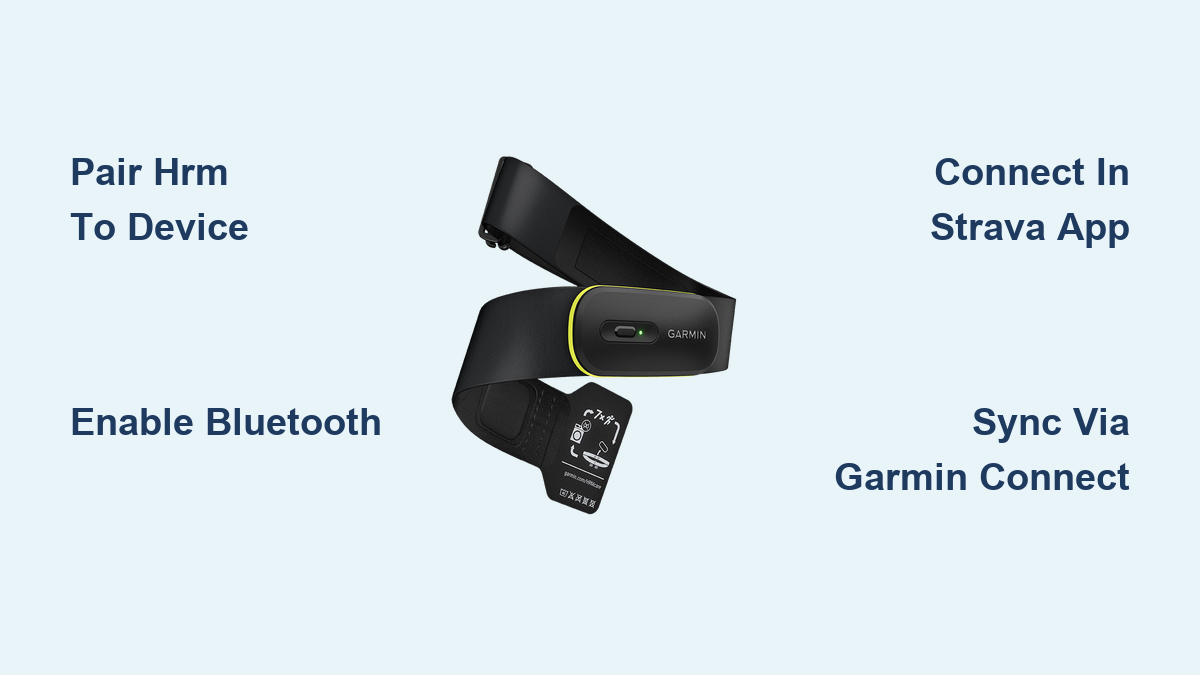
Connect Garmin Heart Rate Monitor to Strava
You bought a Garmin heart rate monitor to track every beat, but those numbers mean little unless they reach Strava. Whether you cycle, run, or swim, syncing HR data into Strava helps you measure effort, pace zones, and recovery trends with precision. The setup takes just a few minutes once you know the right path.
This guide explains how to pair your Garmin HRM with Strava directly through your phone, sync it via Garmin Connect for automatic uploads, and fix common connection drops. You will also learn which method fits your training style best.
Pair Your Garmin HRM to a Recording Device First
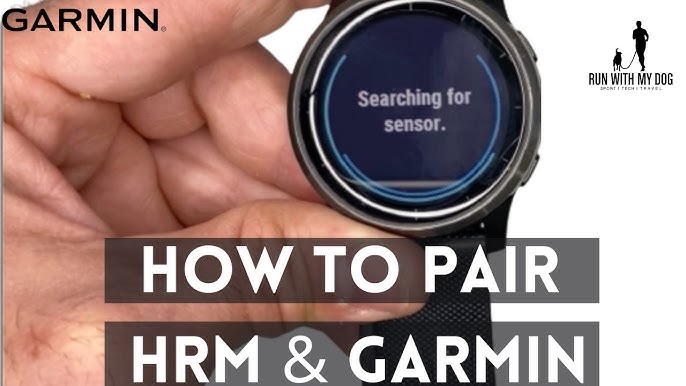
Strava cannot talk to your heart rate strap on its own. The HRM must first link to a device that records your activity, such as your Garmin watch, Edge bike computer, or smartphone.
Power On and Connect the HRM
- Moisten the sensor pads on the back of the strap with water or electrode gel.
- Wake up your Garmin watch or Edge device.
- Navigate to Settings, then Sensors and Accessories, then Add New, then Heart Rate.
- Wait for your HRM to appear in the list, such as Garmin HRM-Dual.
- Select it and confirm the pairing.
A small heart icon with your live BPM confirms a successful link.
Confirm ANT+ and Bluetooth Support
Most Garmin HRMs broadcast on both ANT+ and Bluetooth Low Energy at the same time. ANT+ connects to your Garmin hardware, while Bluetooth sends data to your phone. Keep both signals active so multiple devices can read your heart rate simultaneously.
Send Heart Rate to Strava Through Your Phone

The fastest way to see live HR data inside Strava is to record the activity with the Strava mobile app and let it pull data from your HRM over Bluetooth.
Enable Bluetooth and Location
Turn on Bluetooth in your phone settings. On iOS, also enable Location Services because Strava needs it to detect nearby sensors.
Pair the HRM Inside Strava
- Open the Strava app and tap the plus icon to start a new activity.
- Choose your sport and tap Sensors before you press Start.
- Wait for your Garmin HRM to appear in the sensor list.
- Tap the device name to connect it.
A checkmark next to the sensor name means the link is active. Begin your workout and watch your heart rate update in real time on the Strava recording screen.
Keep the Phone Within Reach
Bluetooth range is short. Keep your phone in a jersey pocket, armband, or handlebar mount within three feet of the chest strap. Signal drops happen when the phone rides in a backpack or behind a metal water bottle cage.
Sync Heart Rate Data Through Garmin Connect
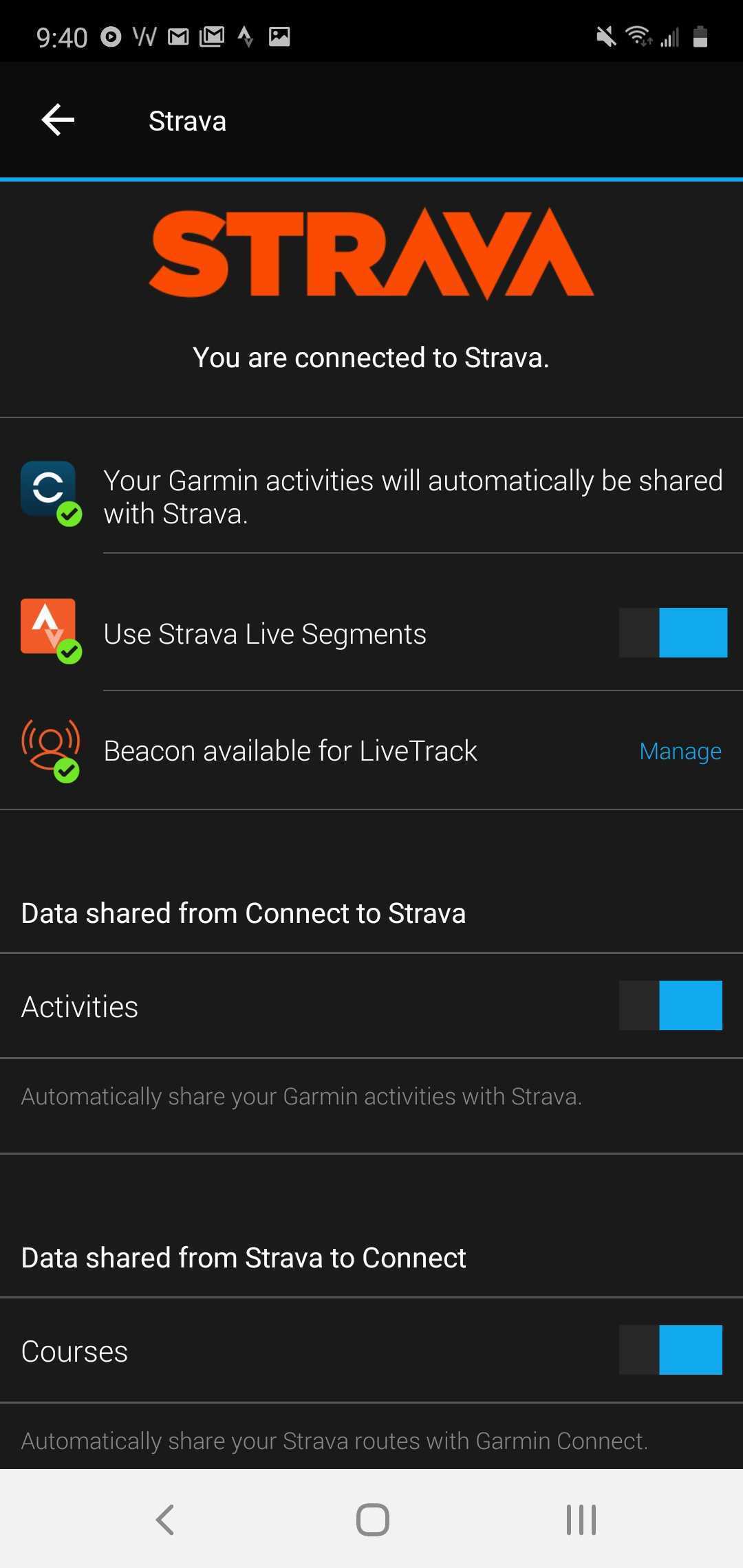
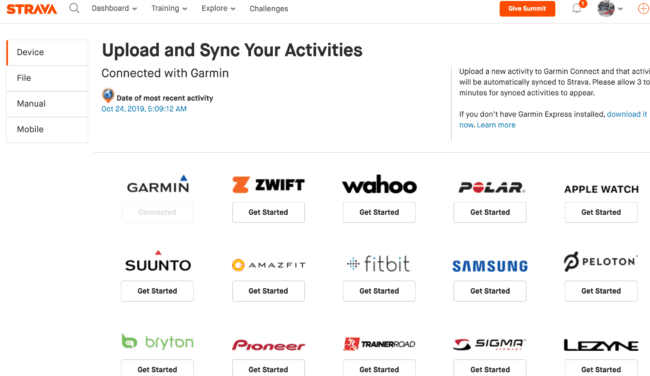
If you prefer recording with your Garmin watch, you can still get HR data into Strava after the workout. Garmin Connect acts as the bridge between your watch and Strava.
Link Garmin Connect to Strava
- Open the Garmin Connect app on your phone.
- Go to Settings, then Connected Apps.
- Tap Strava and sign in to authorize the link.
- Turn on Auto-Sync for future activities.
Every workout you save on your Garmin watch now uploads to Strava automatically, complete with heart rate, cadence, and power metrics.
Verify the HR Graph in Strava
After the sync finishes, open the activity inside Strava. Tap View Analysis and scroll to the heart rate graph. Hover or tap the chart to see your average and maximum BPM. If the graph is empty, check whether the HR data appears inside Garmin Connect first. If it does, manually re-sync the activity from Garmin Connect to Strava.
Fix Common Connection Problems
Bluetooth and ANT+ are reliable, yet small errors can block the signal. Try these fixes before you give up.
HRM Does Not Appear in the Sensor List
Restart Bluetooth on your phone, then reopen Strava. If the strap still does not show up, forget the device in your Bluetooth settings, remove the battery for ten seconds, and reinsert it. A weak CR2032 coin cell battery also causes detection failures, so replace it if the strap is older than a year.
Heart Rate Drops In and Out
Loose straps and dry sensor pads cause most dropouts. Tighten the band so it sits snug just below your pectoral muscles and remoisten the contacts before each session. Move your phone closer and switch off nearby Bluetooth devices such as wireless headphones or speakers that compete for the same signal.
Heart Rate Shows in Garmin Connect but Not in Strava
Open Garmin Connect and confirm the activity contains HR data. Reauthorize the Strava link under Connected Apps if needed, then tap Resync Activity. Strava will pull the missing metrics on the next refresh.
Choose the Best Method for Your Training
| Feature | Strava App + HRM | Garmin Watch + Auto-Sync |
|---|---|---|
| Live HR in Strava | Yes | No |
| Phone required during workout | Yes | No |
| Auto upload to Strava | No | Yes |
| Works without Garmin Connect | Yes | No |
| Best for | Runners who carry a phone | Cyclists who train without a phone |
Pick the Strava app method when you want live metrics on screen. Pick the Garmin watch method when you want hands-free recording and automatic uploads after each ride.
Get the Most Accurate Readings
A chest strap is more accurate than a wrist optical sensor, yet fit and placement still matter.
Wear the Strap Correctly
Place the transmitter module at the center of your chest, just below the pectoral muscles. Adjust the elastic so the strap feels as snug as a wristwatch. A loose strap bounces during running and creates false spikes.
Warm Up Before Recording
Spend one to two minutes walking or pedaling lightly before you start the timer. This settles your heart rate and prevents the first minute of data from looking artificially high.
Reduce Signal Interference
Carbon fiber bike frames, power meters, and crowded group rides can weaken ANT+ signals. A dual-band HRM such as the HRM-Dual or HRM-Pro switches between ANT+ and Bluetooth automatically to keep the connection stable.
Frequently Asked Questions About Connecting Garmin HRM to Strava
Can Strava connect directly to a Garmin heart rate monitor?
No. Strava receives HR data from a recording device such as your phone or Garmin watch. The HRM must first pair with that device.
Do I need Garmin Connect to sync HR data to Strava?
Only if you record with a Garmin watch. When you record with the Strava app on your phone, Garmin Connect is not required.
Why is my heart rate missing from a Strava activity?
The HRM may have lost contact during the workout, or the activity was recorded without an active sensor. Check Garmin Connect first, then resync the activity to Strava.
Which Garmin HRM works best with Strava?
The HRM-Dual and HRM-Pro support both ANT+ and Bluetooth, so they connect to a Garmin device and a phone at the same time.
How far can my phone be from the HRM during a workout?
Keep the phone within about three feet of the strap. Greater distance increases the chance of signal drops.
Final Thoughts on Connecting Your Garmin HRM to Strava
You now have two reliable paths to get heart rate data into Strava. Record directly with the Strava app for live BPM on screen, or record with your Garmin watch and let Garmin Connect push the data over automatically. Both methods deliver accurate metrics once the strap fits well and the battery is fresh.
Before your next workout, run through the quick checklist: moisten the sensor pads, confirm Bluetooth is on, pair the strap inside Strava or Garmin Connect, and keep your phone within reach. A two-minute setup now saves hours of missing data later.