Fix Polar H7 Battery Stuck Issue
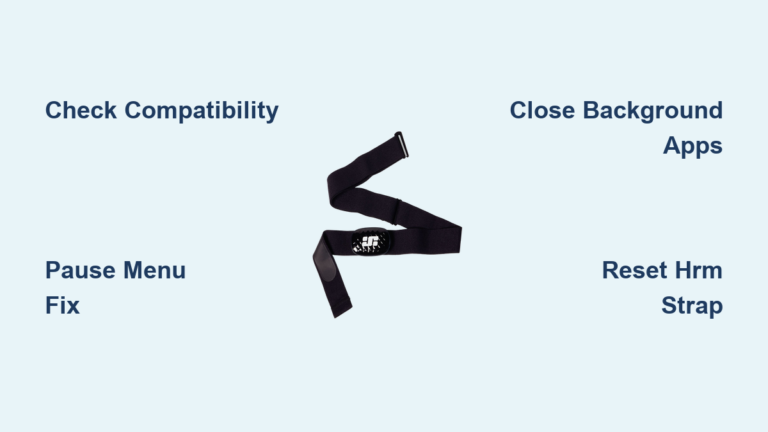
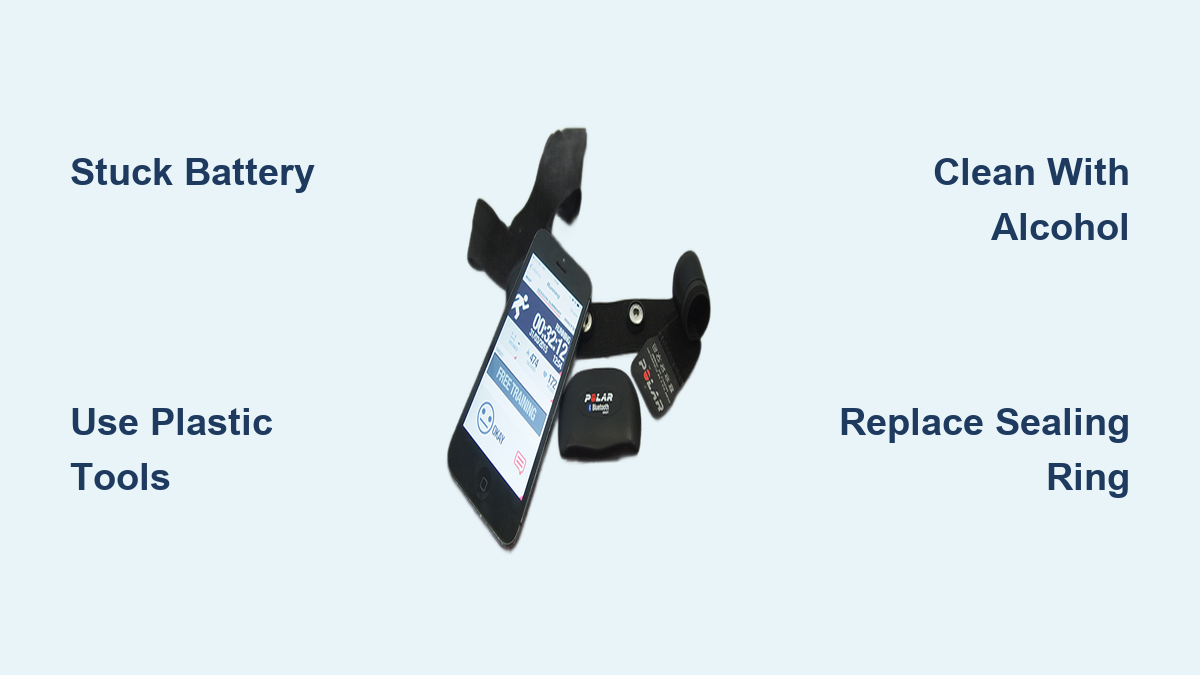
Is your Polar H7 heart rate monitor battery stuck and refusing to budge? This common frustration catches many users off guard, especially during a routine replacement. Years of sweat exposure, moisture buildup, or a worn sealing ring can lock the CR2025 battery in place. A jammed battery interrupts your training data and risks damaging the delicate contacts inside the sensor housing. The good news: you can free a stuck battery safely with the right tools and a careful approach.
Below, you’ll learn how to identify the real cause, remove the battery without damage, and prevent the problem from coming back.
Identify the Problem First

Before applying force, confirm the battery is actually stuck and not just dead. A non-responsive Polar H7 can result from several issues, and treating the wrong one wastes time.
Signs Your Battery Is Truly Stuck
- Battery does not move when nudged with a tool
- Only one edge lifts while the rest stays flat
- White, green, or blue residue visible around the rim
- Past attempts left scratches on the housing
- A fresh battery in the same compartment also feels tight
If the device shows no signs of life even after a known-good battery, the issue may be electrical rather than mechanical.
Why Batteries Get Stuck in Polar H7
Moisture is the leading cause. The Polar H7 is water-resistant, not waterproof, and sweat or humidity can creep into the compartment over time. When the sealing ring degrades or sits unevenly, corrosion and sticky residue form between the battery and contacts. This creates a bond strong enough to resist normal removal. Forceful past replacements can also bend the housing slightly, making future batteries sit too snugly.
Tools You Need for Safe Removal
Using the right tools protects both you and the device. Avoid sharp metal objects whenever possible.
Essential Tools List
- Plastic spudger or toothpick for gentle prying
- Plastic-tipped flathead screwdriver to prevent scratches
- Isopropyl alcohol (70% or higher) to dissolve grime
- Cotton swabs or lint-free cloth for cleaning contacts
- Nylon or plastic tweezers for grip without conductivity
- Flashlight to inspect tight corners
- New sealing ring to restore water resistance after replacement
Skip metal tweezers and knives unless absolutely necessary. They can short the battery or scar the plastic housing.
Step-by-Step: Remove a Stuck Battery
Work slowly and check progress after each step. Rushing increases the chance of permanent damage.
Open and Inspect the Compartment
Turn the back cover from CLOSE to OPEN using a coin. Rotate counterclockwise until the cover releases, then lift it off along with the old sealing ring.
Look closely at:
– Battery orientation (positive side should face the cover)
– Any visible corrosion, swelling, or grime
– The condition of the spring contact and flat terminal
If the battery sits flush and refuses to lift, move on to the next step.
Gently Lift With a Rigid Plastic Tool
Slide a plastic spudger, toothpick, or similar rigid bar under one edge of the battery. Apply slow, steady upward pressure on one corner at a time. Avoid prying from the center, which can pinch the battery and make it harder to remove.
If the battery shifts slightly, wiggle it side to side to break the bond.
Use Alcohol to Dissolve Residue
When the battery remains stuck after gentle prying, isopropyl alcohol can help. Dampen a cotton swab and apply it around the battery rim. Wait one to two minutes for the liquid to dissolve sweat salts and degraded seal material. Try lifting again with your plastic tool.
This method is safe for the electronics and highly effective on residue-related jams.
Try the Tape Method for Smooth Batteries
For batteries that sit perfectly flush with no edge to grip, tape can provide a quick solution. Cut a small piece of packing tape, press it firmly over the battery surface, and pull straight up in one smooth motion. The adhesive often lifts the battery cleanly, especially when corrosion is not the cause.
Last Resort: Non-Conductive Tweezers
If other methods fail, plastic-coated or nylon tweezers can grip the battery edge. Hold the edge only, never the center, and lift with steady pressure. Avoid metal tweezers unless you are certain the battery is fully discharged and insulated.
Clean and Inspect After Removal

Cleaning the compartment after a stuck battery is essential. Even small traces of residue can cause problems with the next battery.
Check for Corrosion
Inspect both the spring contact and the flat positive terminal. White, green, or blue powder signals corrosion, while dull or darkened metal points to oxidation. Wipe both contacts gently with an alcohol-dampened cotton swab and let them dry fully.
Replace the Sealing Ring
A fresh O-ring is critical for keeping moisture out. Fit the new ring snugly into the groove on the battery cover, making sure it sits flat without twists or pinches. Reusing an old ring is the most common reason batteries stick again later.
Insert the New Battery Correctly

Proper insertion prevents another jam and ensures reliable connectivity.
Match the Correct Orientation
Place the new CR2025 battery into the monitor body with the positive (+) side facing up toward the cover. The battery should sit flat with no force required.
Close the Cover Securely
Position the sealing ring in the cover groove, align the cover, and turn clockwise to CLOSE. Stop when you feel resistance. Over-tightening can warp the cover or damage the seal.
Prevent Future Battery Sticking

A few simple habits keep your Polar H7 working smoothly through many battery changes.
Replace the Seal Every Time
Even if the old ring looks intact, swap it out with each battery change. This small step prevents most moisture-related sticking issues.
Keep the Unit Dry After Workouts
Wipe the sensor with a dry cloth after each session, remove it from the chest strap, and let it air-dry before storing. Never seal it away while damp.
Use Quality CR2025 Batteries
Trusted brands like Panasonic, Duracell, or Energizer deliver consistent voltage and are less likely to leak. The Polar H7 uses a standard 3V lithium coin cell, also sold as BR2025, DL2025, or LM2025.
Troubleshooting After Replacement
Sometimes issues persist even after a successful battery swap.
No Signal After New Battery
Double-check the battery orientation, clean the contacts again, and re-pair the sensor through your fitness app. Removing the battery for 30 seconds before reinserting can also reset the device.
Intermittent Heart Rate Readings
Poor strap contact is a common culprit. Moisten the electrode areas on the chest strap to improve conductivity. Bluetooth interference and outdated app firmware can also cause dropouts.
When to Replace the Entire Unit
Some problems go beyond a simple battery swap. Consider replacing the monitor if the contacts are permanently corroded, the housing is cracked, or the sensor repeatedly fails to pair after a battery change. The Polar H7 has been discontinued, and newer options like the Polar H10 offer easier battery access and improved accuracy.
Frequently Asked Questions About Polar H7 Battery Replacement
Why is my Polar H7 battery stuck inside the sensor?
Moisture from sweat or humidity often seeps past a worn sealing ring, causing corrosion and sticky residue around the battery. This residue bonds the battery to the contacts over time.
What tool should I use to remove a stuck battery?
A plastic spudger, toothpick, or plastic-tipped screwdriver works best. These tools lift the battery without scratching the housing or shorting the contacts.
Can I use metal tweezers to remove the battery?
Metal tweezers are risky because they can short-circuit the battery if they touch both terminals at once. Use nylon or plastic tweezers whenever possible, and avoid clasp-like contact with metal tools.
Which battery does the Polar H7 use?
The Polar H7 uses a 3V lithium coin cell, commonly labeled CR2025. Compatible equivalents include BR2025, DL2025, and LM2025.
How often should I replace the sealing ring?
Replace the O-ring every time you change the battery. This keeps the compartment water-resistant and prevents future sticking.
What if my Polar H7 still does not work after a battery change?
Recheck the battery orientation, clean the contacts, and re-pair the sensor with your app. If the issue continues, the contacts may be corroded beyond repair, and the unit may need replacement.
Key Takeaways for Fixing a Stuck Polar H7 Battery
A Polar H7 heart rate monitor battery stuck issue is usually caused by moisture and residue, not a defective battery. Plastic tools, isopropyl alcohol, and patience can free the battery without damage. Always install a new sealing ring and use a quality CR2025 cell from a trusted brand. With proper care, your Polar H7 can continue delivering accurate heart rate data through many more battery cycles. Start by gathering the right tools and inspecting the compartment before applying any force.