How to Use Bowflex Heart Rate Monitor
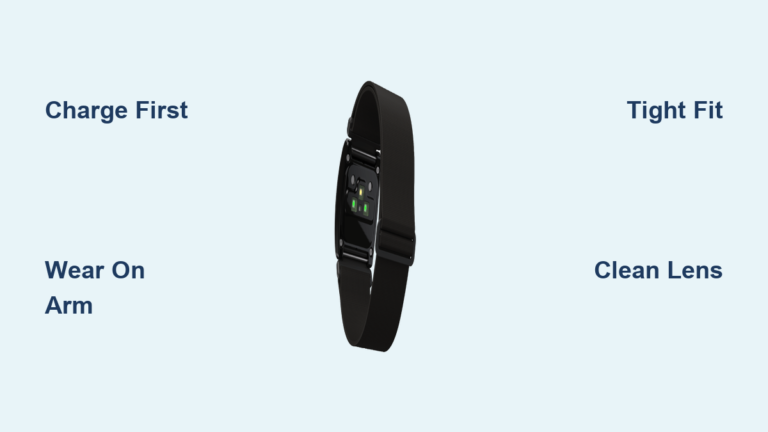
Struggling to hit the right intensity on your Max Trainer? Learning how to use Bowflex heart rate monitor correctly turns guesswork into precision. This slim, Bluetooth-enabled armband delivers real-time heart rate data so you can train in the correct zone every session. Whether you own an M5U, M6, M7U, M8, M9, Max Total, or SE model, proper setup ensures reliable readings and better results.
This guide covers charging, pairing, wearing tips, troubleshooting, and maintenance. Follow these steps to maximize every workout and track your fitness progress with confidence.
Set Up Your Bowflex Heart Rate Monitor

Before your first workout, prepare the armband for reliable performance. The device arrives ready to pair, but proper charging and positioning set the foundation for accurate data.
Charge the Battery Before First Use
Connect the armband to the included USB charging cable. A full charge takes about 2 hours and delivers up to 20 hours of continuous use. A solid LED light indicates charging, and it turns off when complete. Starting with a full charge prevents mid-workout disconnects.
Position the Armband Correctly
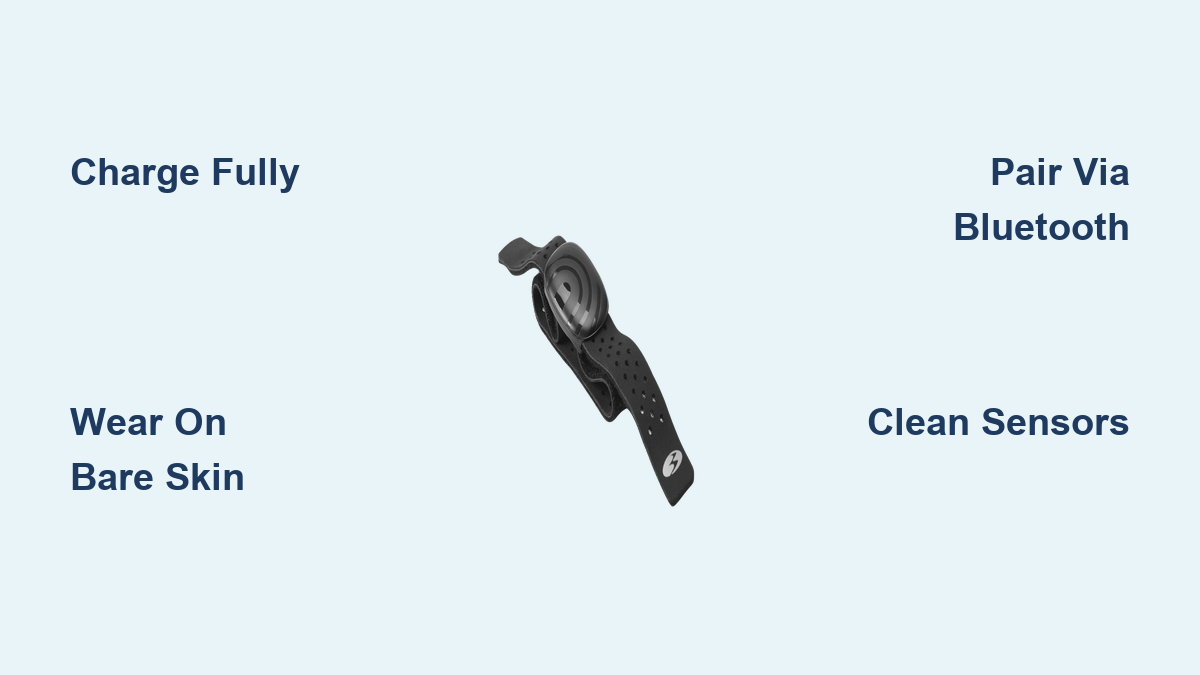
Place the armband snugly on your upper arm, just below the bicep. The sensor should rest against your skin with the logo facing outward. For best results:
– Wear it on bare skin, not over clothing
– Ensure contact points are clean and dry
– Adjust tightness so it feels secure but not restrictive
Incorrect placement is the leading cause of inaccurate readings. If the band slips during exercise, tighten it or reposition before continuing.
Pair the Armband With Your Max Trainer
To see real-time heart rate on your console, pair the armband via Bluetooth LE. This one-time setup links both devices for automatic connection on future workouts.
Activate Pairing Mode on the Armband
Press and hold the button on the armband for 3 seconds. The LED will flash blue, signaling it is discoverable. Wait 5 to 10 seconds for it to enter pairing mode.
Connect Through Your Max Trainer Settings
- Power on your compatible Max Trainer (M5U, M6, M7U, M8, M9, Max Total, or SE)
- From the home screen, navigate to Settings > Heart Rate Monitor
- Select Search for Device or Add New Monitor
- Choose “Bowflex HR” when it appears
- Wait for confirmation that the device is paired
Once connected, your Max Trainer will automatically link to the armband when both are powered on. Your BPM will display in real time during workouts.
Pro Tip: If pairing fails, restart both devices and ensure no other heart rate monitors are nearby. Interference from other Bluetooth devices can disrupt the connection.
Use Real-Time Heart Rate During Workouts
Now that setup is complete, learn how to use Bowflex heart rate monitor data to train smarter and stay in optimal zones.
Read Your Console Display
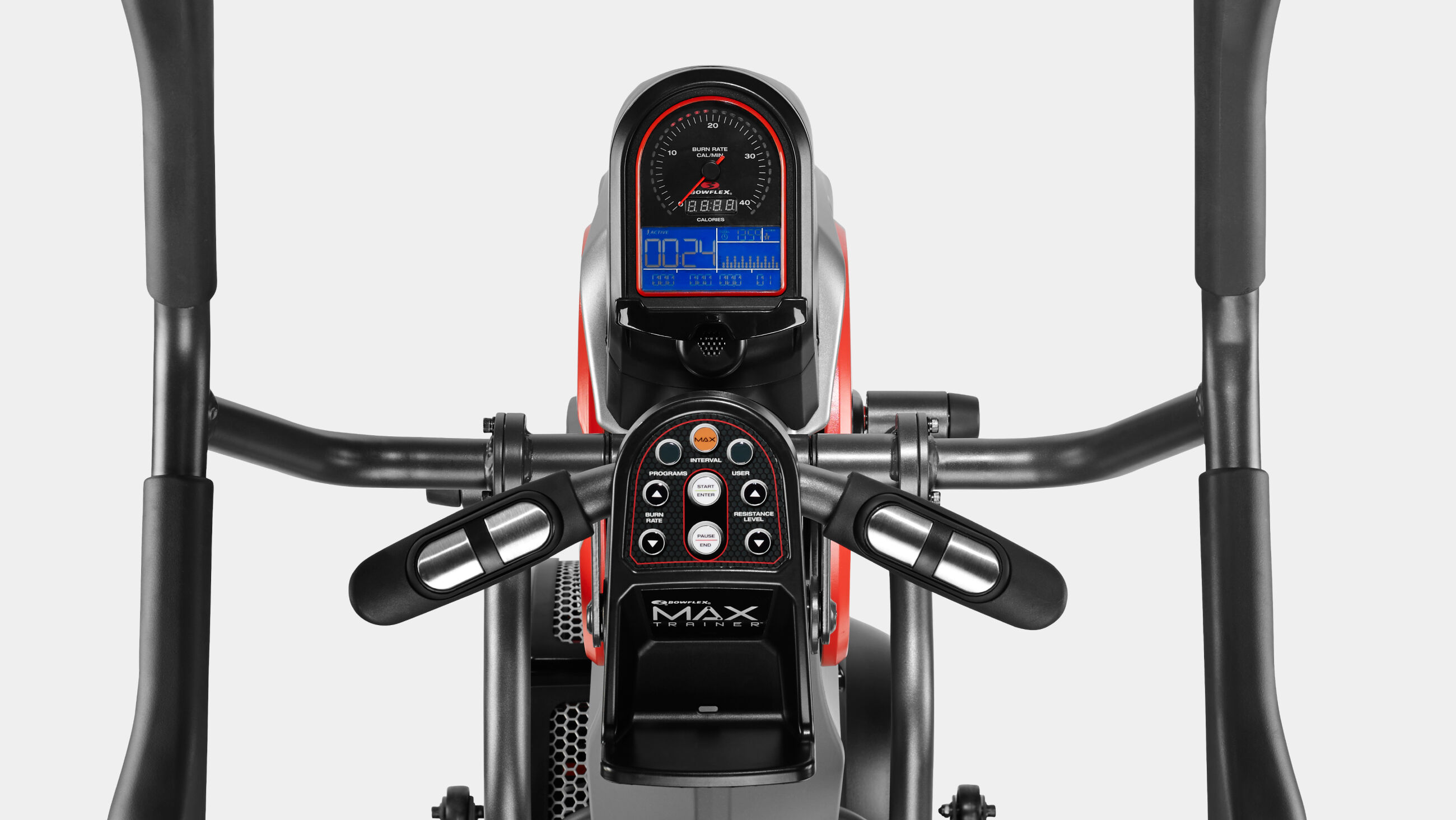
During exercise, the Max Trainer console shows your current heart rate. Most models display:
– Live BPM number
– Target zone indicator (Fat Burn, Cardio, Peak)
– Graph or bar visualization
Use this feedback to adjust speed or resistance. If your heart rate drops too low, increase intensity. If it climbs too high, ease off to recover.
Train in Your Target Zone
The armband helps you stay within scientifically defined zones based on your maximum heart rate:
– 50 to 60%: Warm-up and recovery
– 60 to 70%: Fat burn
– 70 to 80%: Cardio improvement
– 80 to 90%: Peak performance
– 90 to 100%: Maximum effort for short bursts only
Your Max Trainer may auto-suggest zones depending on the selected program. Staying within these ranges helps you meet fitness goals safely.
Warning: Exercising above 90% for extended periods may be unsafe without medical clearance. Always consult your doctor before high-intensity training.
Maintain Accurate Heart Rate Readings
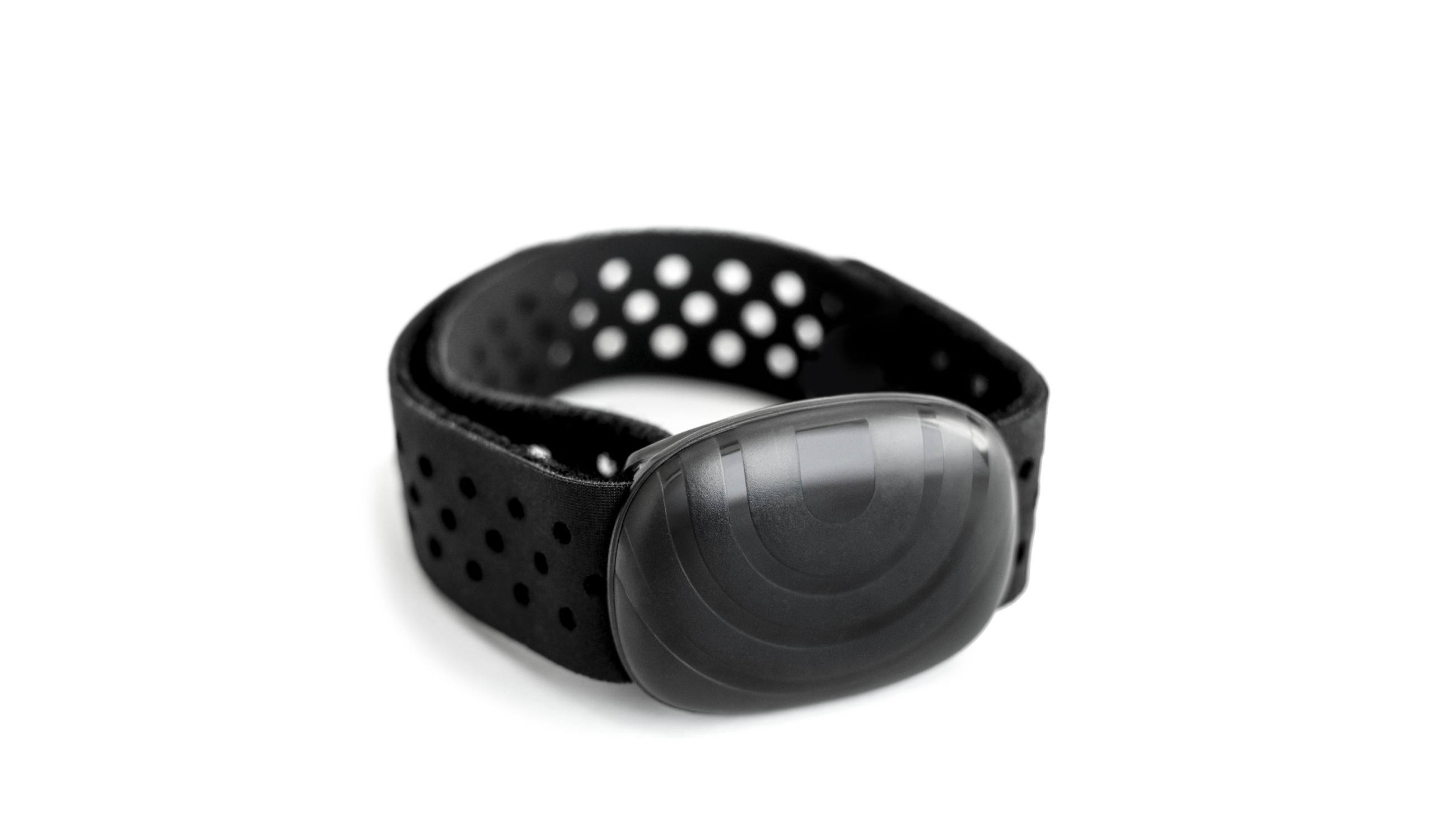
Even with proper setup, poor technique or environmental factors can affect accuracy. Follow these practices to ensure reliable tracking.
Keep Sensors Clean
Sweat, dirt, and oils build up on the sensor pad and reduce signal quality. After each use:
– Wipe the sensor area with a soft, damp cloth
– Dry thoroughly before storing
– Avoid alcohol or abrasive cleaners
Clean contact points improve skin conductivity and reduce false readings.
Avoid Common Interference Issues
Certain conditions disrupt Bluetooth or sensor performance:
– Wearing the armband over long sleeves or thick fabric
– Using nearby wireless devices like phones or speakers
– Having tattoos or very hairy arms, which can interfere with optical sensors
For best results, wear the armband directly on clean, dry skin and keep other electronics at least 3 feet away.
Re-Pair If Connection Drops
If your heart rate stops updating mid-workout:
1. Check if the armband is still powered by pressing the button
2. Ensure it has not shifted on your arm
3. Restart both the armband and Max Trainer
4. Re-pair manually through Settings
Frequent disconnects may indicate low battery or outdated firmware.
Troubleshoot Common Problems
Even reliable devices have hiccups. Here is how to fix the most frequent issues users face when learning how to use Bowflex heart rate monitor.
No Heart Rate Detected
If the display shows dashes or “No Signal”:
– Check placement: Reposition the armband snugly on your upper arm
– Ensure skin contact: Lightly dampen the sensor area if your skin is too dry
– Test battery level: Recharge if the LED does not light up
Note: Very low body fat or poor circulation may reduce signal strength. Try repositioning the band to find a stronger reading.
Device Won’t Pair
When the monitor fails to connect:
– Confirm your Max Trainer model is compatible (M5U, M6, M7U, M8, M9, Max Total, or SE)
– Reset the armband by holding the button for 10 seconds until the LED flashes red and blue
– Delete the old pairing and scan again
– Move away from Wi-Fi routers or microwaves that may cause interference
If the issue persists, contact Bowflex customer support for further assistance.
Inconsistent or Spiking Readings
Erratic numbers, such as jumping from 90 to 160 BPM suddenly, usually mean:
– Loose fit; tighten the armband
– Excessive arm movement during sprint intervals
– Dirty sensor; clean with water and a soft cloth
Try slowing down your arm motion briefly to see if the reading stabilizes. If it does, movement was the cause.
Extend Battery Life
The rechargeable battery lasts up to 20 hours per charge, but proper care extends its lifespan.
Charge Smartly
- Charge after every 3 to 4 workouts
- Use only the included USB cable
- Avoid leaving it plugged in overnight
Overcharging can degrade battery health over time. Unplug once the indicator light turns off.
Store Properly
When not in use:
– Power off the armband by holding the button for 3 seconds
– Store in a cool, dry place
– Keep away from direct sunlight or extreme temperatures
This preserves battery life and prevents sensor damage.
Sync With the JRNY App for Deeper Insights
For comprehensive tracking, connect your armband to the JRNY fitness membership platform.
Enable App Tracking
- Download the JRNY app on iOS or Android
- Create an account and link your Max Trainer
- Go to Devices > Add Heart Rate Monitor
- Select “Bowflex HR” from available Bluetooth devices
After each session, your heart rate data syncs to the app. You will receive:
– Workout summaries
– Zone time analysis
– Progress trends over weeks
JRNY personalizes future workouts based on your heart rate response, making it easier to reach your goals.
Care and Cleaning Routine
Proper maintenance keeps your armband accurate and hygienic for long-term use.
Clean After Every Use
Wipe down the armband with a damp microfiber cloth. Focus on:
– Inner sensor pad
– Contact electrodes
– Strap interior
Do not submerge the device in water, even though it features a waterproof design. Brief exposure to sweat or rain is fine, but avoid soaking.
Inspect for Damage
Monthly, check for:
– Cracks in the housing
– Frayed charging port
– Faded or peeling logo
If you notice any damage, stop using the device and contact customer support for replacement options.
Frequently Asked Questions About Bowflex Heart Rate Monitor
Which Max Trainer models work with the Bowflex heart rate armband?
The armband is compatible with Max Trainer models M5U, M6, M7U, M8, M9, Max Total, and SE.
How long does the battery last on a single charge?
The rechargeable battery provides up to 20 hours of continuous use per full charge.
Can I wear the armband over a shirt?
No. For accurate readings, wear the armband directly on bare skin just below the bicep. Fabric between the sensor and skin disrupts signal quality.
Is the Bowflex heart rate monitor waterproof?
Yes, the armband features a waterproof design suitable for sweat and rain exposure. However, avoid submerging it in water.
How do I reset the armband if it won’t pair?
Hold the button for 10 seconds until the LED flashes red and blue. This resets the device and clears previous pairing data.
Does the armband work with the JRNY app?
Yes. You can pair the armband with the JRNY app through your phone’s Bluetooth settings to sync heart rate data after workouts.
Key Takeaways for Using Your Bowflex Heart Rate Monitor
Mastering how to use Bowflex heart rate monitor comes down to three essentials: proper setup, correct wearing, and consistent maintenance. Charge fully before first use, position the band snugly on bare skin, and pair it through your Max Trainer settings for real-time data. Keep sensors clean, avoid wireless interference, and recharge smartly to extend battery life.
Your next step: charge the armband, pair it with your Max Trainer today, and start your first zone-based workout. Accurate heart rate data transforms every session into measurable progress toward your fitness goals.