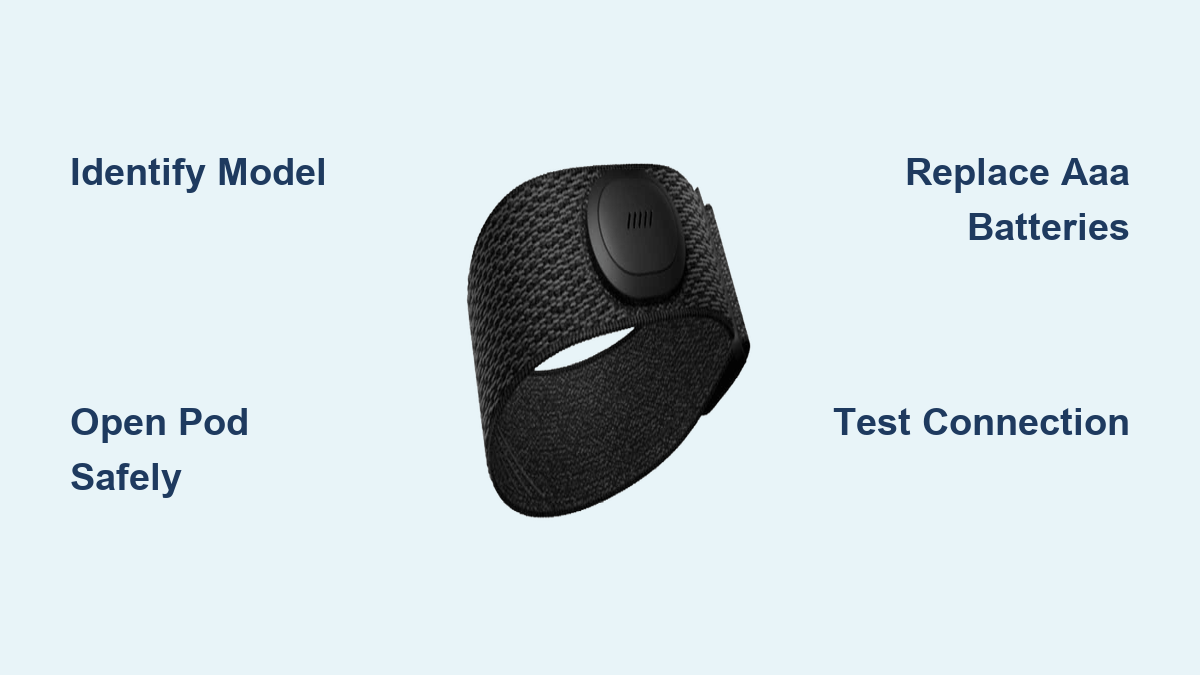
How to Replace Peloton Heart Rate Monitor Battery
Your Peloton heart rate monitor suddenly stops showing real-time BPM during a ride, and you suspect the battery is dead. Whether you own the older chest strap or the newer armband, knowing how to replace the battery correctly can save money and frustration. This guide breaks down exactly how to replace the battery on your Peloton heart rate monitor, including which models allow DIY swaps and which require professional service.
Identify Your Peloton Heart Rate Monitor Model
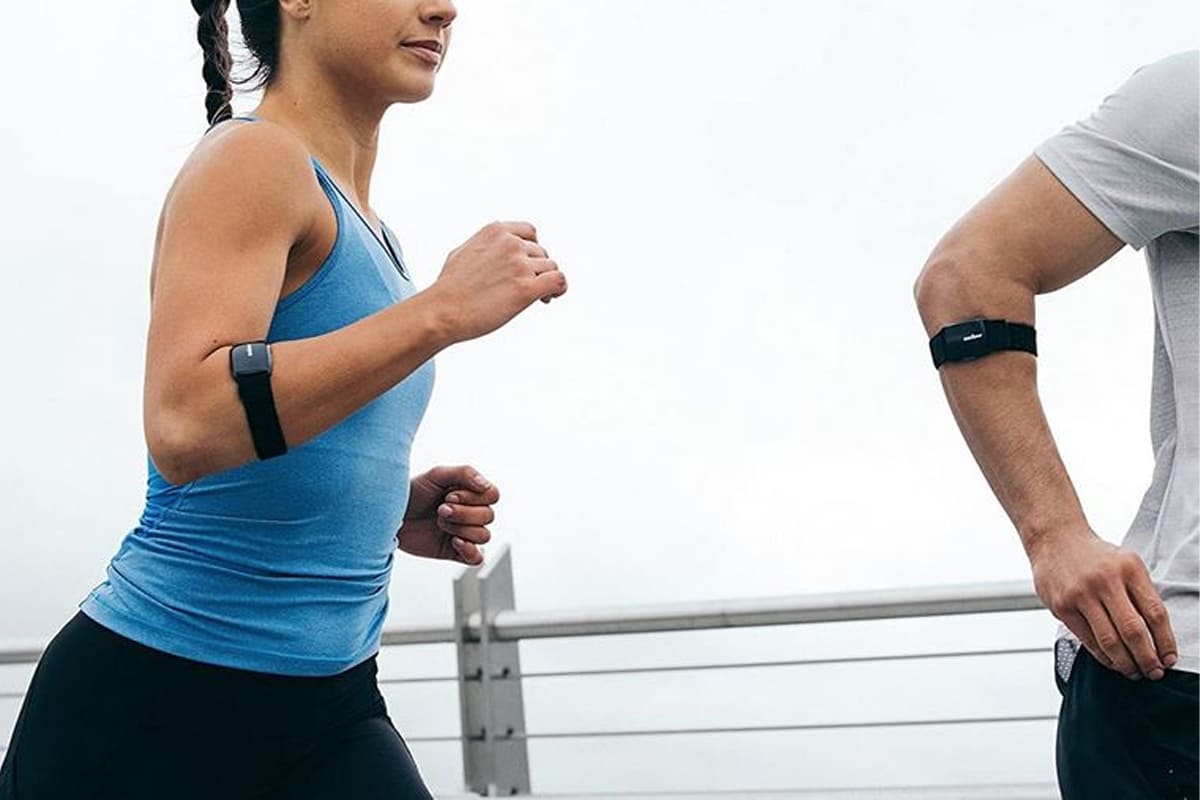
The replacement process depends entirely on which Peloton device you own. Confirming your model is the first step before opening anything.
Peloton Heart Rate Chest Strap (Legacy Model)
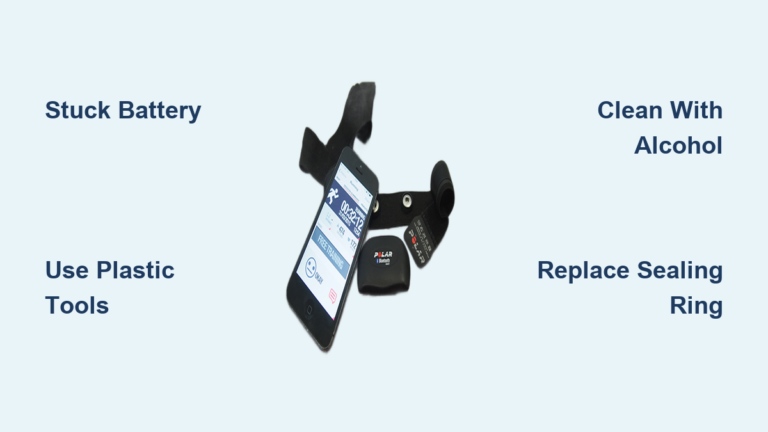
This older device features an adjustable elastic strap with a snap-in transmitter pod. It uses two AAA alkaline batteries and is designed for user replacement. Most DIY battery replacement questions relate to this model.
Peloton Heart Rate Armband (Wrist-Based)
Released in 2021, this armband uses optical sensors and connects via Bluetooth. It contains a sealed rechargeable lithium-ion battery charged through a magnetic USB dock. Battery replacement is not user-serviceable. Attempting to open it will damage the device and void your warranty.
Replace the Battery in Your Peloton Chest Strap

The chest strap transmitter pod is built for easy access. Follow these steps to complete the swap without damaging the water-resistant seal.
Open the Transmitter Pod Safely
- Remove the pod from the chest strap by pressing the side release button.
- Insert your fingernail or a flat plastic tool (like a guitar pick) into the seam along the edge.
- Gently pry around the perimeter until the two halves separate.
- Avoid metal tools, which can crack the casing or puncture the gasket.
Pro Tip: Work slowly around the seam. Forcing it open risks breaking the clips that hold the water-resistant seal in place.
Remove Old Batteries and Insert Fresh Ones
- Lift out both AAA batteries from the compartment.
- Check the + and – polarity markings molded inside the case.
- Insert two new AAA alkaline batteries matching the exact orientation.
- Avoid rechargeable AAA batteries unless rated 1.5V, since most are 1.2V and can cause connectivity problems.
⚠️ Warning: Never leave dead batteries inside the pod. Leakage can corrode the contacts and permanently damage the electronics.
Reassemble and Test the Connection
- Snap the pod halves back together until you hear a secure click.
- Slide the pod back into the chest strap until it locks.
- Lightly moisten the front sensor pads and wear the strap snugly against your skin.
- Open the Peloton app, navigate to Settings > Heart Rate Monitor, and confirm a live reading appears.
If your heart rate displays in real time, the battery replacement was successful.
Troubleshoot Common Post-Replacement Problems
Fresh batteries do not always guarantee instant connectivity. Diagnose issues quickly using these checks.
No Signal Detected in the Peloton App
- Verify battery orientation: Open the pod and confirm both batteries match the polarity markings.
- Clean the contact points: Wipe the metal terminals gently with a dry cotton swab.
- Reset the pod: Remove the batteries, wait 30 seconds, then reinstall them.
- Check strap fit: The strap must sit tight enough for sensors to maintain skin contact.
Intermittent Connection Drops
- Replace both batteries together: Mixing old and new cells reduces signal stability.
- Avoid expired stock: Check the manufacturing date on the battery packaging before installing.
- Inspect the pod seal: A cracked casing or loose closure can let sweat interfere with the signal.
Maintain Your Peloton Heart Rate Monitor Long-Term
A few simple habits will extend the life of your device and its batteries.
Clean the Strap After Every Workout
- Rinse the elastic strap under lukewarm water with the pod removed.
- Air dry the strap completely before storing.
- Wipe the pod sensor surface with a damp cloth. Never submerge the pod.
Store the Device Properly
- Remove the batteries if you plan to store the strap for more than one month.
- Keep the device in a cool, dry location away from direct sunlight.
- Avoid folding or creasing the elastic strap to prevent material fatigue.
When to Contact Peloton Support
Some situations require professional help rather than a DIY fix.
Armband Will Not Charge
Because the armband uses a sealed battery:
– Clean the magnetic charging contacts with a dry cloth.
– Use only the official Peloton charging cable.
– If charging still fails, contact Peloton Support. Do not attempt to open the armband.
Chest Strap Pod Is Damaged
If the pod is cracked, will not close flush, or shows signs of water intrusion:
– Stop using the device immediately.
– Contact Peloton for a replacement pod or warranty assistance.
Note: Opening the armband voids any remaining warranty. Only the chest strap pod is designed for user battery replacement.
Frequently Asked Questions About Peloton Heart Rate Monitor Battery Replacement
What type of battery does the Peloton chest strap use?
The Peloton chest strap uses two AAA alkaline batteries. Standard 1.5V cells are recommended for reliable performance.
Can you replace the battery in the Peloton armband?
No. The Peloton Heart Rate Armband contains a sealed rechargeable lithium-ion battery that is not user-replaceable. Contact Peloton Support for repair or replacement options.
How long do Peloton heart rate monitor batteries last?
AAA batteries in the chest strap typically last several months depending on usage frequency. The armband’s rechargeable battery lasts through multiple workouts per charge but requires the official magnetic dock to recharge.
Will replacing the battery void my Peloton warranty?
Opening the chest strap pod to replace batteries does not void the warranty. However, attempting to open the armband will void coverage since it is a sealed device.
What should I do if my chest strap still does not work after replacing the batteries?
Recheck the battery orientation, clean the metal contacts, reset the pod by removing the batteries for 30 seconds, and ensure the strap fits snugly against your skin. If issues persist, contact Peloton Support.
Key Takeaways for Replacing Your Peloton Heart Rate Monitor Battery
Replacing the battery on your Peloton heart rate monitor is simple once you confirm your model. The chest strap uses standard AAA batteries and opens easily with a plastic tool. The armband has a sealed battery that requires manufacturer service. Always use fresh alkaline batteries, respect the polarity markings, and keep the pod seal intact to preserve sweat resistance.
Next step: Check your device model today, grab two AAA batteries if you own the chest strap, and follow the steps above to restore accurate heart rate tracking during your next ride.