Fix Bowflex Heart Rate Monitor Not Working
Your Bowflex heart rate monitor shows readings clearly on the treadmill console, yet Zwift displays nothing. The chest strap works perfectly until you try pairing it with the app, then it becomes invisible. This frustrating scenario affects many Bowflex 316 and 326 owners who want to combine treadmill running with virtual training.
The problem stems from a fundamental wireless technology mismatch between your equipment and Zwift. Your treadmill transmits speed data to Zwift just fine, but heart rate signals follow a completely different path. Understanding this distinction unlocks the solution.
Why Your Bowflex HRM Won’t Connect to Zwift
It Uses GymLink, Not Bluetooth
The Bowflex 316 and 326 treadmills rely on uncoded Polar GymLink technology for heart rate monitoring. This older wireless standard sends data via a 5 kHz radio signal, which predates Bluetooth by decades. While GymLink reliably feeds heart rate data to your treadmill’s built-in display, it cannot communicate with smartphones, tablets, or modern apps.
Your treadmill connects to Zwift through Bluetooth for speed and distance tracking. However, the heart rate chest strap operates on a separate, non-Bluetooth frequency. These two systems never intersect, which is why your pace appears in Zwift while heart rate stays blank.
Mobile Zwift Only Accepts Bluetooth Sensors
Zwift on iPhone and iPad exclusively supports Bluetooth Low Energy (BLE) heart rate sensors. There is no hidden setting, firmware update, or workaround that changes this requirement. The app simply cannot detect devices broadcasting on the GymLink frequency.
This creates an unavoidable hardware limitation:
- Your Bowflex HRM will never appear in Zwift’s sensor list
- No amount of resetting or re-pairing will fix the issue
- The incompatibility exists at the protocol level
You cannot use the stock Bowflex chest strap and mobile Zwift simultaneously for heart rate tracking.
The Fix: Switch to a Bluetooth Heart Rate Monitor

Understanding Dual-Band Options
A dual-band heart rate monitor broadcasts data over multiple wireless protocols simultaneously. The most common combination is Bluetooth and ANT+, though some models also support GymLink. This versatility allows one chest strap to feed heart rate data to your phone (for Zwift) and potentially your treadmill (for on-screen feedback).
Since the Bowflex 326 uses uncoded GymLink specifically, finding a strap that works with both your treadmill and Zwift proves extremely difficult. Most modern dual-band monitors skip GymLink support entirely in favor of Bluetooth and ANT+.
Best Bluetooth HRM Options for Zwift
Polar H10
- Pairs reliably with Zwift on iPhone and iPad
- Stores workout data when not connected to a device
- Supports coded GymLink, but not the uncoded version your Bowflex uses
- Will not display heart rate on your Bowflex console
Wahoo Tickr
- Excellent Bluetooth 4.0 connectivity for Zwift
- Simple pairing process with mobile devices
- Does not support GymLink at all
- May work with Bowflex only if your treadmill accepts ANT+ (unconfirmed for 316/326 models)
Garmin HRM-Dual
- Transmits Bluetooth and ANT+ simultaneously
- Works seamlessly with Zwift
- Lacks GymLink support entirely
- Depends on whether your treadmill accepts ANT+ signals
The Polar H10 stands out as the most reliable choice for Zwift pairing, though it sacrifices treadmill display functionality.
Your Realistic Options Moving Forward
Option 1: Prioritize Zwift Heart Rate Data
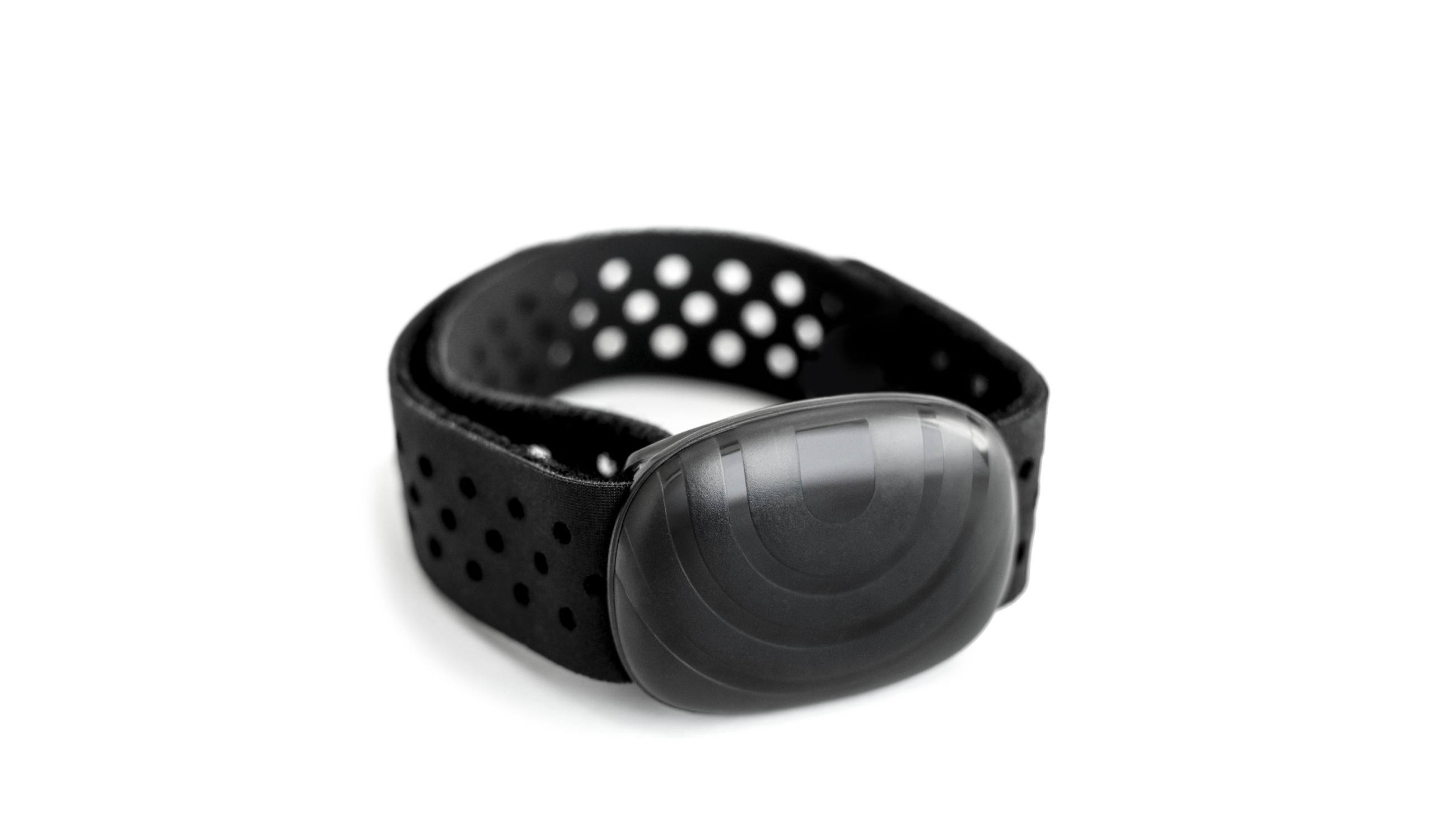
Use a Bluetooth-only chest strap like the Polar H10 or Wahoo Tickr. Your heart rate will appear in Zwift, but the treadmill console will show no heart rate information. The treadmill still tracks calories, time, and distance based on your workout.
This setup works best for users who care more about virtual training metrics and post-workout analysis than real-time console feedback.
Option 2: Keep the Stock Bowflex Strap
Continue using your original chest strap for treadmill display only. Skip heart rate tracking in Zwift entirely. You save money on new equipment while still seeing heart rate zones during runs.
Zwift will continue tracking your speed, distance, and time without heart rate data. This approach suits casual runners who don’t need precise heart rate zones during virtual workouts.
Option 3: Upgrade to a Compatible Smart Treadmill
Some newer treadmills feature Bluetooth HRM passthrough, allowing an external chest strap to connect to both the console and Zwift simultaneously. Brands like NordicTrack and Sole with iFit integration often support this functionality.
Consider this path if you’re ready to invest in new hardware for seamless fitness tracking across all platforms.
Troubleshooting Steps You Should Skip
Certain fixes waste your time because they cannot overcome the underlying protocol mismatch.
Resetting Treadmill Bluetooth
Your treadmill cannot rebroadcast GymLink heart rate data as Bluetooth signals. The two protocols require different hardware components that your Bowflex simply doesn’t include.
Re-Pairing or Forgetting Devices
Zwift cannot detect non-Bluetooth sensors regardless of how many times you toggle connections. The app’s sensor search only scans for BLE-compatible devices.
Third-Party Bridge Apps
Applications like SensorConnect or Beats cannot receive 5 kHz GymLink signals. No iOS app can decode these transmissions without specialized hardware receivers.
Accept that the Bowflex HRM and mobile Zwift are fundamentally incompatible by design.
How to Verify Your HRM Protocol
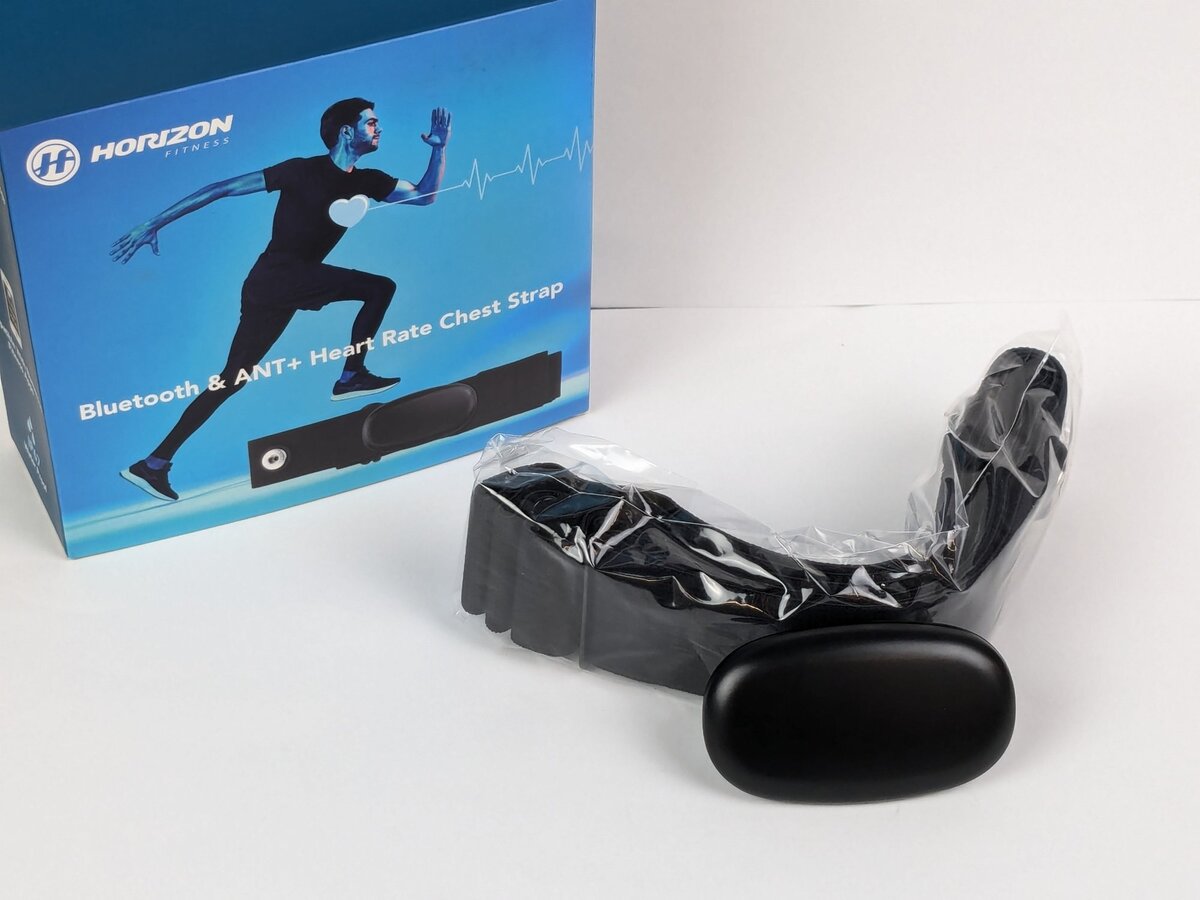
Check the Chest Strap Label
Look for these markings on your strap or its packaging:
- GymLink: Uses 5 kHz signal, incompatible with Zwift
- Bluetooth 4.0 or BLE: Compatible with Zwift
- ANT+: May work if your treadmill supports this protocol
Test with a Known Bluetooth HRM
Borrow a Polar H7, Polar H10, or Wahoo Tickr from a friend. Try pairing it with Zwift on your iPhone or iPad:
- If it connects successfully, Zwift is functioning properly
- If your Bowflex HRM still doesn’t appear, this confirms the GymLink limitation
Pro Tips for Dual-Device Heart Rate Tracking
Maximize Visual Feedback Without Treadmill Display
If you switch to a Bluetooth HRM and lose on-screen heart rate:
- Mount your iPad or iPhone at eye level on a tablet stand
- Enable the large heart rate display in Zwift’s settings
- Use the Zwift Companion App on an Apple Watch for wrist-based monitoring
Improve Calorie Tracking Accuracy
Treadmills estimate calorie burn using heart rate data when available. Without HR input, they default to calculations based on time and distance alone.
- Manually log heart rate data in fitness apps after workouts
- Sync HR data through Apple Health or Strava for better long-term insights
- Consider this trade-off when evaluating your training metrics
Consider Wearable Alternatives
Apple Watch tracks heart rate continuously and can broadcast to Zwift via Bluetooth. However, optical sensors on the wrist become less accurate during high-intensity intervals. Arm movement while running on a treadmill may also affect readings.
Garmin Smartwatches offer high-accuracy optical sensors with Bluetooth HR output to Zwift. You can view real-time heart rate zones on your wrist during runs, though chest straps still provide superior precision.
Recommended Setup for Bowflex Plus Zwift
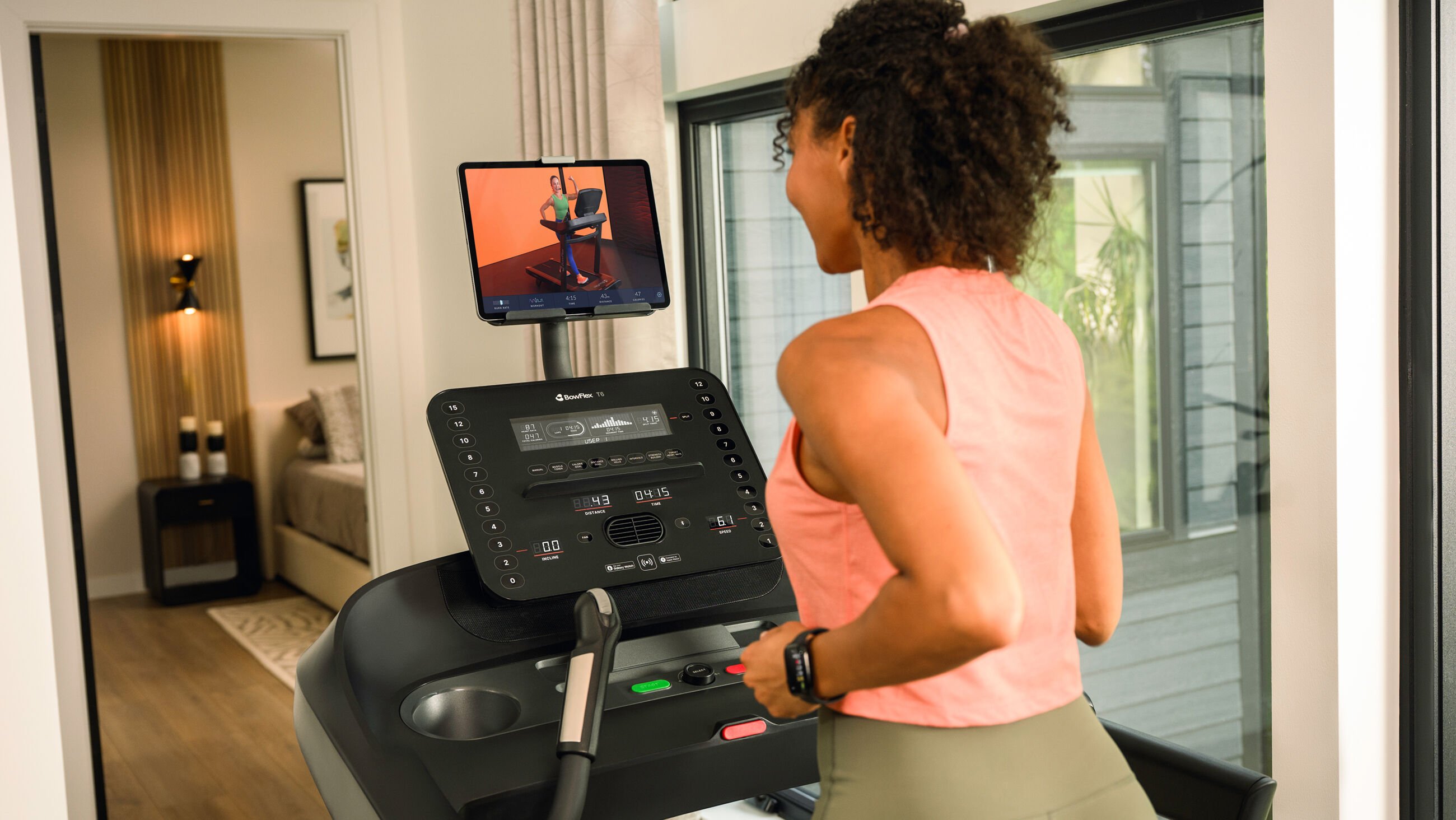
Given the technical constraints of the Bowflex 316 and 326, this configuration delivers the best results:
| Component | Purpose | Benefit |
|---|---|---|
| Polar H10 chest strap | Primary heart rate monitor | Reliable Bluetooth connection to Zwift |
| iPhone or iPad | Run Zwift | Portable mobile setup |
| Standard chest strap | Avoid GymLink limitations | Works seamlessly with Bluetooth apps |
You will lose on-treadmill heart rate display unless you upgrade to newer hardware. This trade-off represents the most practical solution for most users.
Setup Instructions
- Open Zwift and navigate to unpair any existing sensors
- Put on the Polar H10 and wet the electrode areas for better contact
- Return to Zwift and select Devices, then Add Heart Rate Monitor
- Choose your chest strap when it appears in the list
- Start your run and verify heart rate syncs within seconds
Wet the electrodes before each session to ensure faster, more stable connections.
Frequently Asked Questions About Bowflex HRM and Zwift
Why does my Bowflex heart rate monitor not work with Zwift?
The Bowflex 316 and 326 use uncoded Polar GymLink technology for heart rate monitoring, not Bluetooth. Zwift on mobile devices only accepts Bluetooth Low Energy sensors, so the two systems cannot communicate.
Will the Polar T31 chest strap work with my Bowflex and Zwift?
The Polar T31 uses coded GymLink, while your Bowflex 326 requires uncoded GymLink. This mismatch means the T31 will not display heart rate on your treadmill. It also lacks Bluetooth, so it won’t work with Zwift either.
Can I make my Bowflex HRM compatible with Zwift through a firmware update?
No firmware update can add Bluetooth capability to a GymLink-only chest strap. The incompatibility exists at the hardware level and cannot be resolved through software changes.
Do the Wahoo Tickr or Garmin HRM-Dual work with Bowflex treadmills?
Both monitors support Bluetooth and ANT+ but not GymLink. They will pair with Zwift successfully, but your Bowflex console will not display heart rate data from these straps unless your specific treadmill model accepts ANT+ signals.
Is there any chest strap that works with both Bowflex and Zwift?
No single strap currently solves this problem completely. The Polar H10 comes closest by offering Bluetooth for Zwift and coded GymLink, but the Bowflex 326 requires uncoded GymLink. You must choose between treadmill display and Zwift heart rate tracking.
Should I upgrade my treadmill to fix this issue?
Upgrading to a treadmill with Bluetooth HRM passthrough eliminates this problem entirely. Models from NordicTrack and Sole with iFit integration typically support external Bluetooth chest straps that feed both the console and Zwift simultaneously.
Key Takeaways for Solving Bowflex HRM Compatibility Issues
The Bowflex heart rate monitor not working with Zwift stems from a wireless protocol mismatch that no software fix can resolve. Your treadmill uses GymLink while Zwift requires Bluetooth, creating an unbridgeable gap between the two systems. The most practical solution involves purchasing a Bluetooth chest strap like the Polar H10 to feed heart rate data into Zwift, accepting that you’ll lose on-screen heart rate display on your treadmill.
For most users, pairing a Polar H10 with Zwift on an iPad delivers the simplest, most reliable experience. Check your heart rate on the Zwift screen instead of the treadmill console, and you’ll gain accurate training data for your virtual workouts. If seamless integration matters more than cost, upgrading to a modern treadmill with Bluetooth HRM passthrough offers the cleanest long-term solution.