How to Fix Coospo Heart Rate Monitor Not Working
You’ve just clipped on your Coospo heart rate monitor, opened your favorite fitness app, and waited for the signal that never comes. The device won’t connect, the LED won’t flash, or your heart rate reads as zero mid-workout. When your Coospo heart rate monitor is not working, the frustration is real, especially for users of the H808S and H6 models. Most people assume the hardware is dead, but the truth is that the majority of these issues come from pairing mistakes, battery choice, or strap condition rather than actual device failure.
This guide breaks down every common cause of a Coospo heart rate monitor not working and shows you exactly how to fix each one. You’ll learn how to reset your Bluetooth connection, choose the right battery, restore strap conductivity, and prevent future failures. Whether you’re dealing with a dead sensor, erratic readings, or a monitor that won’t pair, the solutions below can get you back to training in under 10 minutes.
Stop Pairing Through Your Phone’s Bluetooth Settings
One of the most common reasons a Coospo heart rate monitor is not working with your smartphone app is that the device was paired through the wrong menu. The H808S and H6 are designed to connect only inside the app, not through the operating system’s Bluetooth settings.
Why OS-Level Pairing Breaks the Connection
When you pair the Coospo device through your phone’s Bluetooth menu, the operating system locks the connection. Even though the device appears “connected” in your settings, the fitness app cannot access the live heart rate data stream. This creates the illusion that your Coospo heart rate monitor is not working when the real issue is a blocked data channel.
How to Fix the Pairing Conflict
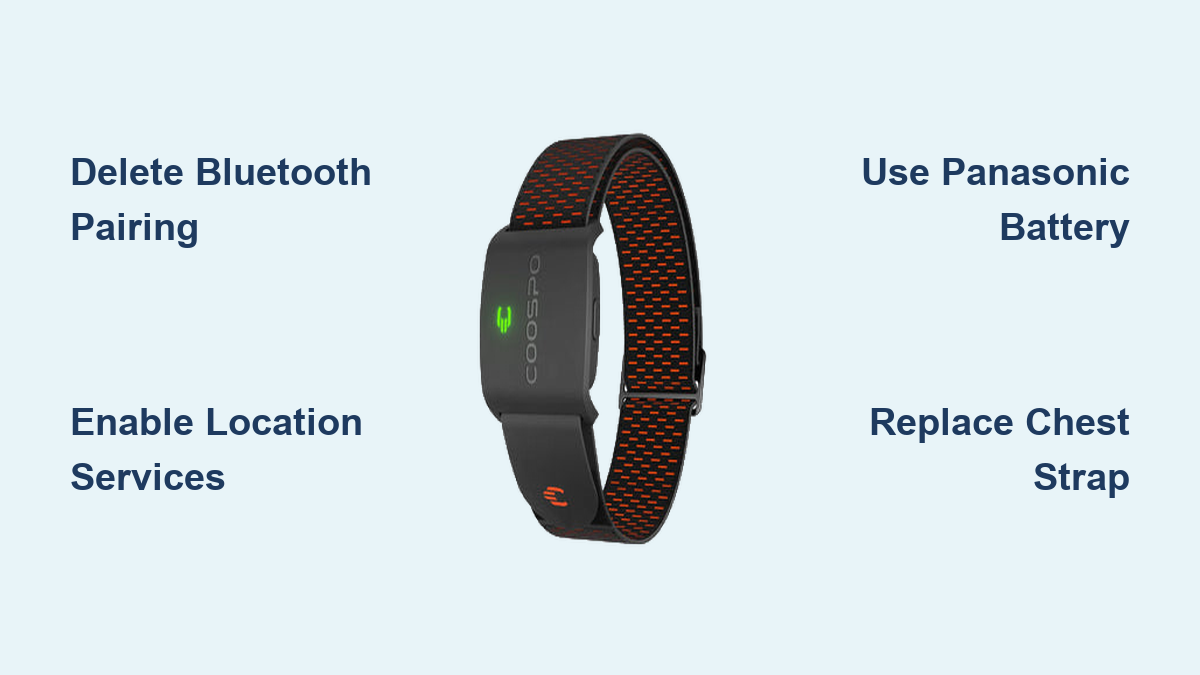
- Open your phone’s Bluetooth settings
- Locate the Coospo device in the list of paired items
- Tap Forget Device or Delete
- Close and reopen your fitness app
- Begin the pairing process from within the app interface
This clears the incorrect link and allows the app to establish a direct Bluetooth Low Energy (BLE) handshake with your sensor.
Enable Location Services for Bluetooth Scanning
If your Coospo heart rate monitor is not working even after a fresh pairing attempt, the problem may be hidden in your privacy settings. Both iOS and Android require Location Services to be enabled for any app to scan for nearby Bluetooth Low Energy devices.
Grant the Required Permissions
Without location access, your fitness app cannot detect the Coospo sensor, even if Bluetooth is fully functional. This is a frequent cause of failed connections.
To enable on Android:
– Go to Settings > Apps > [Your App] > Permissions > Location and select Allow
To enable on iOS:
– Go to Settings > Privacy > Location Services > [Your App] and choose While Using the App
Restart the app after granting permission, then try pairing again. No location access means no Bluetooth sensor detection.
Confirm Your Receiving Device Supports BLE or ANT+
Your Coospo monitor broadcasts on both Bluetooth Low Energy (BLE) and ANT+ protocols. However, not every fitness device supports both. If your Coospo heart rate monitor is not working with a Garmin watch, Wahoo bike computer, or gym treadmill, the receiving equipment may only accept one protocol.
Check Compatibility Before Troubleshooting
Older gym machines often support only ANT+, while some budget smartwatches accept only BLE. Confirming compatibility first saves you from chasing a nonexistent hardware fault.
Steps to verify:
1. Search your device’s specifications for “Bluetooth Smart” or “ANT+ Heart Rate” support
2. Confirm the receiving device lists at least one of these protocols
3. If neither is listed, your Coospo monitor cannot pair with that equipment
You do not need to replace the monitor. You simply need equipment that speaks the same wireless language.
Activate the Sensor by Wearing It

A surprising number of users report their Coospo heart rate monitor is not working because they try to pair it while the sensor is sitting on a table. The Coospo H808S and H6 use wear-based activation. They only power on when they detect the electrical resistance of human skin.
How to Trigger the Power-On Sequence
The sensor stays in sleep mode until it senses your chest. If you attempt to pair while the device is off your body, it will appear completely dead.
To activate:
1. Lightly wet the electrode areas on the chest strap
2. Wear the strap snugly across your chest
3. Wait 5 to 10 seconds for the LED indicator to flash
4. Begin scanning from your phone or fitness device
Once the light appears, the sensor is broadcasting and ready to pair.
Clear the App Pairing Cache
If your Coospo heart rate monitor is not working after working perfectly for several sessions, the issue is likely a corrupted app configuration. Over time, software updates and cached data can block communication between the app and the sensor.
Reset the Sensor Connection in Your App
- Open your fitness app (Coospo, Strava, Wahoo, or similar)
- Navigate to Sensors or Devices
- Find your Coospo monitor in the list
- Select Unpair or Remove
- Restart the app completely
- Re-pair the device as if it were brand new
This clears the corrupted cache and establishes a clean connection.
Test on a Second Device
To confirm whether the issue lies with your phone or the monitor, try pairing the Coospo with a different smartphone or tablet. If it connects instantly on another device, the problem is with your original phone’s Bluetooth stack or app installation. Reinstalling the app or rebooting your phone typically resolves this.
Replace the Chest Strap Every 6 to 12 Months
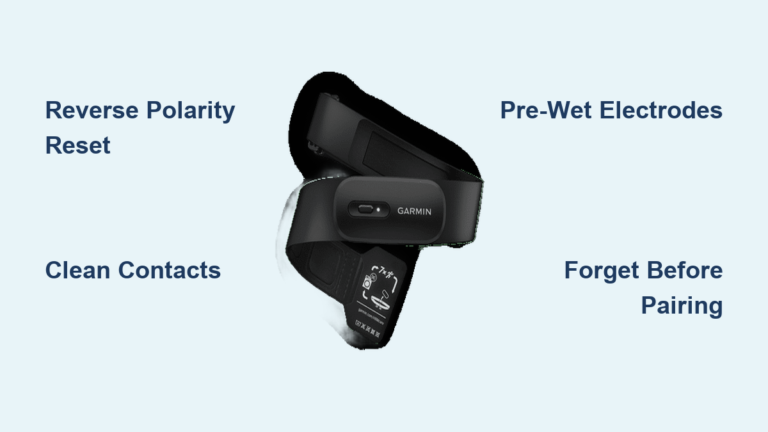
When a Coospo heart rate monitor is not working despite a fresh battery, the chest strap is the most overlooked culprit. The strap contains conductive silver-coated fibers that degrade over time due to sweat, salt, and washing.
Signs of a Dead Strap
After roughly six months of regular use, the conductive fabric loses its ability to transmit your heart rate signal. The sensor pod may be perfectly functional, but it cannot read data through a broken circuit.
Symptoms include:
– No LED flash when worn
– Monitor appears dead with a new battery installed
– Erratic, missing, or zero heart rate readings
The Fix Is Simple and Inexpensive
Replace the chest strap while keeping your existing sensor pod. Coospo sells compatible replacement straps for the H808S and H6. Most “failed” units return to normal operation immediately after a strap swap, because the sensor pod itself rarely fails before the strap.
Use Only Panasonic CR2032 Batteries
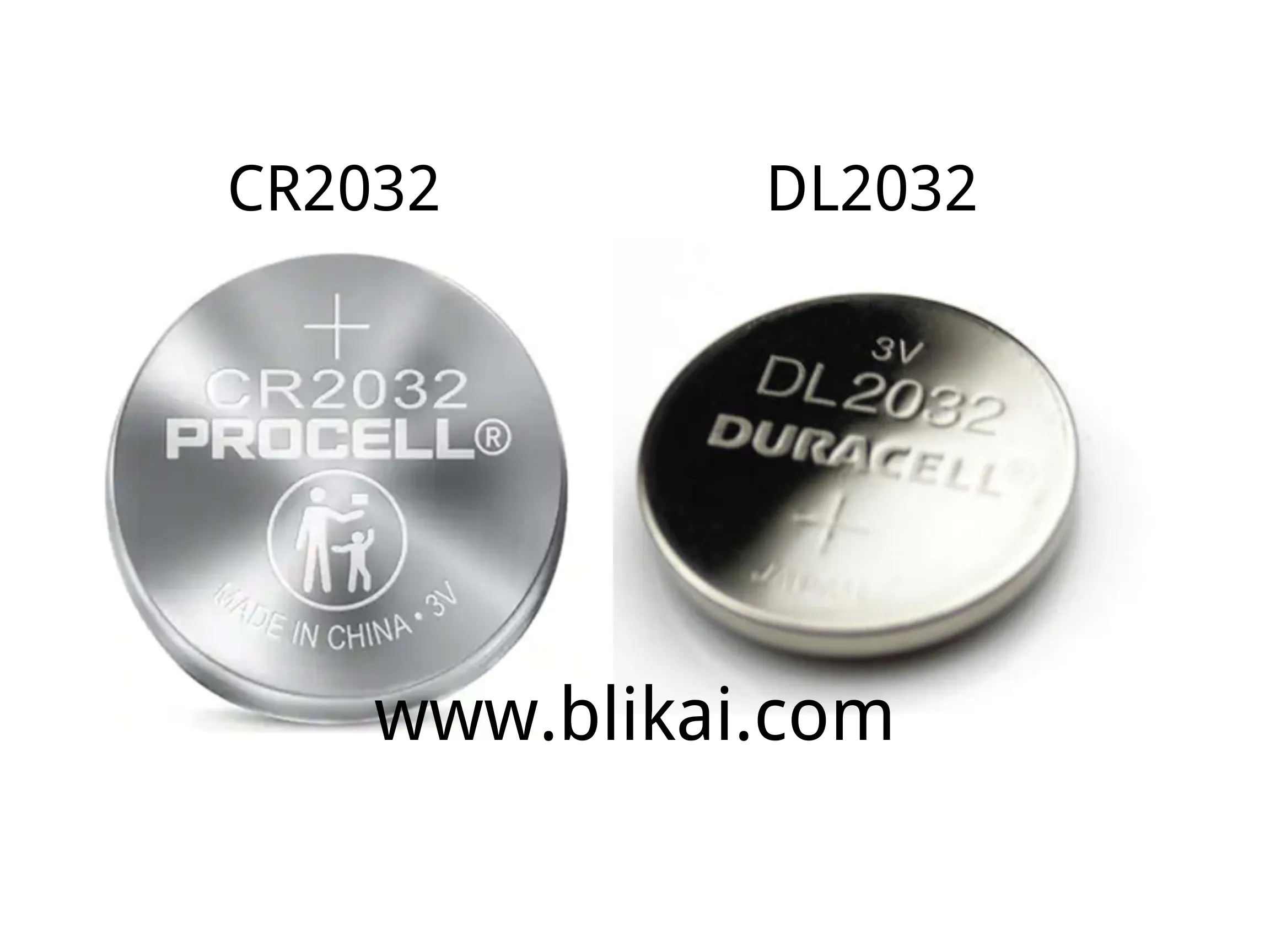
Battery choice has a direct impact on whether your Coospo heart rate monitor is not working or running reliably. Coospo sensors are sensitive to battery chemistry, and not all CR2032 coins perform the same.
Why Duracell Causes Problems
User reports and testing consistently show that Duracell CR2032 batteries drain rapidly in Coospo devices, sometimes within days, even when the monitor is unused. While the exact electrochemical reason is not publicly documented, voltage instability appears to trigger early shutdowns and false failure symptoms.
Recommended battery:
– Panasonic CR2032 is the only brand consistently verified for stable voltage output and long life
Avoid:
– Duracell CR2032
– Off-brand or alkaline variants
Switching to Panasonic can extend battery life from a few weeks to several months.
Prevent Battery Drain with Proper Storage Habits
A dead battery does not always mean it expired naturally. Poor storage habits drain CR2032 cells prematurely, leaving you with a Coospo heart rate monitor not working right when you need it.
Always Unclip the Sensor After Workouts
Leaving the sensor attached to a damp strap creates a micro-current that slowly drains the battery, even when the device is not in use. Detach the sensor pod immediately after every session and store it separately in a dry location.
Remove the Battery for Long-Term Storage
If you will not use the monitor for more than one week:
- Remove the CR2032 battery from the sensor pod
- Store the sensor and strap in a cool, dry place
This prevents complete discharge, battery leakage, and corrosion on the internal contacts. Reinsert a fresh Panasonic battery when you are ready to train again.
Restore Signal by Wetting the Strap Electrodes
If your Coospo heart rate monitor is not working mid-workout but the LED is flashing, the problem is conductivity, not electronics. Dry skin or a dry strap prevents the sensor from reading your heart rate accurately.
The Water Trick for Instant Results
The H6 and H808S require moisture to bridge the gap between your skin and the conductive electrodes. In dry climates or before you start sweating, this connection can fail entirely.
Quick fix:
– Lightly dampen the electrode pads on the strap with water
– Do not soak the entire strap
– Put it on and wait about 10 seconds
This mimics sweat and restores the signal immediately. Keeping a small spray bottle in your gym bag makes this effortless.
Know When the Strap Is Beyond Saving
If wetting the electrodes no longer restores connectivity, the conductive coating has worn off permanently. After 12 months of regular use, strap replacement becomes unavoidable. Continuing to troubleshoot a dead strap wastes time and leads users to wrongly conclude their sensor is broken.
Run a Final Function Check
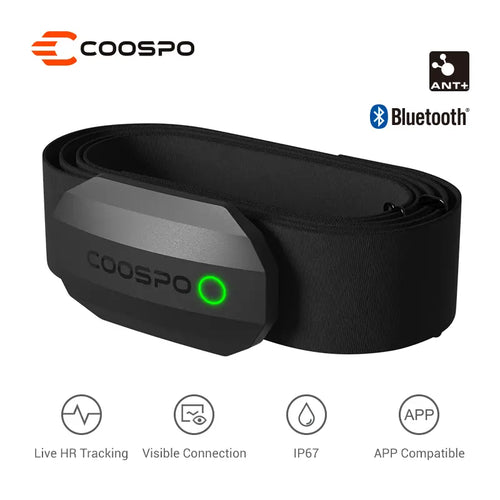
After applying these fixes, verify that your Coospo heart rate monitor is not working no more by running a complete function test.
Step-by-step verification:
1. Insert a fresh Panasonic CR2032 battery
2. Attach the sensor to a new or freshly wet strap
3. Wear it snugly across your chest
4. Wait for the LED to flash (H808S shows red; H6 shows green)
5. Open your fitness app and scan for devices
6. Confirm a steady heart rate reading appears
For full confidence, test the monitor across multiple platforms: your smartphone app, a smartwatch or bike computer, and a compatible gym machine. A stable connection across all devices confirms the issue is fully resolved.
Frequently Asked Questions About Coospo Heart Rate Monitor Issues
Why is my Coospo heart rate monitor not working even with a new battery?
A new battery alone may not solve the problem if the chest strap has degraded. After about six months of regular use, the conductive fibers in the strap break down from sweat and washing, preventing the sensor from detecting your heart rate. Replace the strap while keeping your existing sensor pod, and the monitor should work again.
Can I pair my Coospo monitor through my phone’s Bluetooth settings?
No. The Coospo H808S and H6 must be paired only inside the fitness app, not through the operating system’s Bluetooth menu. Pairing through your phone settings blocks the app from accessing live heart rate data. Delete the device from your Bluetooth list and pair it again from within the app.
Why does my Coospo monitor die so quickly?
Rapid battery drain is almost always caused by using Duracell CR2032 batteries instead of Panasonic. Duracell batteries have shown inconsistent performance in Coospo devices, sometimes draining in days. Switch to Panasonic CR2032 and always remove the sensor from the strap after workouts to prevent micro-current drain.
Why does my Coospo monitor lose signal during workouts?
Signal loss during exercise is typically caused by dry skin or a worn-out strap. The electrodes need moisture to conduct your heart rate signal. Lightly wet the electrode areas before putting on the strap. If the problem persists, the conductive coating on the strap has likely worn off and needs replacement.
How long should a Coospo chest strap last?
With regular use, the chest strap typically lasts 6 to 12 months. Sweat, body oils, and washing gradually degrade the silver-coated conductive fibers. If wetting the strap no longer restores signal, or if readings become erratic, it is time for a replacement strap.
Is my Coospo sensor pod broken if nothing else works?
The sensor pod is durable and rarely fails before 1 to 2 years. If you have replaced both the battery (with a Panasonic CR2032) and the chest strap and the monitor still does not work, contact your seller for warranty support. Most units are covered if both peripheral replacements do not restore function.
Key Takeaways for Fixing Your Coospo Heart Rate Monitor
Most cases of a Coospo heart rate monitor not working stem from a handful of preventable issues: pairing through the wrong menu, using the wrong battery brand, ignoring strap degradation, or failing to enable location permissions. The sensor pod itself is built to last, but the strap and battery are consumables that require periodic replacement.
Start your troubleshooting by deleting any OS-level Bluetooth pairings, enabling location services, and confirming the sensor activates when worn on your chest. If those steps fail, swap to a Panasonic CR2032 battery and replace the strap if it is more than six months old. These three actions resolve the vast majority of reported failures.
For lasting reliability, make it a habit to unclip the sensor after every workout, remove the battery during long storage periods, and keep the strap electrodes lightly moistened before use. Treat the strap as a replaceable accessory rather than a permanent part of the device, and your Coospo monitor will deliver accurate heart rate data for years.