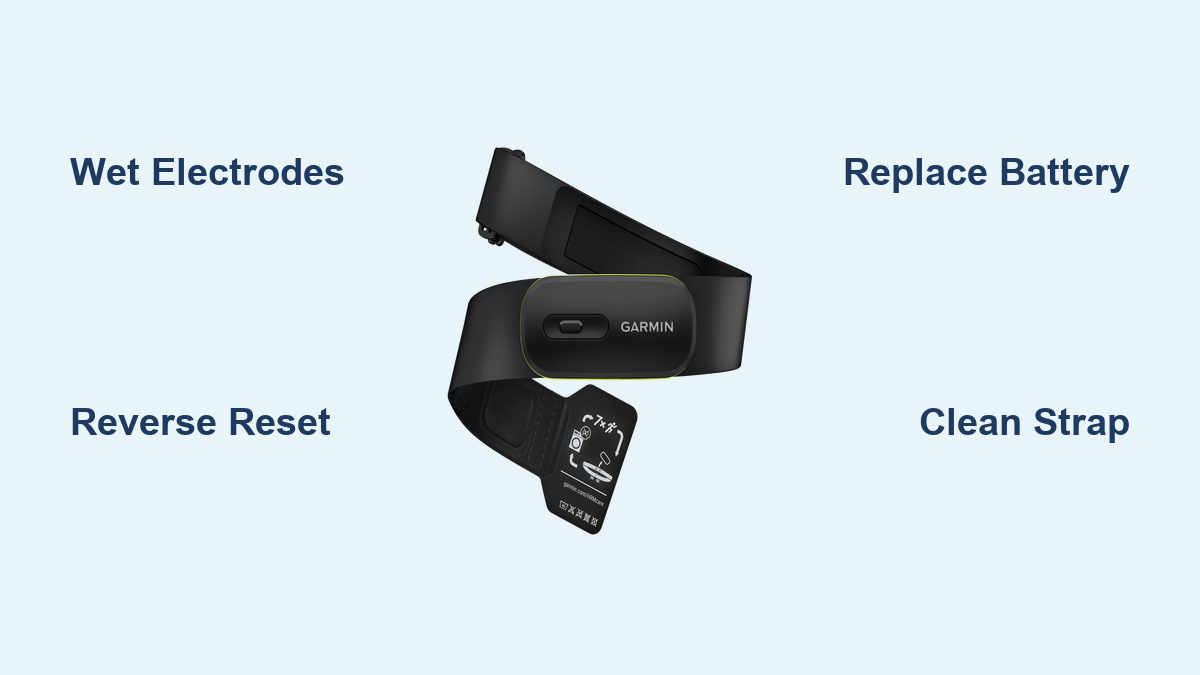
Fix Garmin Heart Rate Monitor Not Working
A Garmin heart rate monitor not working can derail your training in seconds. Devices that once paired flawlessly suddenly show no signal, freeze at a static 72 BPM, or search endlessly for a connection. While many users blame a dead battery, the real culprits are often reset errors, moisture deficiency, or hidden strap damage. The good news is that most problems can be resolved in under 10 minutes using proven techniques. This guide covers every troubleshooting level, from quick fixes to long-term solutions, so you can return to accurate heart rate tracking fast.
Perform a Reverse Polarity Reset
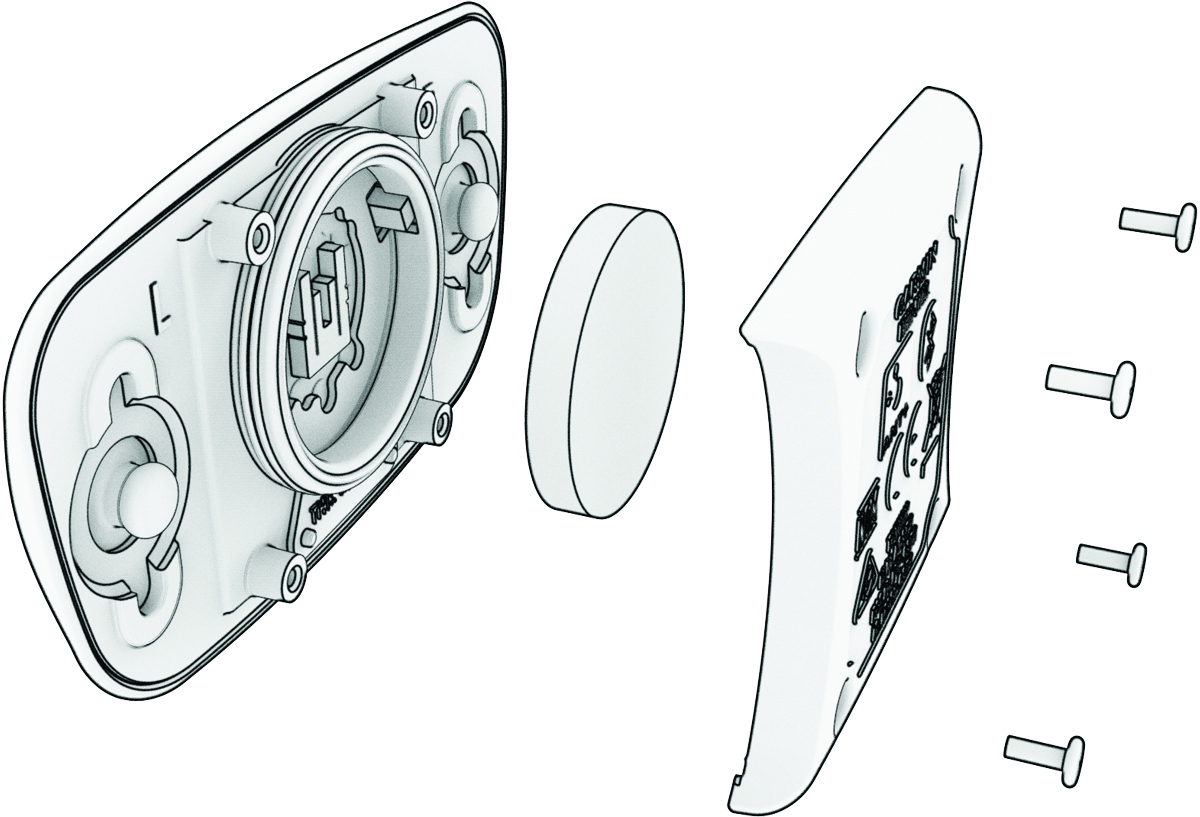
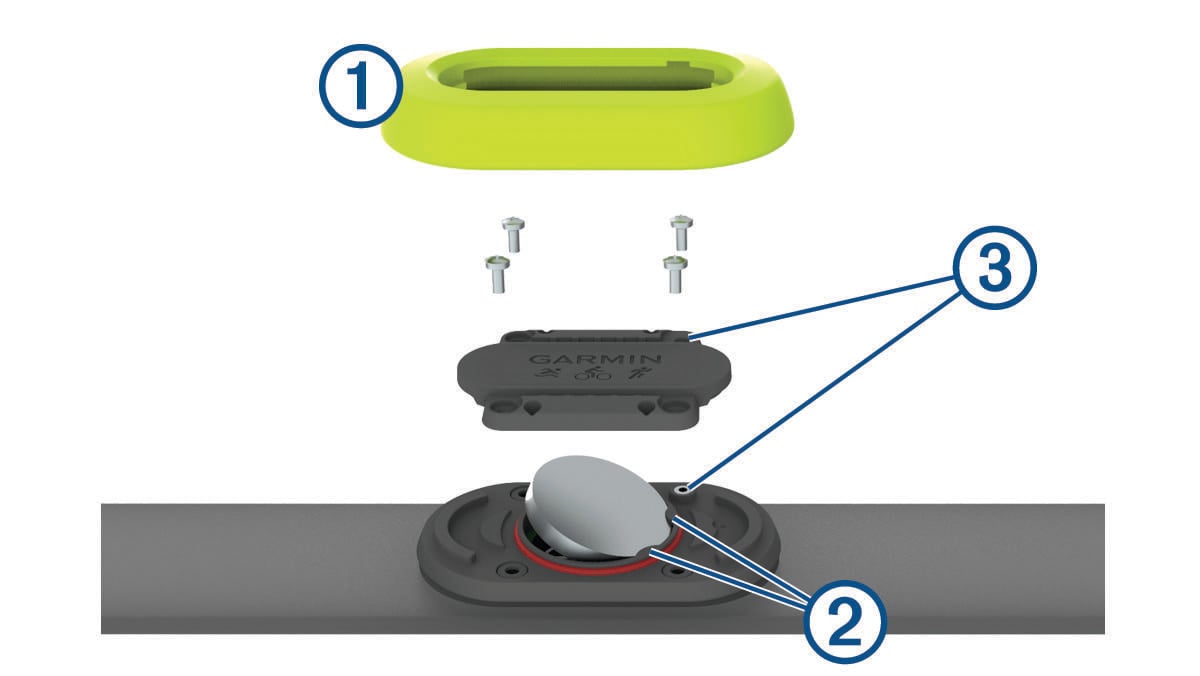
The most effective fix for an unresponsive Garmin HRM module is the reverse polarity reset. This forces a hard electronic reset that clears firmware locks standard battery replacement misses.
Why This Method Works
Standard battery swaps don’t always clear corrupted memory in the sensor’s microcontroller. Reversing the battery polarity for several seconds safely discharges residual power and resets the internal circuit, much like rebooting a frozen phone.
Step-by-Step Reset Procedure
- Remove the existing battery from the HRM module.
- Flip the battery so the positive (+) side faces the negative (-) terminal.
- Hold for 5 to 10 seconds with the battery reversed.
- Remove and insert a fresh battery with correct polarity.
- Snap the module securely back into the chest strap.
- Wet the electrodes and wear the strap.
- Jump 5 to 10 times to elevate your heart rate.
- Re-pair the device on your watch, phone, or bike computer.
Pro Tip: Perform this reset every time you replace the battery. It takes 10 seconds and prevents the majority of phantom connection issues. Some users need to repeat this every few weeks, especially after long storage periods. Recurring failures often point to weak battery contact or firmware instability rather than a broken unit.
Wet the Electrodes Before Every Use

Most reported malfunctions are actually dry sensor syndrome. Garmin HRMs depend on skin conductivity, which drops sharply in cold or arid environments.
When Moisture Matters Most
- Indoor winter workouts
- Air-conditioned gym sessions
- Low-sweat activities like yoga or walking
- Users with naturally dry skin
Without adequate moisture, the sensor cannot detect your heart’s electrical signal, even when the battery and electronics function perfectly.
Best Wetting Methods
- Finger dip: Wet your fingers under a tap and rub them around the electrode pads.
- Chest prep: Dampen your chest where the sensors will sit.
- Saliva: Quick, effective, and always available.
- Targeted spray: Use a small water bottle to wet only the sensor areas.
Avoid: Electrolyte gels. They leave residue, can damage the strap material, and require more aggressive cleaning.
Re-wet the pads if you wear the strap for more than 10 minutes before starting your activity.
Replace the Battery Correctly
A failing battery is a common cause, but only when truly dead or poorly installed.
Choosing the Right Battery
- HRM-Dual uses a CR2032 coin cell.
- Purchase fresh batteries from reputable brands like Duracell or Energizer.
- Avoid old stock from discount bins, as batteries degrade in storage.
Installation Checklist
- Insert with correct polarity (+ facing up).
- Ensure the battery sits flat without wobbling.
- Snap the cover fully closed. A loose seal causes intermittent disconnects.
If the reset fails, try a second fresh battery before moving to advanced troubleshooting.
Clean the Strap Thoroughly
Sweat and salt buildup degrade conductivity and can corrode internal wires over time.
Routine and Deep Cleaning
- After every use: Rinse the strap under cool water to remove salt.
- Every 7 uses: Hand wash or machine wash on a cold, delicate cycle.
- Never use bleach, fabric softener, or hot water.
- Air dry only. No dryers or radiators.
For Stubborn Failures
Soak the strap with the module removed in lukewarm water and mild detergent overnight. Rinse thoroughly and let dry for 24 hours. This deep clean has revived straps users thought were permanently dead.
HRM-Pro Plus Warning: This model has a sealed battery housing. Do not submerge the module. Rinse carefully under a shower, avoiding pressurized water near seams.
Inspect the Strap and Sensor for Damage
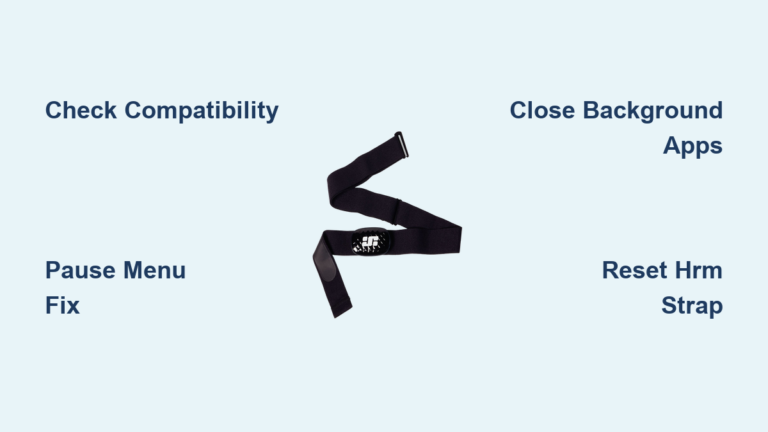
The chest strap contains conductive wires that wear out with repeated use.
Signs of Strap Failure
- Erratic readings such as sudden jumps to 200+ BPM
- Intermittent signal during steady effort
- Visible fraying or delamination
- Separation at the snap connectors
The HRM-Dual features four sensor pads: two small outer pads and two wider inner pads. Cracked or stiff outer pads cause poor contact.
Test the Module on a New Strap
If you suspect strap failure, buy a generic replacement band, snap your existing module into it, and test the connection. Many users report generic straps outlast original Garmin bands at a lower cost.
Diagnose Connectivity Issues
Sometimes the problem lies with the receiver, not the HRM itself.
Is It the Watch or the Monitor?
Test your HRM with:
– A different Garmin watch
– A smartphone using apps like Wahoo Fitness or Zwift
– A bike computer such as a Garmin Edge
If it pairs on one device but not another, the issue is likely ANT+ or Bluetooth interference on the original device.
Fix Pairing Glitches
- Forget the sensor on your watch.
- Turn off all other Bluetooth and ANT+ devices nearby.
- Reboot your watch.
- Re-pair the HRM from scratch.
Some users resolved issues by downgrading watch firmware, suggesting software bugs can block sensor recognition.
Recognize Permanent Failure Signs
Not every problem is fixable. Knowing when to replace saves time and frustration.
Terminal Failure Symptoms
- Static 72 BPM freeze: Device connects, shows 72, then stops. Common in faulty HRM-Dual units.
- No response after reset and new battery.
- Module doesn’t light up or vibrate when wet and worn.
- Replacements fail the same way, indicating batch defects.
Garmin’s 1-year warranty covers early failures, but some users receive defective replacements. If your unit dies within a year, contact support and request a different production batch if possible.
Prevent Future Failures
Smart habits extend your HRM’s functional life significantly.
Daily Best Practices
- Always wet the electrodes before use.
- Rinse the strap after every workout.
- Store in a cool, dry place, not in a gym bag with sweaty clothes.
- Perform a reverse polarity reset every time you change the battery.
Consider Upgrading
- HRM-Pro Plus for running dynamics (non-replaceable battery).
- Tikr X or Polar H10 as reliable alternatives with strong app support.
- Used HRMs, which some users buy secondhand, reset, and save 50%.
Frequently Asked Questions About Garmin Heart Rate Monitors
Why does my Garmin heart rate monitor freeze at 72 BPM?
A static 72 BPM display followed by disconnection is a known firmware glitch in HRM-Dual units. It typically indicates corrupted internal memory. Performing a reverse polarity reset with a fresh battery resolves it in many cases. If the freeze returns repeatedly, the module likely has a permanent fault requiring replacement.
How long should a Garmin HRM battery last?
Under normal use, Garmin HRM batteries last 2 to 3 years. Failures within the first year suggest underlying defects, poor battery quality, or moisture issues rather than normal depletion. Always use fresh, high-quality CR2032 batteries from reputable brands.
Can I use my Garmin heart rate monitor without wetting it?
In high-sweat conditions during summer, some users get readings without manual wetting. However, in dry or cold environments, the sensor cannot detect your heart’s electrical signal without moisture. Making electrode wetting a routine habit prevents most connectivity failures.
Do generic chest straps work with Garmin HRM modules?
Yes. Generic replacement straps are fully compatible with Garmin HRM modules and often outperform original bands in durability. They cost significantly less and use the same snap connector system. Testing your existing module on a generic strap is a reliable way to diagnose strap failure.
Is the HRM-Pro Plus worth buying over the HRM-Dual?
The HRM-Pro Plus offers running dynamics and a more secure battery housing but has a non-replaceable battery, limiting its lifespan. The HRM-Dual allows battery replacement and has a proven track record with the reverse polarity reset fix. Choose based on whether you need running dynamics or long-term serviceability.
Key Takeaways for Fixing Your Garmin Heart Rate Monitor
Start with the two highest-success interventions: wetting the electrodes and performing a reverse polarity reset. Together, these steps resolve the majority of Garmin heart rate monitor not working cases without any cost. If those fail, work through battery replacement, deep cleaning, and strap testing before pursuing warranty claims. With proper care, your HRM can deliver reliable data for years, even if it currently seems completely dead. Try the reset today before spending money on replacements.