Find Fitness Tracker App: Quick Steps
You just unboxed a new fitness tracker or started a new workout routine, and now you need the perfect companion app. With hundreds of options flooding app stores, finding the right app for fitness tracker use can feel overwhelming. Some apps are free, others demand subscriptions, and many collect data without telling you. The wrong choice leads to abandoned workouts and lost progress.
The truth is, no single app fits everyone. Your ideal match depends on whether you lift weights, run outdoors, need video coaching, or want holistic health tracking. Top apps in 2026 fall into two categories: hyper-specialized tools like Setgraph for lifters, or broad ecosystems like Google Fit. Many offer strong free tiers, but AI coaching and data export often require payment. This guide walks you through matching your goals, device, and lifestyle to the perfect app.
Match Your Primary Goal First
Building Strength and Muscle
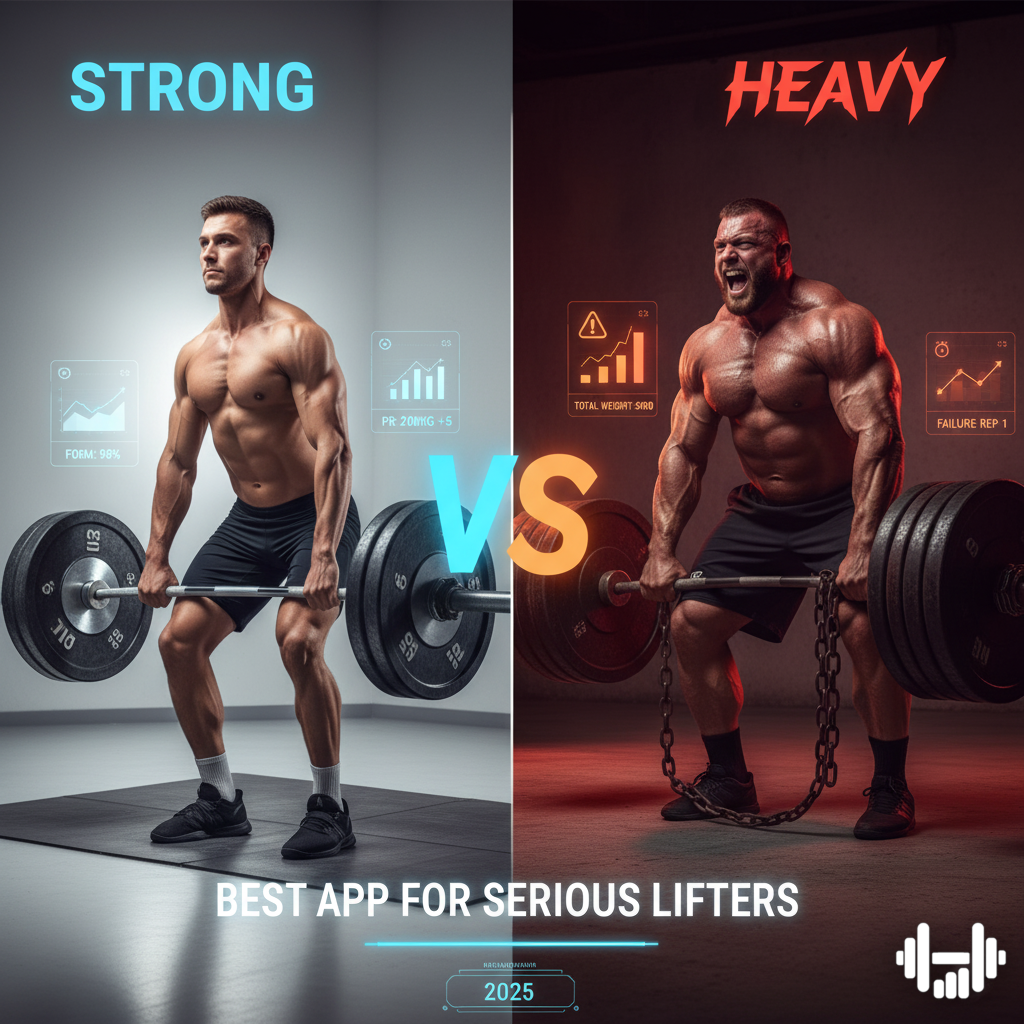
Lifters need fast logging, rest timers, and instant access to past performance. Skip apps that only count steps.
Top Picks:
– Setgraph: Fastest logging with instant history (e.g., “5×8 @ 185 lbs”). Free with AI-generated plans and data export.
– Strong: Clean interface for programs like StrongLifts 5×5. Includes plate calculator. Free version limited to 3 routines.
– Hevy: Social features let you follow friends and compete on PRs. Filter workouts by gym or home. Free with export.
Avoid: Strava or Runna. They lack set-by-set tracking.
Running, Cycling, and Cardio
For outdoor cardio, GPS accuracy, route mapping, and segment competition fuel motivation. Look for live pace, elevation, and safety features.
Top Picks:
– Strava: Gold standard for outdoor cardio. Compete on segments, join clubs, earn kudos. Free version covers basics; Premium unlocks advanced analytics.
– Runna: Ideal for race prep (5K to marathon). Offers structured plans with strength work. Free tracking is basic; full features cost $19.99/month.
– adidas Running: Accurate GPS, audio feedback, and shoe mileage tracking. Great for beginners. Free with offline mode.
Avoid: Pure strength apps like Fitbod. They don’t support real-time outdoor tracking.
Beginner or Guided Workouts
New to fitness? You need form cues, video demos, and pre-built plans. The best beginner fitness apps act like personal trainers.
Top Picks:
– Nike Training Club (NTC): 190+ free guided workouts in yoga, HIIT, and strength. Video and audio coaching. No paywall.
– Gymverse: Video tutorials for every exercise. Smart scheduling mimics a real trainer. Premium-only at $19.99/month.
– Home Workout: Bodyweight routines with voice prompts and timers. Zero equipment needed. Free with offline access.
Avoid: Data-heavy apps like PUSH. They offer no form guidance.
Holistic Health Tracking
Want steps, sleep, heart rate, and nutrition in one place? Choose an aggregator that syncs with your wearable and other apps.
Top Picks:
– Google Fit: Free, integrates with Fitbit, Wear OS, and MyFitnessPal. Uses WHO-backed “Heart Points” system. AI coach via Gemini.
– Health Infinity: Tracks weight, water, meds, sleep, and heart rate using phone sensors. No wearable needed. Free with PRO upgrades.
– MyFitnessPal: Best for calorie tracking. Over 14 million food items. Syncs with Strava, Garmin, and Apple Health.
Avoid: Niche apps like Setgraph. They don’t track sleep or nutrition.
Choose Based on Your Device
Android Users: Prioritize Offline and Privacy
If you run Android, FitNotes is the top choice for lifters. It’s 100% offline, works in basements or gyms with no signal, and exports data to CSV. No ads, no tracking, just logging. It’s Android-only with a dated look, but it’s free and private.
Other Android-Friendly Options:
– Setgraph: Cross-platform, fast logging, AI plans.
– Health Infinity: All-in-one tracker with phone-based heart rate monitoring.
– adidas Running: Reliable GPS, shoe tracking, offline use.
iPhone and Apple Watch Owners
Apple users get deeper integration. Strong, Hevy, and Strava all support Apple Watch. Start workouts, log sets, or check pace from your wrist.
Best Apple Watch-Compatible Apps:
– Strong: Lap splits, rest timers, plate calculator on watch.
– Hevy: Log sets directly from Apple Watch.
– Nike Training Club: Start guided workouts from wrist.
Avoid: Apps with poor wearable sync, like Runna (limited Apple Watch support).
Compare Features That Matter
Free vs Paid: What’s Really Worth It?
Many apps offer powerful free versions. Don’t assume premium means better.
Truly Free Apps:
– Nike Training Club: All workouts free.
– FitNotes: Full strength tracking, export, offline, no paywall (Android only).
– Setgraph: Core logging and AI plans free.
– Google Fit: Free health dashboard and aggregation.
Freemium Traps:
– Strong: Only 3 custom routines in free version.
– MyFitnessPal: Data export locked behind premium.
– Strava: Segment leaderboards and safety beacon require $11.99/month.
When Premium Makes Sense:
– You want AI coaching (Google Health, Fitbod).
– You’re training for a race (Runna).
– You need cloud backup or unlimited routines (Hevy Pro).
Offline Use: Critical for Gyms
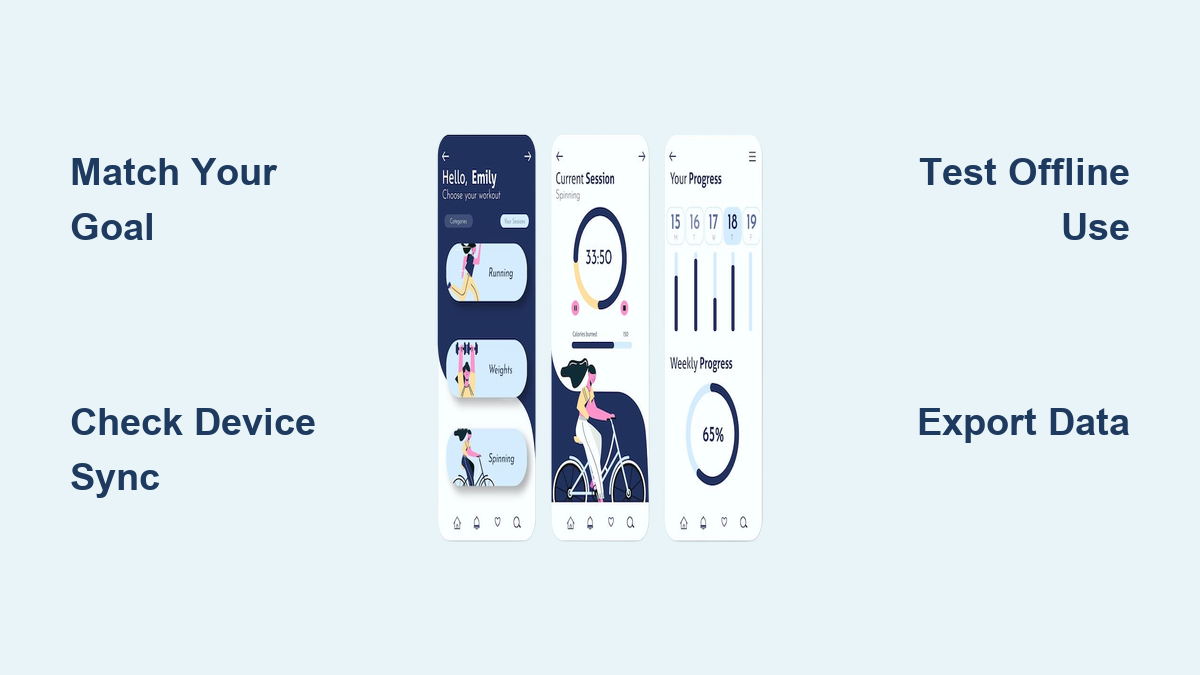
If your gym has poor signal, offline mode is non-negotiable. Test this before committing.
Best Offline Apps:
– FitNotes: Works entirely offline.
– Setgraph: Logs workouts, syncs later.
– Hevy: Full logging without internet.
– adidas Running: GPS tracks offline, uploads post-workout.
Weak Offline Support:
– Runna: Only partial sync.
– Google Fit: Automatic detection may fail.
Data Ownership: Avoid Lock-In
Never lose years of workout history. Choose apps that let you export data.
Export Data for Free:
– FitNotes
– Hevy
– Setgraph
– JEFIT
Export Requires Premium:
– Strong
– MyFitnessPal
– Strava
Pro Tip: Export your data quarterly. If the app shuts down or raises prices, you won’t lose progress.
Avoid Common Selection Mistakes
Don’t Pick Based on Hype
Strava is popular, but if you’re a lifter, it won’t help you track progressive overload. Nike Training Club is excellent, but it’s not for logging deadlifts. Match the app to your primary activity.
Don’t Ignore Wearable Sync
Your fitness tracker is only as good as its app. If you own a Fitbit, Google Fit integrates seamlessly. Apple Watch users should prioritize apps with strong wrist integration (Strong, Hevy). Garmin owners need Strava or Runkeeper for cycling data.
Don’t Overlook Privacy
Many free apps sell anonymized data. If privacy matters, choose:
– FitNotes: Stores data locally.
– Setgraph: No third-party sharing.
– Google Fit: Explicitly states no data sharing (per developer).
Avoid apps with vague privacy policies or excessive permissions.
Answer Common User Questions
What App Works With My Fitness Tracker?
It depends on your device:
– Fitbit: Google Fit, MyFitnessPal, Strava.
– Apple Watch: Strong, Hevy, NTC, Strava.
– Wear OS: Google Fit, adidas Running.
– No wearable: Health Infinity, Nike Training Club.
Check the app’s compatibility list before downloading.
Can I Use More Than One App?
Yes, and often you should. Hybrid athletes use:
– Setgraph for lifting and Strava for running.
– NTC for home workouts and Google Fit for step tracking.
This avoids compromise and gives better data.
How Do I Know if an App Is Accurate?
Test it:
– Start a run: Does GPS map your route correctly?
– Lift weights: Does it show last week’s sets instantly?
– Use offline: Can you log without Wi-Fi?
If logging takes more than 3 taps, the app is too slow.
Is AI Coaching Worth It?
Only if you want adaptive programming:
– Fitbod: Adjusts workouts based on recovery.
– Caliber: AI plans with optional human coach check-ins.
– Google Health: Gemini-powered coach for fitness plans.
For beginners, free guided apps (NTC) are better than paid AI.
Make Your Final Decision
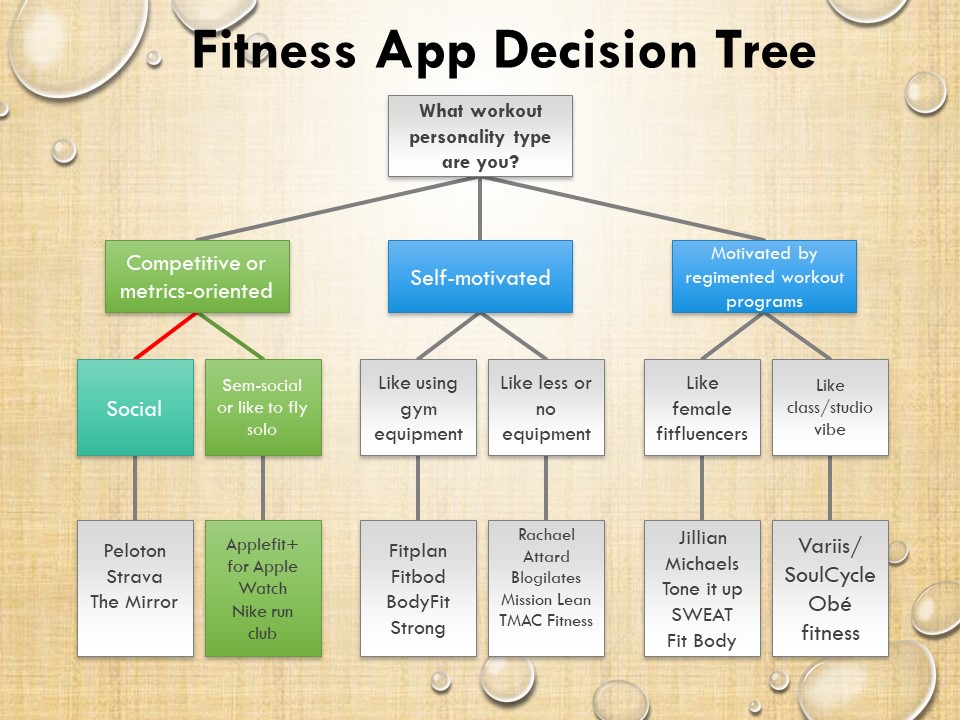
Use the Decision Matrix
| If You Want… | Choose This App |
|---|---|
| Fast strength logging | Setgraph |
| Barbell program tracking | Strong |
| Social motivation | Hevy (gym) / Strava (outdoor) |
| Race training | Runna |
| Beginner videos | Nike Training Club |
| No wearable needed | Health Infinity |
| Total privacy | FitNotes (Android) |
| Nutrition focus | MyFitnessPal |
| AI-generated plans | Caliber or Fitbod |
Final Tips Before You Download
- Try Free Versions First: Most apps offer full access for 7–14 days.
- Check Export Options: Go to Settings > Data Export before committing.
- Test Offline: Log a workout without Wi-Fi to see if it syncs later.
- Read Privacy Policy: Look for “no third-party data sharing.”
- Start Simple: Use one app for one goal. Add more only if needed.
Frequently Asked Questions About Fitness Tracker Apps
What is the best free app for a fitness tracker?
Nike Training Club, FitNotes, Setgraph, and Google Fit all offer robust free versions. NTC gives you 190+ guided workouts at no cost. FitNotes provides full strength tracking with offline use. Setgraph delivers fast logging and AI plans for free. Google Fit aggregates health data from multiple sources without charging.
Do fitness tracker apps work without internet?
Yes, several apps function fully offline. FitNotes works entirely without internet. Setgraph, Hevy, and adidas Running also log workouts offline and sync later when connectivity returns. This matters for basement gyms or areas with poor signal.
Can I export my workout data from fitness apps?
Many apps allow data export, but some restrict it to premium tiers. FitNotes, Hevy, Setgraph, and JEFIT offer free CSV export. Strong, MyFitnessPal, and Strava lock export behind paid subscriptions. Always check export options before committing long-term.
Which app is best for beginners?
Nike Training Club is the top choice for beginners. It offers 190+ free video-guided workouts across yoga, HIIT, and strength. Audio coaching walks you through each session. For runners, Runkeeper provides guided onboarding and audio plans. Both remove the guesswork from starting a fitness routine.
How do I switch between fitness apps without losing data?
Export your data as CSV before switching. Most apps offer this in Settings > Data Export. Save backups quarterly. Then import your history into the new app if it supports CSV import. This prevents years of progress from disappearing during a platform switch.
Key Takeaways for Choosing Your Fitness Tracker App
The best app isn’t the most popular. It’s the one you’ll actually use consistently. Start by identifying your primary goal: strength, cardio, guided workouts, or holistic health. Match that goal to a specialized app rather than forcing a generalist tool to do everything.
Test free versions before paying. Verify offline functionality if you train in signal-poor areas. Confirm data export options to protect your long-term progress. Whether you’re lifting in a basement gym, training for a marathon, or just walking more each day, the right fitness tracker app is waiting. By aligning your goal, device, and values around privacy and cost, you’ll find your perfect match and stay consistent for the long haul.