Polar Heart Rate Monitor Troubleshooting Guide
Your Polar heart rate monitor shows erratic numbers mid-workout, or it refuses to pair with your phone right before a race. These frustrating moments strike every athlete eventually. The good news is that most Polar heart rate monitor troubleshooting cases come down to a handful of fixable causes. This guide walks you through every proven solution, from quick strap cleaning to full factory resets, so you can get accurate readings on your next session.
Clean the Strap and Connector

A dirty strap is the number one reason your sensor delivers garbage data. Sweat residue, dead skin, and fabric softener all build up on the electrodes and block the electrical signal your heart produces.
Wipe Down the Electrode Areas
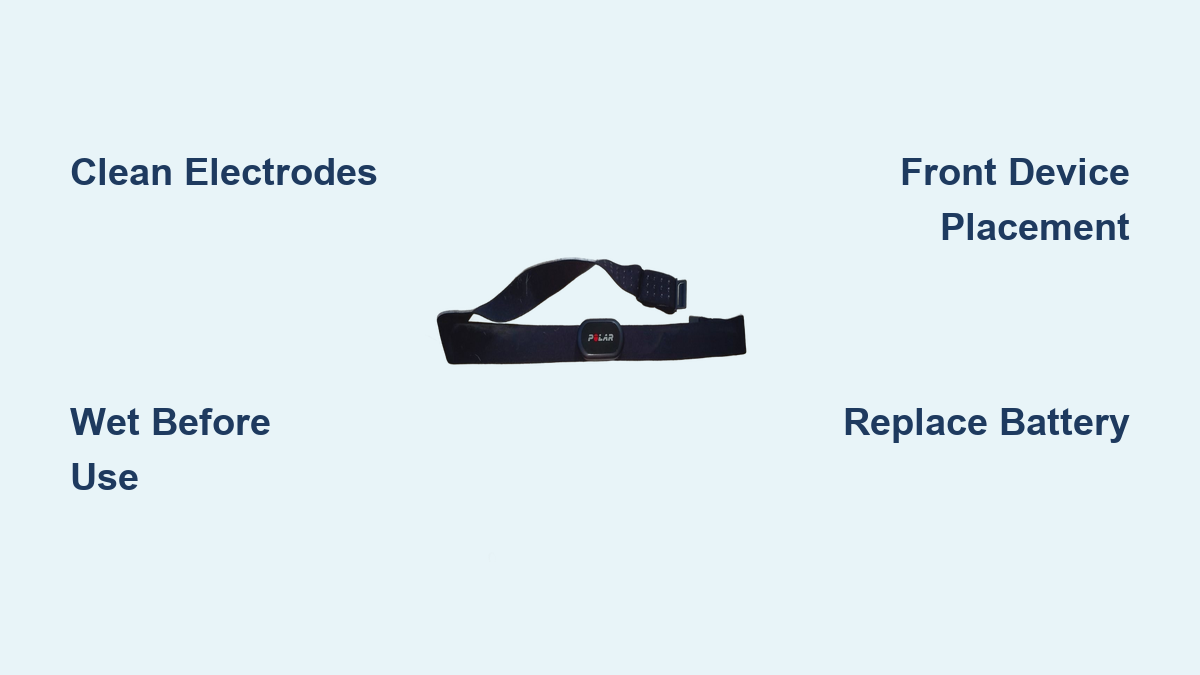
Use a damp cloth with mild soap to clean the inner side of the strap and the metal electrode patches. Rinse thoroughly with water and let everything air dry completely before your next workout. Never use alcohol or harsh cleaners, as they degrade the strap material.
Inspect the Sensor Snaps
The two metal snaps that connect your sensor to the strap can corrode over time. If they look dull, dark, or greenish, rub them gently with a dry cloth. Corroded snaps mimic battery failure symptoms and cause intermittent signal loss.
Wear the Sensor Correctly

Even a perfectly clean sensor fails when worn wrong. Proper placement ensures consistent skin contact and stable Bluetooth transmission.
Position the Strap Just Below Chest Muscles
Place the strap snugly around your torso, roughly one inch below your pectoral muscles. The sensor unit should sit centered on your sternum and remain upright during movement. A twisted or flipped sensor produces noisy readings or no signal at all.
Moisten the Electrodes Before Use
Dry skin is a poor conductor. Wet the electrode areas with plain water before every session. For longer workouts or hot conditions, electrode gel provides even better contact. Always wear the strap directly against bare skin, never over a shirt.
Confirm Device Compatibility
Your Polar heart rate monitor troubleshooting may start with a simple compatibility check. The H9 and H10 require modern wireless standards that older devices lack.
Check Bluetooth and ANT+ Support
The H9 and H10 need Bluetooth 4.0 or later, or ANT+ compatibility. Older smartphones, tablets, and gym machines often fail to detect the sensor. Review your device specifications or consult Polar’s official compatibility list before assuming a defect.
Match App Requirements
Apps like Strava, Garmin Connect, and Zwift support Polar sensors, but some require manual pairing within settings. Verify your chosen app accepts external heart rate monitors and has Bluetooth permissions enabled on your phone.
Pair the Sensor With Your Device Properly
Failed pairing is one of the most common Polar heart rate monitor troubleshooting scenarios. A few small oversights usually explain the issue.
Enable Bluetooth on Your Device
Confirm Bluetooth is on and working. Toggle it off and back on to clear temporary glitches. Wireless interference from routers, microwaves, or other Bluetooth devices can block the pairing handshake.
Avoid Bluetooth Crowds
During pairing, move at least 10 meters (33 feet) away from other Bluetooth heart rate monitor users. Crowded gyms and group fitness classes create signal congestion that prevents successful connections.
Verify Pairing in Device Settings
Open your phone or watch Bluetooth menu. A successfully paired Polar H9 or H10 appears as “Polar H9” or “Polar H10” followed by its unique ID number. This ID matches the number printed on the side of your sensor unit.
Ensure Proper Transmission Range
Signal blockage causes mysterious dropouts even when pairing succeeds. Bluetooth operates on 2.4 GHz, a frequency that cannot pass through your body.
Keep the Device in Front of Your Body
If your phone sits in a back pocket, the signal from your chest sensor must travel through your entire torso. Place it in a front pocket, armband, or bike handlebar mount instead. This single change resolves many “intermittent connection” complaints.
Avoid Metal Obstructions
Metal backpack frames, gym equipment, and even aluminum water bottles can reflect or absorb Bluetooth signals. Experiment with device placement during workouts to find a clear signal path.
Re-pair the Heart Rate Monitor
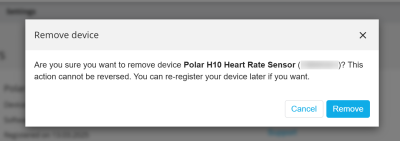
A fresh pairing clears corrupted connection data and resolves stubborn issues that simple toggling cannot fix.
Remove and Reconnect in Bluetooth Settings
Go to your device’s Bluetooth menu, locate your Polar H9 or H10, and select “Forget This Device.” Then remove and reinsert the sensor battery to power cycle it, and pair again from scratch.
Restart Bluetooth Before Re-pairing
On smartphones, toggle Bluetooth off, wait five seconds, then toggle it back on. This refreshes the connection pool and clears cached pairing data that may conflict with new attempts.
Wear the Sensor During Pairing
The sensor must be on your chest with moistened electrodes during pairing. A dry or unstrapped sensor may not transmit its pairing signal, causing the process to fail silently.
Restart the App and Sensor
Software glitches cause more Polar heart rate monitor troubleshooting headaches than hardware defects. A quick reset often restores normal function.
Close and Relaunch the App
Exit your fitness app completely rather than just minimizing it. On iOS, swipe up from the app switcher. On Android, close from the recent apps menu. Relaunch and attempt reconnection.
Reset the Sensor Unit
Remove the sensor from the strap, wait 30 seconds, then snap it back into place. This discharges residual power and resets the internal circuitry. Always wear the strap during this process to ensure proper reconnection.
Restart the Receiving Device
When the sensor and app both check out, the problem often lies with your phone or watch.
Reboot Your Smartphone or Watch
A full device restart clears memory leaks and resets the Bluetooth stack. After rebooting, open your fitness app and attempt pairing again. This step resolves roughly half of all persistent connection issues.
Test With Another Device
Pair your sensor with a friend’s phone, a tablet, or a gym console. If it works on a second device, your original device has a software or settings problem rather than a sensor defect.
Reset H9/H10 to Factory Settings
A factory reset clears corrupted firmware states and stubborn pairing data. Use this step when other Polar heart rate monitor troubleshooting methods have failed.
Use the Polar Flow App to Reset
- Wear the sensor on your chest with moistened electrodes.
- Open Polar Flow and tap Devices on the main menu.
- Swipe through your device list to locate your H9 or H10.
- Tap Connect, then select Factory reset.
This erases all personal data and restores default settings.
Reset by Removing the Battery
- Take the sensor out of the strap.
- Remove the coin cell battery.
- Press the metal snaps together with your fingers for at least 10 seconds to discharge residual power.
- Wait 30 seconds, then reinsert the battery with the positive (+) side facing up.
After resetting, re-pair the sensor with all your devices. Note: Firmware versions earlier than H10 v3.3.1 or H9 v1.2.1 require re-pairing after every reset.
Update Sensor Firmware
Outdated firmware creates instability and compatibility issues with newer phones and apps.
Check Firmware in Polar Beat or Flow
Open Polar Beat or Flow, pair your sensor, and navigate to device settings. If an update appears, follow the on-screen prompts to install it. Firmware updates often resolve known bugs and improve battery life.
Keep Your Apps Updated
Ensure Polar Beat, Flow, and any third-party fitness apps run the latest versions. Older app releases may not recognize current sensor firmware, causing silent pairing failures.
Replace the Battery
A weak battery produces erratic readings and sudden disconnects, even when the sensor appears functional.
Use a Fresh CR2025 Battery
The H9 and H10 use a standard CR2025 coin cell battery. Replace it every 1 to 2 years, or immediately if you notice connection drops. Low voltage disrupts Bluetooth transmission before the sensor fully dies.
Insert the Battery Correctly
The positive (+) side must face up. A reversed battery prevents the sensor from powering on and may damage internal components over time.
Test With Another Device or App
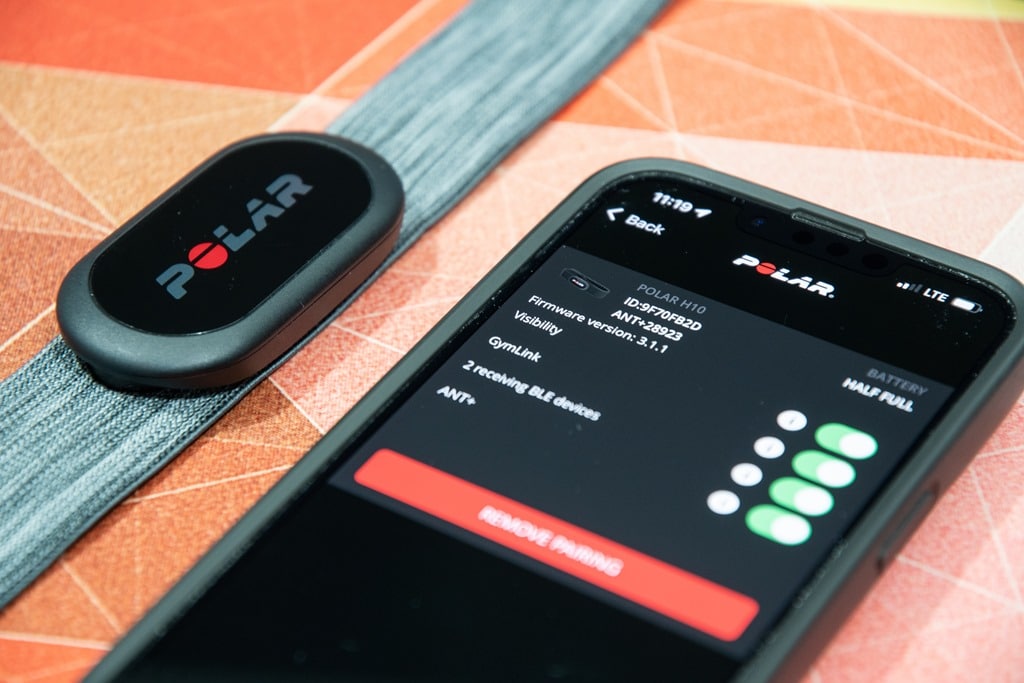
Cross-testing isolates whether the problem lives in your sensor, your device, or your app.
Try a Different App
Pair your sensor with Polar Beat first, then test it in Strava, Garmin Connect, or Zwift. If it works in one app but not another, the issue is app-specific rather than hardware-related.
Use a Different Device
Borrow a friend’s phone or use a gym console to test the sensor. If it fails across multiple devices, the sensor itself likely needs replacement or warranty service.
Diagnose Abnormal Heart Rate Readings
Erratic numbers during exercise don’t always indicate a defective sensor. Environmental factors and clothing choices play a significant role.
Static Electricity From Sportswear
Dry air and wind cause synthetic shirts to rub against the sensor and generate static electricity. This mimics rapid heart rate spikes and produces wildly inaccurate readings. To prevent this:
- Wear a moisture-wicking base layer under your gear
- Dampen the strap electrodes before every session
- Avoid loose, fluttering clothing during high-speed activities
Poor Skin Contact Causes Signal Noise
A loose or dry strap allows the sensor to pick up movement artifacts instead of your heartbeat. Tighten the strap so it stays snug during exercise, and always wet the electrodes first. Ensure chest hair or fabric layers don’t block direct skin contact.
Understand Arrhythmia Limitations
Polar sensors are training tools, not medical devices. Users with heart conditions should set realistic expectations.
Irregular Heartbeats May Skew Readings
Polar products cannot detect arrhythmia or irregular rhythms. The sensor interprets abnormal beats as noise or interference, which may produce incorrect readings. For most people with cardiac arrhythmia, training computers still work well, but frequent inaccuracies warrant a conversation with your doctor.
When to Contact Support
If every Polar heart rate monitor troubleshooting step fails, professional help is the next move.
Gather Information First
Before reaching out to Polar support, compile the following details:
- Sensor model and ID number
- Current firmware version
- Device model and app used
- Complete list of troubleshooting steps already attempted
This preparation speeds up diagnosis dramatically.
Visit Polar Customer Care
Go to polar.com/support and select your region. Polar offers email, chat, and phone support for registered users. Sensors under warranty may qualify for free replacement.
Frequently Asked Questions About Polar Heart Rate Monitor Troubleshooting
Why does my Polar H10 keep disconnecting during workouts?
Connection drops usually stem from poor sensor placement, a weak battery, or device positioning behind your body. Keep your phone in a front pocket, replace the CR2025 battery, and ensure the strap stays moist throughout your session.
How do I know if my Polar H9 is paired correctly?
A successfully paired H9 appears in your device’s Bluetooth settings as “Polar H9” followed by its unique ID number. This ID matches the number printed on the side of the sensor unit.
Can I use my Polar heart rate monitor with older devices?
The H9 and H10 require Bluetooth 4.0 or later, or ANT+ compatibility. Devices running older Bluetooth versions cannot detect or pair with these sensors, regardless of app support.
How often should I replace the battery in my Polar H9 or H10?
Replace the CR2025 battery every 1 to 2 years, or sooner if you notice connection drops or erratic readings. Low voltage disrupts Bluetooth signals before the sensor fully powers down.
Why does my heart rate reading spike randomly during exercise?
Static electricity from synthetic clothing rubbing against the sensor is the most common cause of random spikes. Wear a moisture-wicking base layer, dampen the electrodes, and avoid loose shirts during high-speed activities.
Do Polar heart rate monitors work for people with arrhythmia?
Polar sensors interpret irregular heartbeats as noise and may produce inaccurate readings for users with arrhythmia. They are not medical devices and cannot diagnose heart conditions, so consult a physician if you notice persistent inaccuracies.
Key Takeaways for Reliable Polar Heart Rate Monitor Performance
Most Polar heart rate monitor troubleshooting cases resolve with three simple actions: clean the strap and electrodes, wet them before every workout, and keep your phone in a front pocket. When issues persist, a battery replacement or factory reset clears nearly all remaining problems. For long-term reliability, update firmware regularly, store the sensor with the battery removed during extended breaks, and replace the strap every six months. With consistent care, your Polar H9 or H10 will deliver accurate data across hundreds of training sessions.