How to Charge Polar Heart Rate Monitor
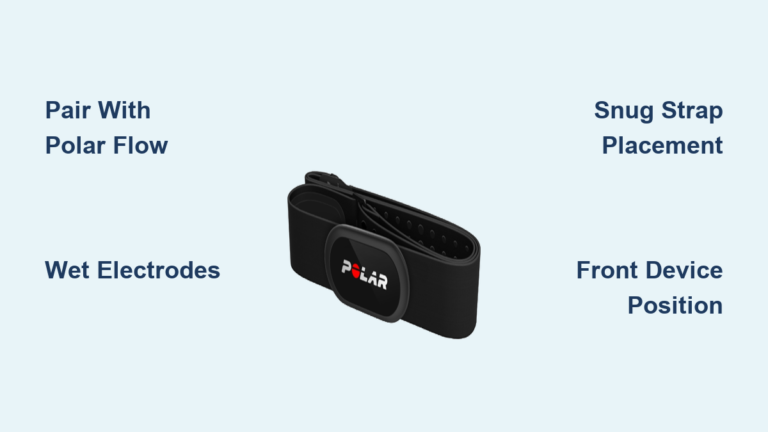
You plug in your Polar sensor after a workout, expecting the LED to blink, but nothing happens. No lights. No response. Just silence. You’re not alone. Many users encounter charging issues with their Polar Verity Sense simply because they skip a few critical steps in the process. Unlike older chest strap models that rely on coin-cell batteries, the Verity Sense uses an internal rechargeable cell that requires specific handling to charge safely and effectively.
This guide walks you through exactly how to charge your Polar heart rate monitor the right way. You’ll learn the correct connection sequence, which power sources work (and which to avoid), how to interpret delayed charging signs, and best practices to extend battery life. Whether you’re charging from a laptop or a wall outlet, these steps ensure your sensor stays ready for every training session.
Use the Correct Charging Adapter
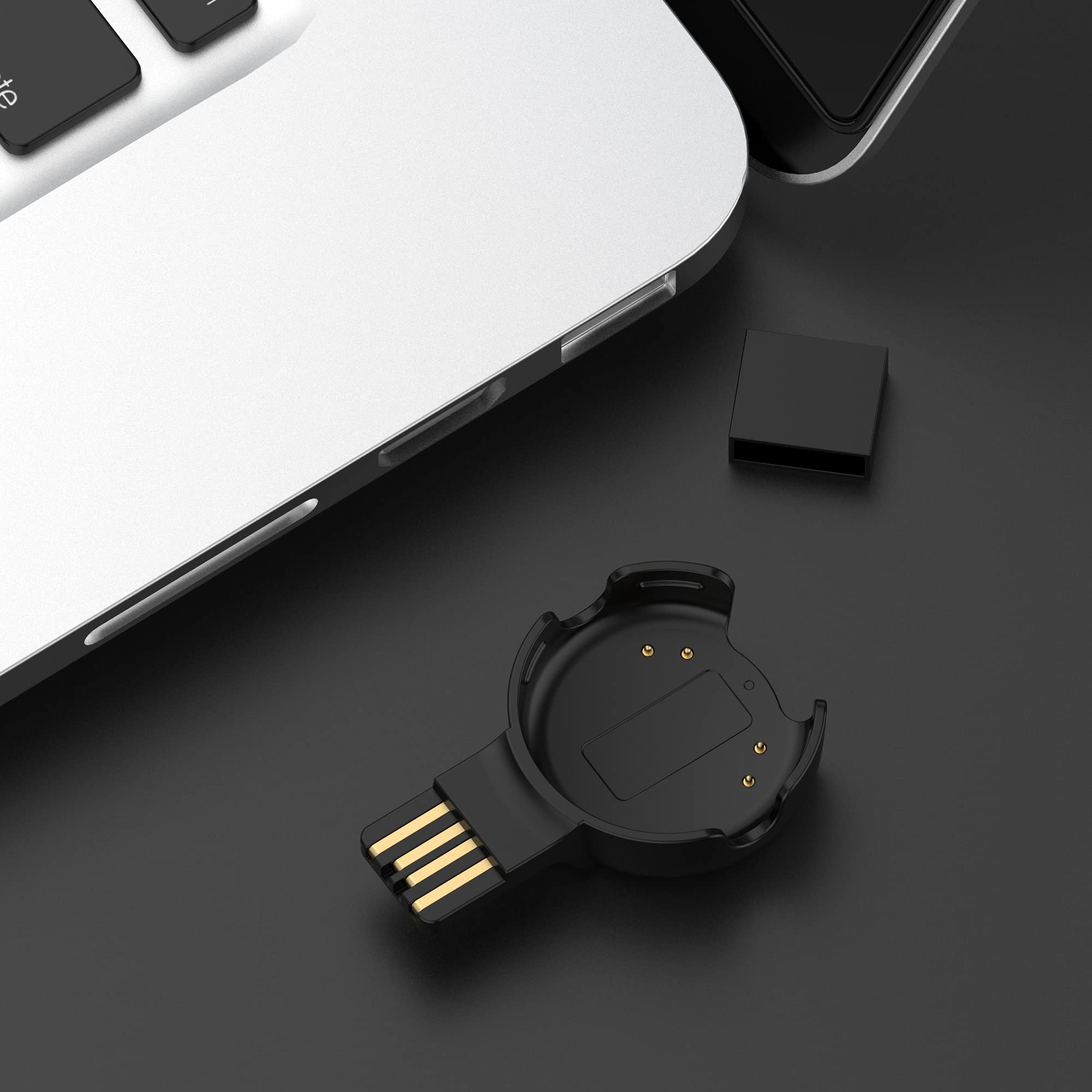
The Verity Sense does not charge via standard micro-USB or USB-C cables. It requires Polar’s proprietary USB charging adapter to deliver power and sync data.
Verify Adapter Compatibility
The included USB adapter is designed exclusively for Polar optical sensors like the Verity Sense. It connects magnetically or through contact points and supports both charging and data transfer when linked to a computer. Replacement adapters cost around $14.99, but only genuine or certified-compatible units should be used. Off-brand alternatives can damage the sensor’s internal circuitry.
There is no alternative charging port or wireless charging capability built into the device. Attempting to charge through any other method will fail or cause harm.
Attach the Sensor Before Powering Up
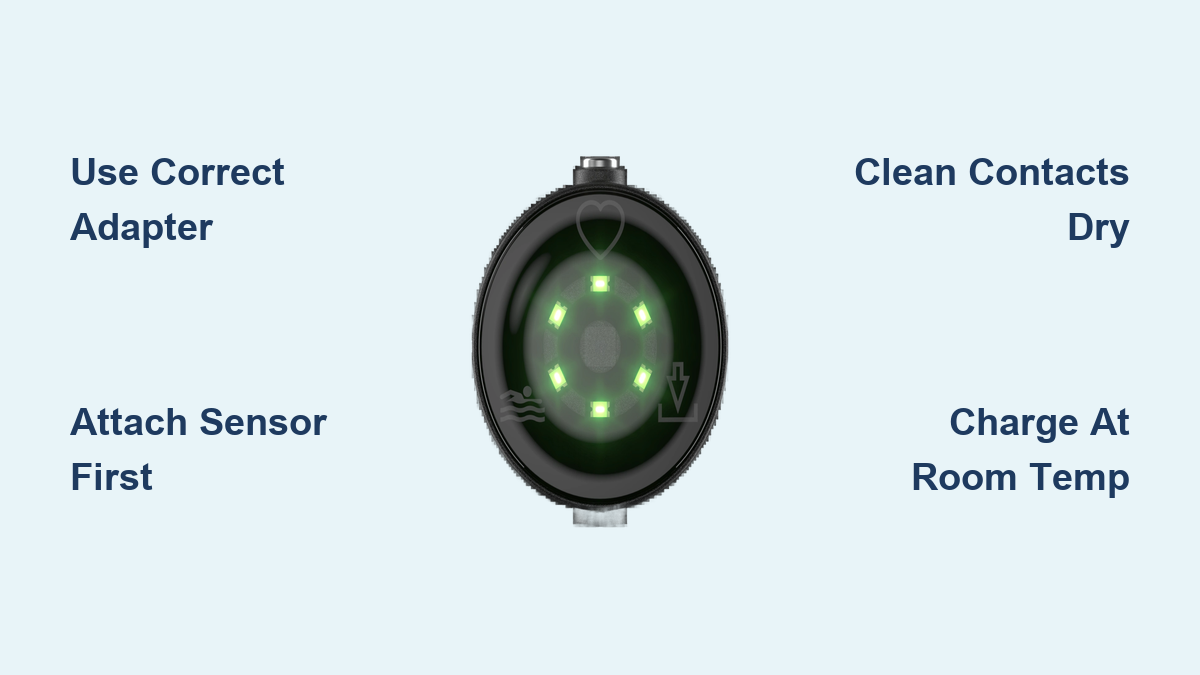
Always connect the Verity Sense to the USB adapter before plugging the adapter into any power source. Connecting the adapter to power first can cause overheating or electrical stress to both the sensor and the charging circuitry.
When placing the sensor in the adapter, ensure the lens side faces up. This orientation aligns the metal contacts on the sensor with the pogo pins inside the adapter, enabling a stable connection.
Check Contact Cleanliness and Dryness
Dirt, sweat, and moisture are the most common reasons a Polar heart rate monitor fails to charge. Even a thin layer of residue can block the electrical connection.
Clean Contacts Properly
Inspect both the sensor and the adapter before every charge. Use a dry, soft cloth to gently wipe the metallic contact points. Never use liquids, alcohol, or abrasive materials, as these can corrode the contacts or damage internal seals.
Moisture from workouts can linger even after the surface appears dry. Always confirm the sensor is completely dry before connecting it to power.
Never Charge a Wet Sensor
Under no circumstances should you plug in a damp or wet Verity Sense. Doing so risks short-circuiting the internal electronics and permanently damaging the battery. Wait until the sensor is fully air-dried, especially after swimming, running in rain, or intense sweating sessions.
Charge Within Safe Temperature Range

Battery health and charging efficiency depend heavily on ambient temperature. Charging outside the recommended range can degrade the lithium-ion cell or trigger safety cutoffs.
Avoid Extreme Cold or Heat
Do not charge your Polar heart rate monitor in environments below 0°C (+32°F) or above +40°C (+104°F). Charging outside this range can damage the battery over time or cause the device to halt charging entirely.
Avoid leaving the sensor in direct sunlight, hot cars, or freezing garages while charging. These conditions push the internal temperature beyond safe limits.
Optimize Indoor Charging Conditions
For best results, charge your device indoors at room temperature. If the sensor has been exposed to extreme conditions, such as a winter run or a summer gym bag, let it return to normal temperature before connecting to power.
Connect to a Valid Power Source

You can charge the Verity Sense using either a computer USB port or a wall outlet, provided the power supply meets technical requirements.
Use Computer USB for Sync and Charge
Plugging the adapter into a computer serves two purposes:
- Charges the battery
- Syncs workout data to the Polar Flow app or web service
This dual function makes computer charging ideal after training sessions. Ensure your computer is powered on and not in sleep mode for consistent power delivery.
Choose a Compliant Wall Charger
When using a wall outlet, the external USB power adapter must meet strict specifications:
- Output: 5Vdc
- Minimum current: 500mA
- Safety marks: Look for “LPS”, “UL listed”, or “CE” on the adapter
Most modern phone chargers meet these criteria, but always verify the label. Avoid unknown or off-brand chargers without proper certification.
Fast Chargers Are Allowed With Conditions
Fast-charging wall adapters (such as 2A or 3A models) are acceptable only if they output 5Vdc and support standard USB power negotiation. The Verity Sense will draw only the current it needs (up to 500mA), so higher-output chargers won’t harm it, as long as the voltage remains at 5V.
Avoid car chargers or power banks with unstable output unless they are certified safe.
Recognize Charging Status and Delays
Unlike smartphones, the Verity Sense doesn’t have a persistent screen to show battery level. However, it does provide feedback during charging.
Look for Delayed Activation
If the battery is completely drained, the sensor may not respond immediately when plugged in. This is normal. Leave it connected for 5 to 10 minutes before expecting any sign of life. The device needs time to stabilize voltage before initiating the charge cycle.
Confirm Charging Is Active
Once powered, the sensor’s LED will typically blink or light up briefly. Successful charging is confirmed when the device turns on after a delay or syncs data when connected to a computer.
Prevent Battery Damage and Extend Lifespan
Proper charging habits go beyond just powering up. They protect the internal battery over months and years of use.
Avoid Full Discharge Storage
Never store the Verity Sense for long periods with a dead battery. A fully discharged state can lead to deep discharge failure, where the battery loses its ability to hold a charge. If storing for weeks, charge it to around 50% first.
Don’t Leave It Plugged In Indefinitely
Once fully charged, disconnect the sensor. Keeping it connected to power continuously stresses the battery chemistry and reduces overall cycle life. Unplug it as soon as charging completes, especially when using a wall adapter unattended.
Troubleshoot Common Charging Failures
Even with the right tools, issues can occur. Use this quick diagnostic checklist to identify and fix problems.
No Lights After Connecting
Cause: Deeply discharged battery
Fix: Leave the sensor connected for 10 or more minutes. Charging may start slowly.
Charging Doesn’t Start
Cause: Incorrect orientation
Fix: Reposition the sensor with the lens facing up in the adapter. Misalignment prevents contact.
Adapter Gets Warm Without Charging
Cause: Adapter plugged in without sensor attached
Fix: Always attach the sensor first. Never leave the empty adapter plugged into power.
Intermittent Connection
Cause: Dirty or corroded contacts
Fix: Clean both sensor and adapter with a dry cloth. Check for pocket lint or oxidation.
Power Source Not Working
Cause: Non-compliant USB adapter
Fix: Confirm the wall charger outputs 5Vdc and at least 500mA and has UL, CE, or LPS certification.
Follow Safety and Disposal Guidelines
Safety doesn’t end at charging. It extends to how you handle the device and dispose of it responsibly.
Never Leave the Adapter Plugged In Alone
Leaving the USB charging adapter connected to power without the sensor poses a fire risk and wastes energy. Always unplug it after use.
Dispose of Properly at End of Life
The Verity Sense contains electronic components and a non-removable lithium battery. Do not throw it in regular trash.
Instead:
- Follow local e-waste recycling laws
- Use designated electronic waste collection points
- Return to retailers or manufacturers offering take-back programs
This protects the environment and complies with safety regulations.
Frequently Asked Questions About Charging Polar Heart Rate Monitors
Why is my Polar Verity Sense not charging when I plug it in?
The most common causes are dirty contacts, incorrect orientation, or a deeply discharged battery. Ensure the lens faces up, wipe the contacts with a dry cloth, and leave the sensor connected for 10 or more minutes if the battery was fully drained.
Can I use any USB wall charger to charge my Polar heart rate monitor?
Only chargers that output 5Vdc with a minimum current of 500mA and carry LPS, UL, or CE safety markings are recommended. Most modern phone chargers meet these standards, but always verify the label before use.
How long does it take to fully charge a Polar Verity Sense?
The resource document does not specify exact charging times. However, if the battery is completely empty, the device may take several minutes before showing any signs of charging activity.
Is it safe to charge my Polar sensor overnight?
It is not recommended. Keeping the device connected to power continuously after reaching full charge can stress the battery and reduce its overall lifespan. Disconnect the sensor once charging is complete.
Can I charge my Polar Verity Sense from a power bank?
Yes, provided the power bank delivers a stable 5Vdc output with at least 500mA current. Avoid low-quality or uncertified power banks, as unstable output can damage the battery.
What should I do if my charging adapter gets lost or breaks?
Replacement USB adapters for the Verity Sense are available for around $14.99. Only purchase genuine or certified-compatible adapters to avoid damaging the sensor.
Key Takeaways for Charging Your Polar Heart Rate Monitor

Charging your Polar Verity Sense correctly comes down to three essentials: using the proprietary adapter, following the proper connection sequence, and choosing a compliant power source. Always attach the sensor to the adapter before plugging into power, keep the contacts clean and dry, and charge within the safe temperature range of 0°C to 40°C.
Avoid leaving the device plugged in indefinitely and never store it with a fully drained battery. These simple habits protect the internal lithium-ion cell and extend the sensor’s usable life. With consistent care, your Polar heart rate monitor will deliver accurate readings and reliable performance for every workout ahead.