Fix Suunto Heart Rate Monitor Not Working
Your Suunto heart rate monitor not working mid-workout is frustrating, especially when you rely on accurate data for training zones. Whether you own a Smart Sensor, Ambit3 Peak, Suunto Race, or Vertical, sudden failures can derail your fitness tracking. The good news is most issues trace back to a handful of common culprits you can fix at home.
This guide walks you through every proven fix, from battery swaps to firmware rollbacks. You’ll learn how to pinpoint whether the problem is your chest strap, optical sensor, or software, then apply the right solution in minutes.
Check Battery and Polarity First
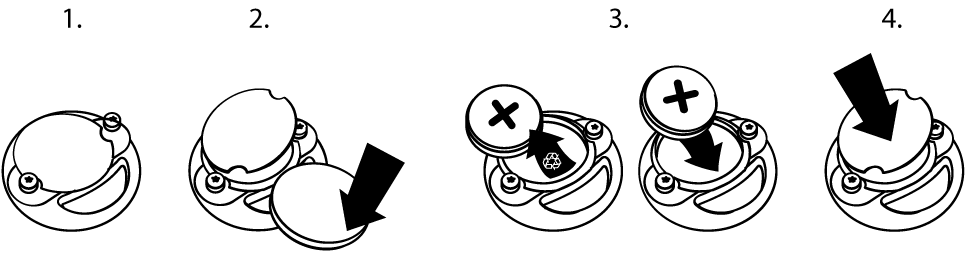
A dead or wrong battery causes more Suunto heart rate monitor problems than any other issue. Start here before assuming hardware failure.
Use Only CR2025 Batteries
The Suunto Smart Sensor requires a CR2025 coin cell battery. The thicker CR2032 may seem like a close substitute, but it can damage the contacts or prevent the case from closing properly. This leads to intermittent signals or complete failure. Always confirm the battery type before installing.
Test for Weak or Faulty Batteries
Even brand-new batteries can be defective or underpowered. Common symptoms of a weak battery include pairing failures, random signal drops, and heart rate spikes above 200 bpm. Insert a fresh CR2025 from a sealed package. For extra certainty, test with batteries from a different brand or batch.
Perform a Polarity Reset
If a new battery doesn’t solve the problem, try a polarity inversion reset. This forces the sensor’s internal memory to clear and reboot.
Steps:
- Remove the battery from the sensor module.
- Reinsert it upside down (negative side facing up) for 10 seconds.
- Remove the battery again.
- Reinsert it with correct polarity (positive side up).
After this reset, re-pair the sensor with your watch or phone as if it were new.
Diagnose Erratic Chest Strap Readings
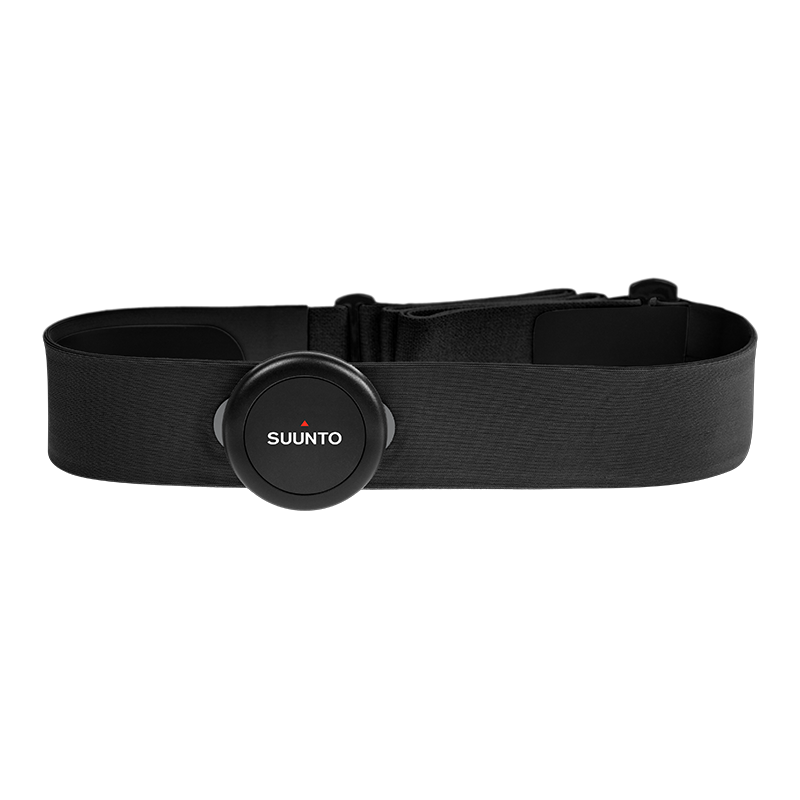
When your Suunto shows impossible numbers or under-reports effort, the issue usually lies with the strap or sensor module, not your body.
Identify False High Readings Over 200 bpm
If your known maximum heart rate is around 178 bpm but your watch displays 200+ bpm during a run, that’s a sensor malfunction, not a fitness breakthrough. Common causes include a weak battery, poor skin contact, or a failing module. Wet the strap, tighten it snugly just below your chest muscles, and test again. If spikes continue, replace the battery and run the polarity reset.
Detect Under-Reporting During Effort
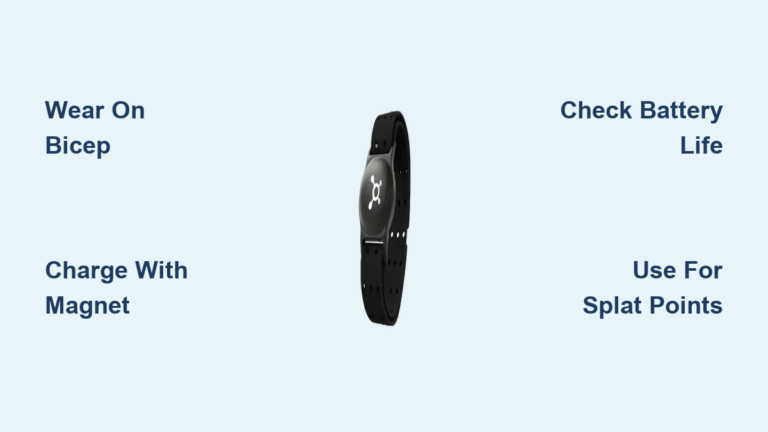
Running at a 5:38/km pace but seeing only 130 bpm when you should be in the 150s? This points to degraded conductive fabric on the belt, dry skin contact, or failing electrodes. Replacing the textile belt (around $30) often solves this and costs far less than a full sensor unit.
Test the Sensor Module Independently
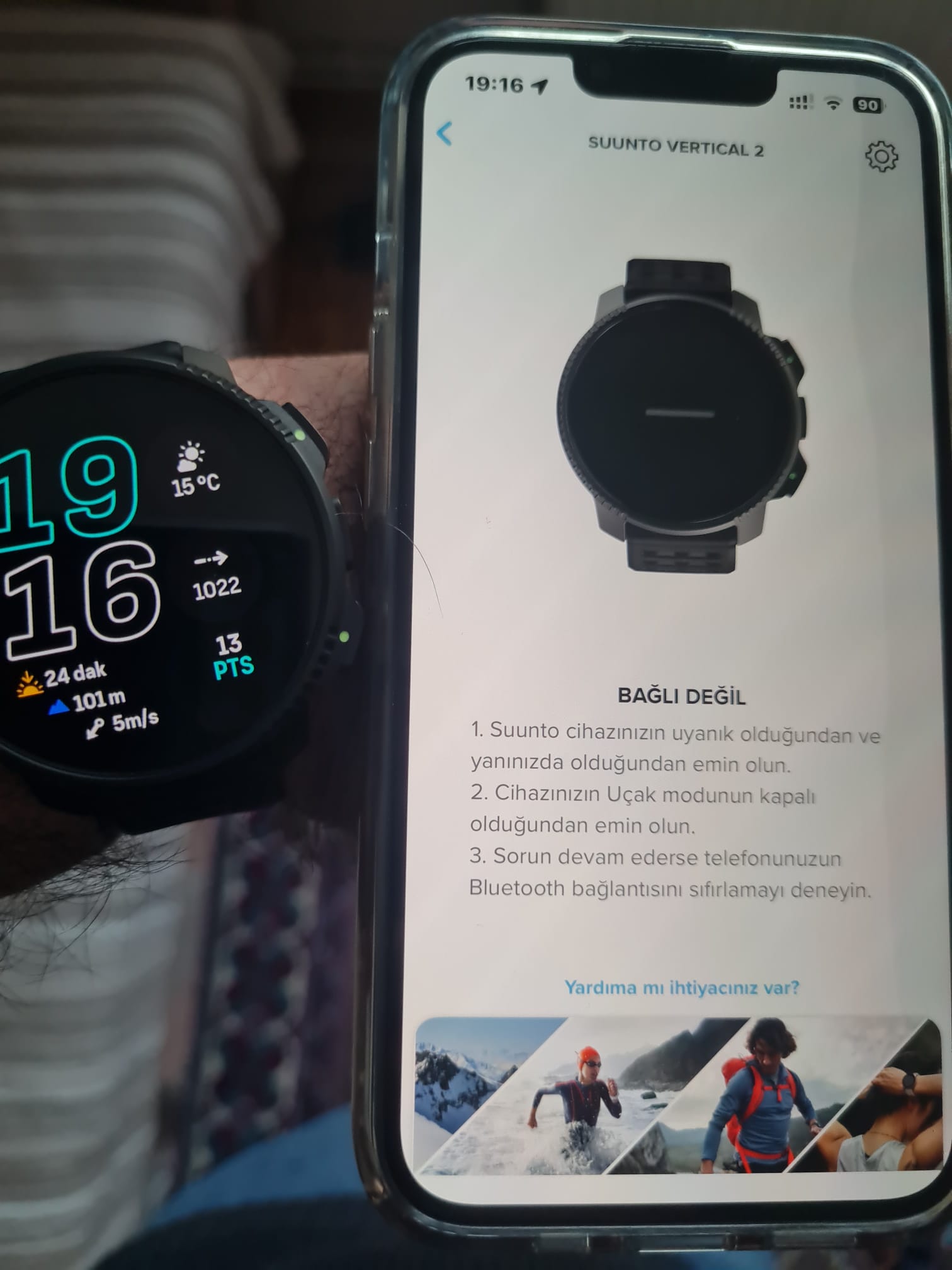
Before buying replacement parts, isolate the fault. The short-circuit test tells you whether the module or belt is the problem.
Conduct a Short Circuit Test
This simulates a heartbeat by creating a direct connection between the electrodes.
Steps:
- Plug the sensor module into the belt’s metal snaps.
- Fold the belt so the two snaps touch each other.
- Open a Bluetooth HR app on your phone (such as WearHeart or SensorLog) and start scanning.
If the sensor appears in the app, the module works and you only need a new belt. If nothing shows up, the module is dead and must be replaced. This test eliminates guesswork and saves you money.
Troubleshoot Bluetooth Pairing Failures
A Suunto heart rate monitor not pairing with your watch or phone usually points to a broadcast issue or a software glitch.
Verify Bluetooth Visibility on Phone
Use a third-party heart rate app to check whether the sensor transmits independently of your watch.
For iOS:
- Install WearHeart or HeartWatch.
- Open the app and start scanning.
- Wet the strap and wear it, or use the short-circuit test.
For Android:
- Go to Settings > Connected Devices > Bluetooth.
- Start scanning while wearing the strap.
- Look for “Suunto” or “Polar” in the device list (some Suunto sensors appear as Polar due to protocol compatibility).
If the sensor appears, the problem is with your watch pairing. If it doesn’t appear, the sensor isn’t transmitting and needs a reset, new battery, or replacement.
Re-Pair the Sensor
After any reset or battery change, re-pair the sensor from scratch.
- Forget the sensor in your Suunto App or watch settings.
- Power off and on your watch.
- Navigate to Heart Rate Sensor settings.
- Search for new devices.
- Wet the strap and put it on to activate the sensor.
Wait up to 30 seconds for detection.
Fix Suunto Optical Sensor After Software Update
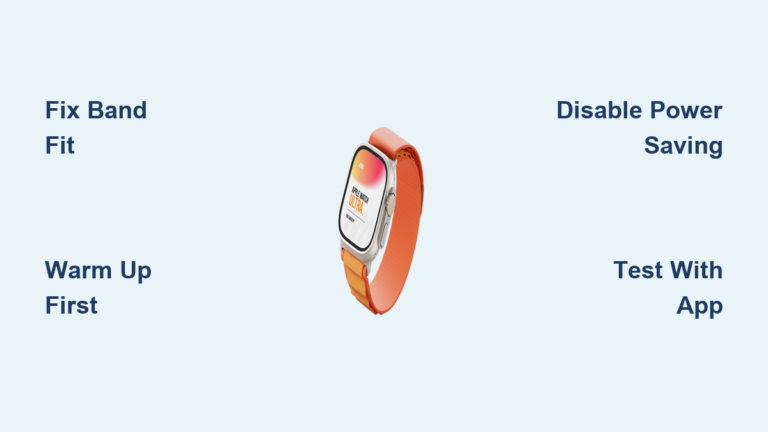
If your Suunto Race, Race S, or Vertical watch suddenly stops tracking heart rate or sleep, check your firmware. Version v2.39.20 disables the optical sensor entirely.
Confirm Optical Sensor Failure
Run this quick physical test:
1. Remove the watch from your wrist.
2. Open the Heart Rate widget.
3. Cover the back sensors (five rectangular areas) with your finger.
4. Look for a blinking green LED.
A blinking green light means the sensor works. No light means the software bug has disabled it.
Revert to Previous Firmware
Suunto allows manual rollback to restore sensor function.
Steps:
- Sync your watch fully in the Suunto App (wait for the green checkmark).
- Tap the Settings icon and select Watch update.
- Get the previous firmware link (such as v2.38.15) from Suunto support.
- Paste the link into your phone’s browser (Safari or Firefox).
- The download triggers an automatic update prompt in the Suunto App.
- Follow the prompts to install.
- Confirm the update on your watch when prompted.
Disable Auto-Updates
Prevent the buggy version from reinstalling itself.
- In the Suunto App, tap the watch icon and then Settings.
- Toggle off “Enable automatic updates.”
Your watch will now stay on the stable version.
Reset Your Suunto Watch Properly
When sensors won’t pair or data freezes, a watch reset often clears the issue. Always back up first.
Save Data Before Reset
Sync all workouts to the Suunto App or Movescount. A reset may erase any unsaved activity logs.
Perform a Hard Reset
Method 1: Full Reset
Press and hold all five buttons for 12 seconds. Release when the device restarts.
Method 2: Service Menu Reset
Hold Back Lap + Start/Stop for 12 seconds. Select Action > Power Off. Reboot by connecting to a USB charger.
After any reset, re-pair your sensors and reconfigure your settings.
Replace Components Cost-Effectively
You rarely need to replace the entire system. Target the specific failing part.
Replace the Belt First
The textile belt wears out fastest because electrodes degrade from sweat, washing, and time. If the module passes the short-circuit test, a new belt (around $30) usually restores full function.
Replace Module or Full Kit
If the module is dead, you can buy a replacement module separately (more than a belt, less than a full kit) or purchase a complete Smart Sensor for around $80. Always buy from authorized dealers to keep your warranty valid.
Prevent Future Failures
A few simple habits extend the life of your Suunto heart rate monitor significantly.
Maintain the Strap
- Rinse with fresh water after every sweaty workout.
- Air dry only; never machine dry.
- Store loosely coiled, not stretched.
- Wet the strap before every use for better conductivity.
Monitor Firmware Updates
- Read release notes before updating.
- Avoid versions linked to known bugs, such as v2.39.20.
- Keep auto-updates disabled until a version proves stable.
Rotate Sensors for Longevity
If you train daily, consider owning two chest straps and alternating them. This reduces wear on each unit and gives you a backup when one fails.
When to Contact Suunto Support
If all troubleshooting fails and your device is under warranty, reach out to Suunto directly.
Warranty Info
Suunto Smart Sensors purchased from authorized dealers carry a one-year warranty covering defects in materials and workmanship.
Support Channels
- USA Phone: 855-258-0900
- Online FAQs: suunto.com/support
- Community Forum: Useful for identifying widespread issues and crowd-sourced tips
Have your device model and serial number ready before calling.
Frequently Asked Questions About Suunto Heart Rate Monitor Issues
Why does my Suunto heart rate monitor show readings above 200 bpm?
Readings exceeding your known maximum heart rate indicate a sensor malfunction, not a fitness breakthrough. Common causes include a weak battery, poor skin contact, or a failing module. Wet the strap, tighten it properly, and replace the battery. If spikes continue, perform a polarity reset or replace the textile belt.
How do I fix a Suunto optical sensor that stopped working after an update?
Firmware version v2.39.20 disables the optical sensor on Suunto Race, Race S, and Vertical watches. To fix it, revert to a previous firmware version through the Suunto App using a link provided by Suunto support. After rolling back, disable automatic updates to prevent reinstallation of the buggy version.
What battery does the Suunto Smart Sensor use?
The Suunto Smart Sensor requires a CR2025 coin cell battery. The thicker CR2032 may fit physically but can damage the contacts or prevent the case from closing, causing intermittent operation. Always use CR2025 batteries from reputable brands.
How can I tell if my chest strap or sensor module is broken?
Use the short-circuit test. Plug the module into the belt snaps, fold the belt so the snaps touch, and scan with a Bluetooth HR app on your phone. If the sensor appears, the module works and you only need a new belt. If nothing appears, the module is dead and must be replaced.
Why won’t my Suunto heart rate monitor pair with my watch?
Pairing failures usually stem from a dead battery, a software glitch, or a non-transmitting module. Start by replacing the battery and performing a polarity inversion reset. Then verify Bluetooth visibility using a phone app. If the sensor appears on your phone but not your watch, re-pair it through your watch settings after forgetting the old connection.
How long does a Suunto heart rate monitor last?
Lifespan varies based on usage and care, but many users report reliable performance for 150+ hours before issues arise. Strap electrodes typically degrade first from sweat and washing. With proper maintenance and timely belt replacements, the module itself can last several years.
Key Takeaways for Fixing Your Suunto Heart Rate Monitor
A Suunto heart rate monitor not working rarely means the device is beyond repair. Start with the simplest fix: replace the battery with a fresh CR2025 and run a polarity inversion reset. If readings remain erratic, use the short-circuit test to determine whether the belt or module is at fault. For Suunto Race or Vertical owners dealing with a dead optical sensor, rolling back firmware v2.39.20 restores function immediately.
Most issues resolve with a $30 belt replacement rather than an $80 full unit. Maintain your strap by rinsing it after workouts, disabling auto-updates to avoid buggy firmware, and rotating sensors if you train daily. If all else fails, Suunto’s one-year warranty covers defects when you buy from authorized dealers. Pick up a fresh CR2025 battery and start with the polarity reset; you’ll likely have your monitor working again within minutes.